


Hello crafters. I’m excited to share another easy project you can try, especially if you need to make a lot of cards. When I had my Cricut Maker, one of my favorite beginner projects was making insert cards—and I’ve honestly lost count of how many I’ve made in the past!
Today, I’ll show you how to make three cards using one design. For this project, I used the Gnome Birthday Insert Card SVG File (SKU D091).
Materials and Tools
Cricut Maker
Cricut Pen
Cricut Scoring Stylus or Cricut Scoring Wheel
White Cardstock
Holographic Cardstock
Gold Foil Cardstock
Ohuhu Markers
Adhesive
Gnome Birthday Card 1
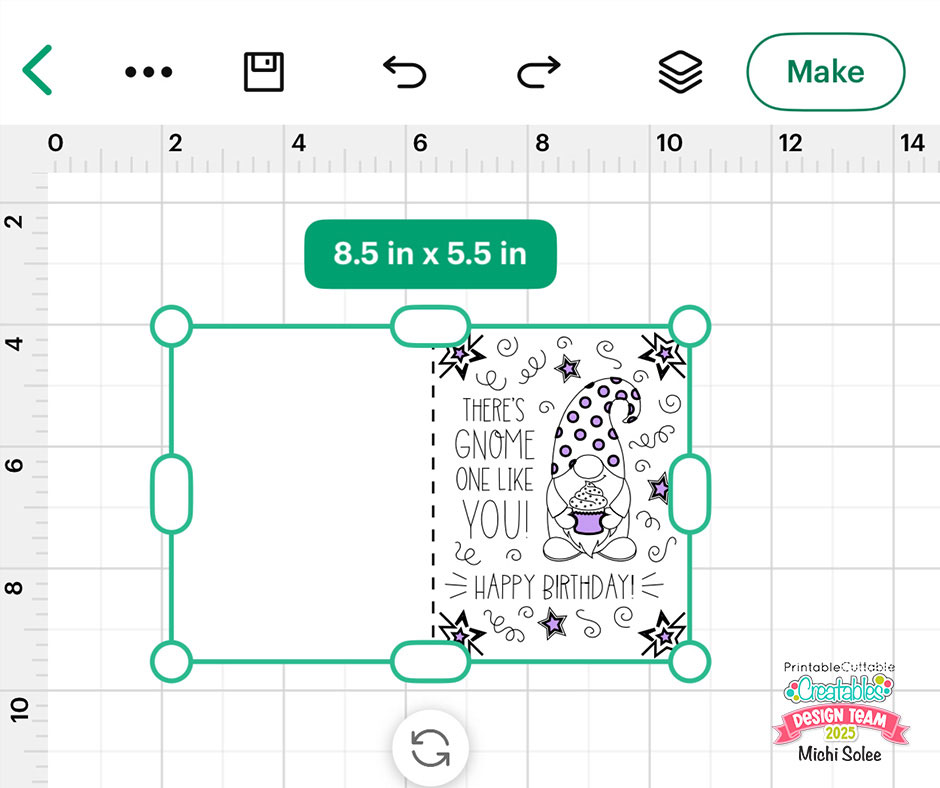
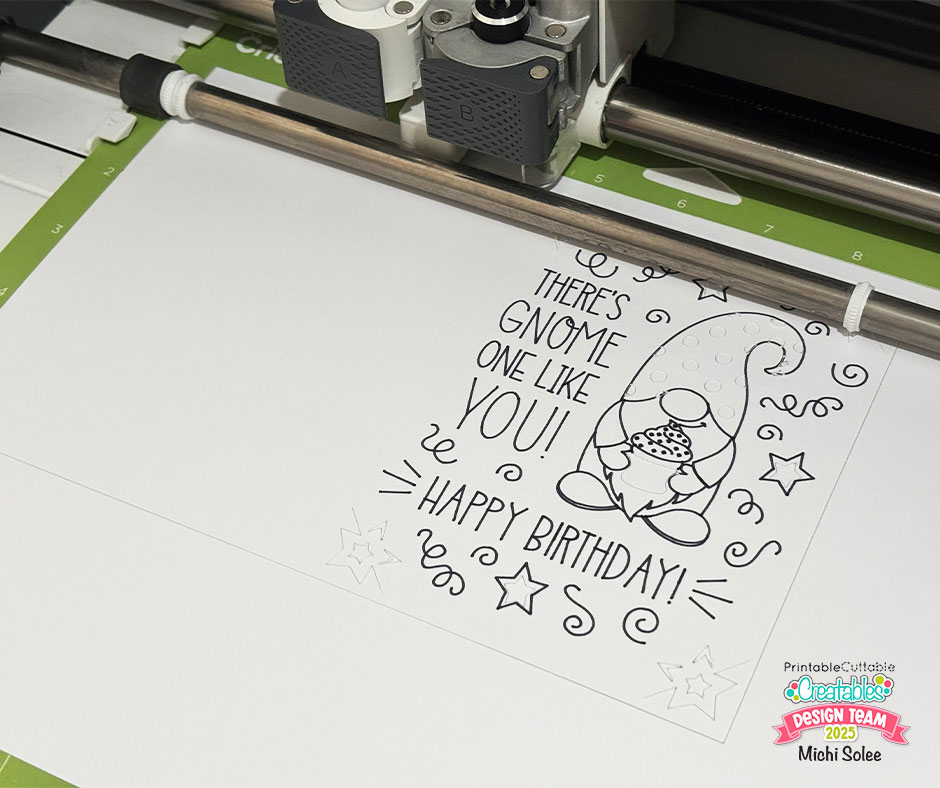
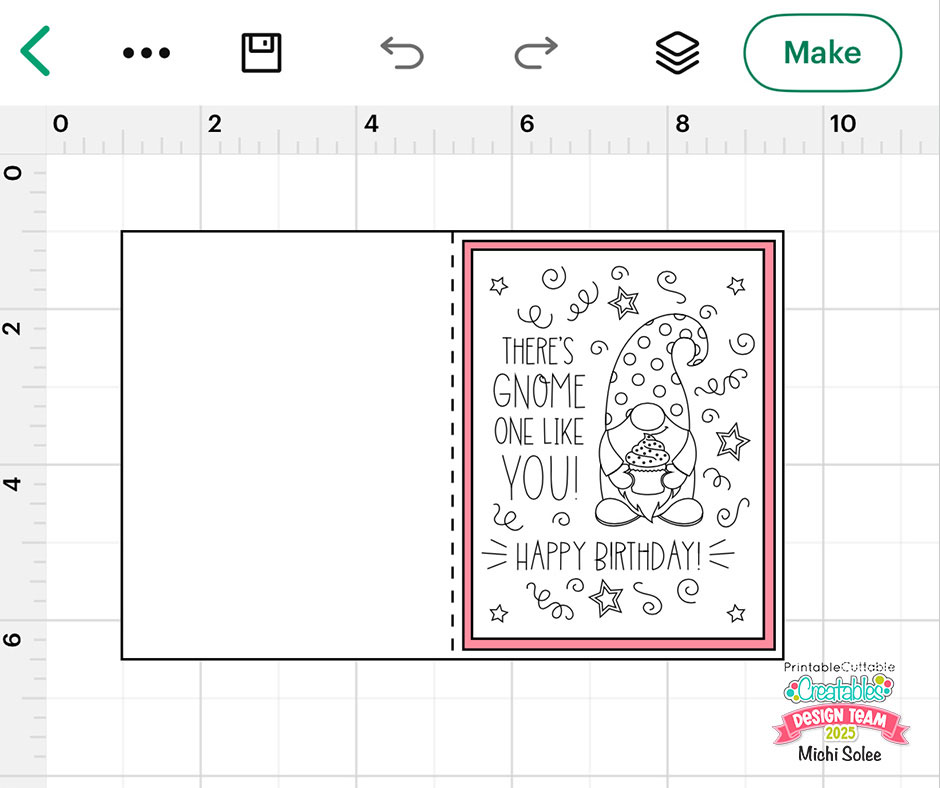
As I mentioned earlier, insert cards are super easy to make! All you need to do is upload the design to Cricut Design Space, resize the file to your preference, change the first layer to “Score”, and the second layer to “Draw.” Don’t forget to attach all three layers.
Click Make, then follow the prompts for scoring, drawing, and cutting. Once finished, unload the mat and assemble your card.

Gnome Birthday Card 2
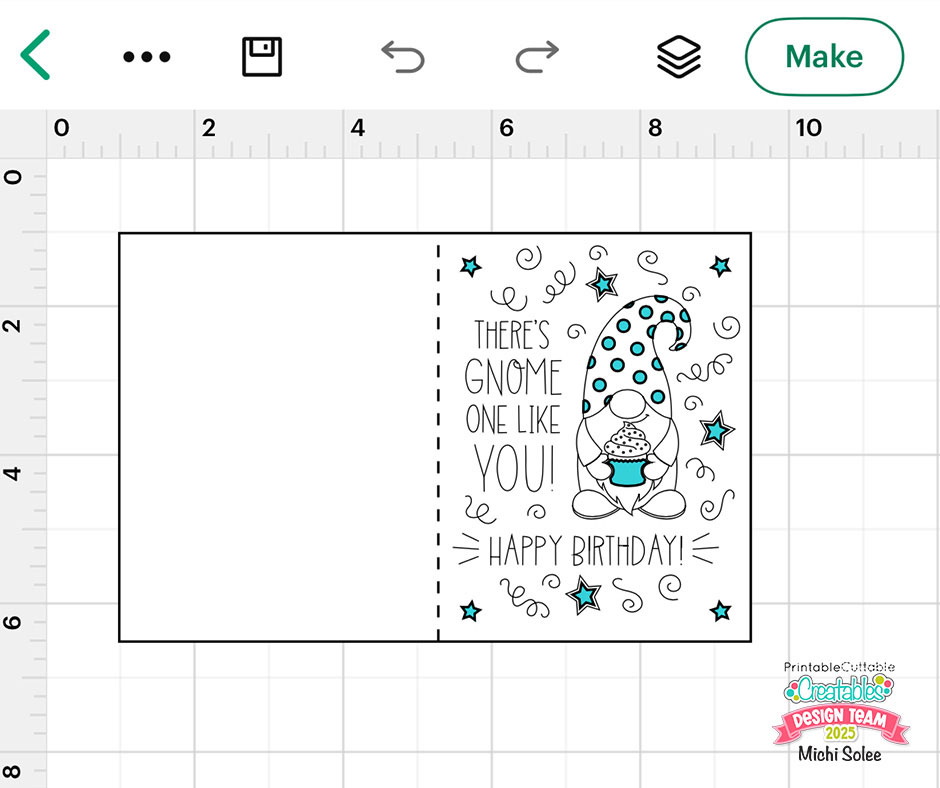
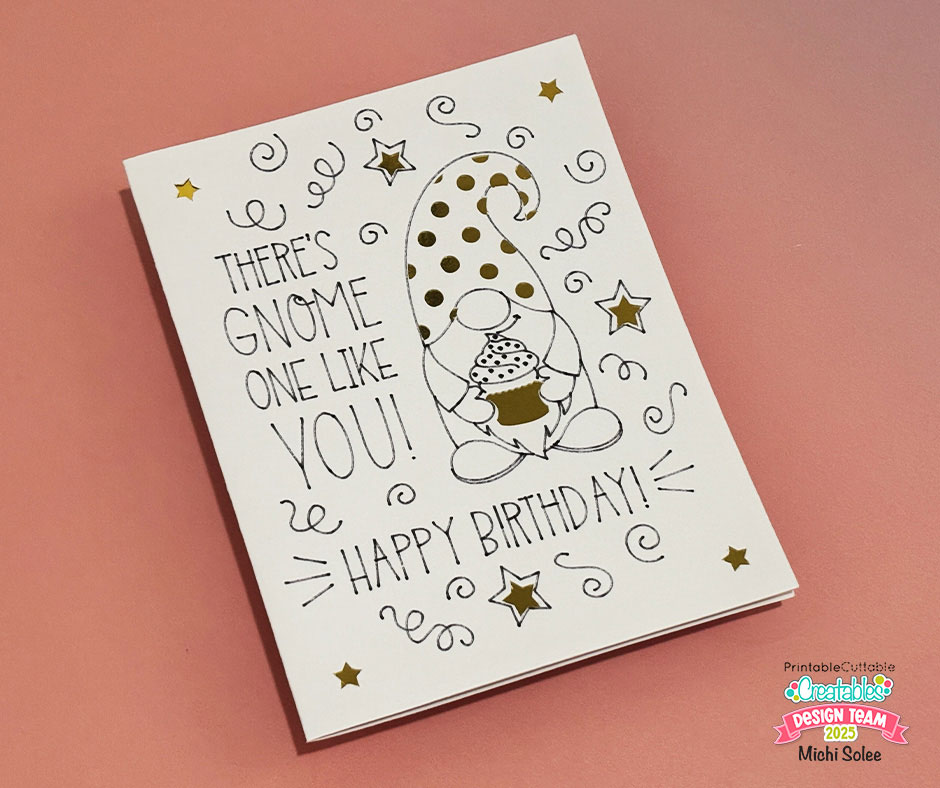
For the second card, I made a small tweak to the design. Using the Contour function, I hid the four corner cuts because I wanted to adhere the card mat to the back instead of using the traditional insert method.
Gnome Birthday Card 3
For the final card, I uploaded the Cricut Joy SVG file, changed all layers to “Draw,” hid the four corners, and resized the design to fit a 3.75 x 5-inch rectangle.
Click Make. After the drawing and cutting steps, unload the mat and assemble the card.
You can either use your cutting machine to cut the card base (8.5 x 5.5 in) and card mat (4 x 5.25 in), or cut them manually if you prefer.
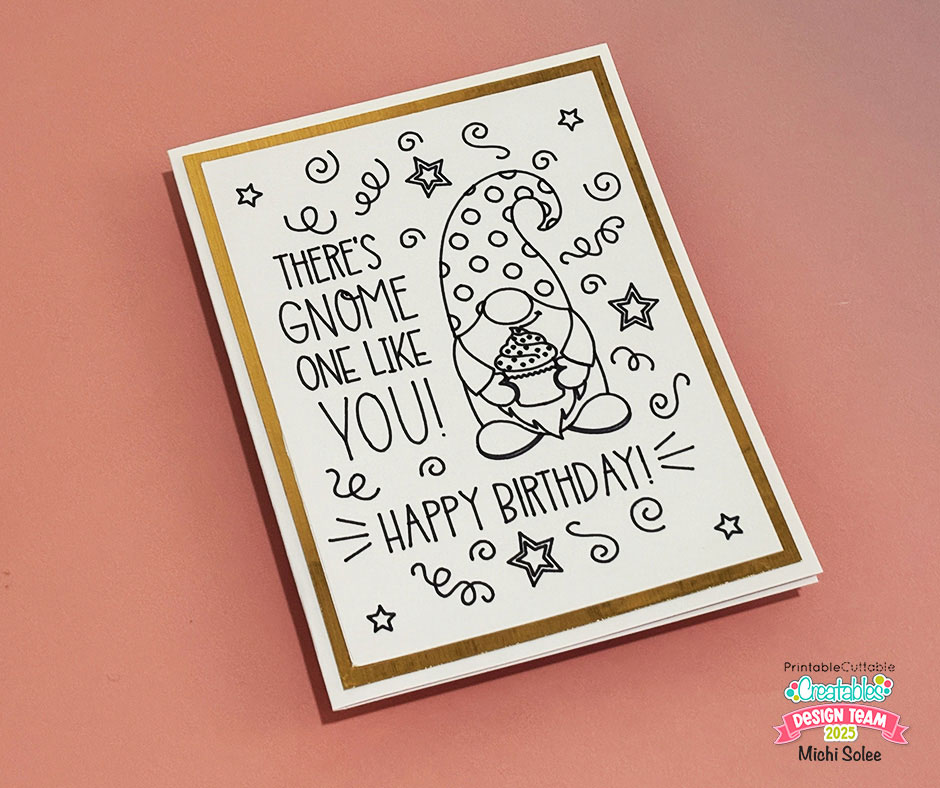
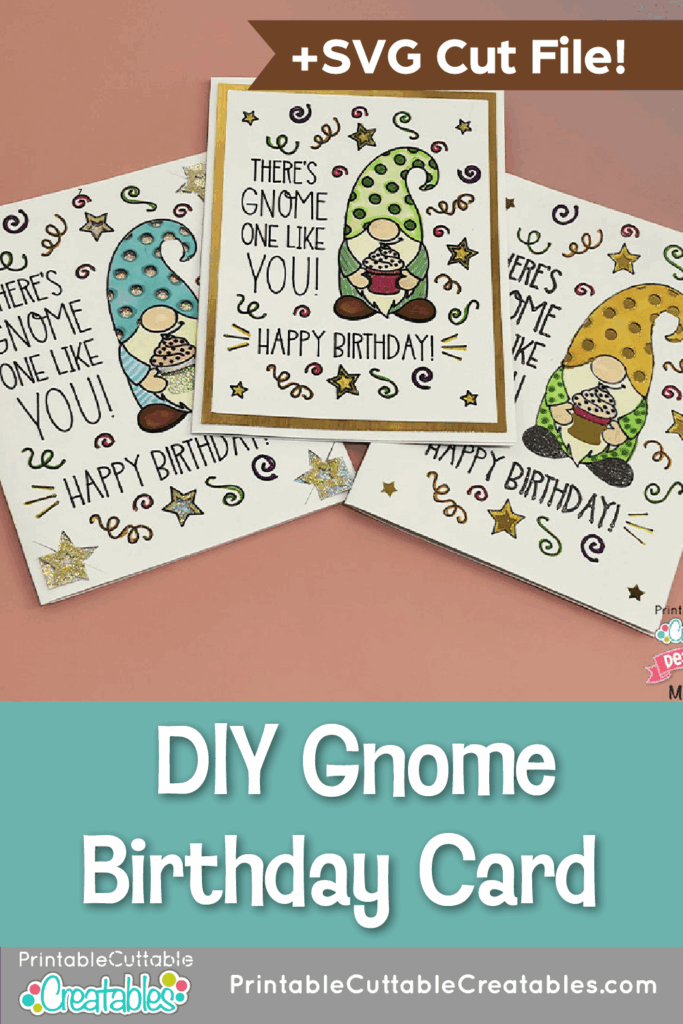
Voilà! You just made three cards in under 30 minutes. If you’d like to add more personality, feel free to color the designs using your favorite coloring materials. For this project, I used Ohuhu markers.
This DIY gnome birthday card project shows you how easy it is to create multiple cards from one design!


More Gnome SVGs


I really enjoyed making and coloring these cards. My personal favorite is Gnome Birthday Card 3! If you want to recreate this project, you can download the SVG files from the Printable Cuttable Creatables website. Don’t forget to use MICHIPS15 for a 15% discount.
– Michi

Affiliate Disclosure: I may be an affiliate for some products recommended in this post. This means that if you purchase items through my links I will earn a small commission, at no extra cost to you. I only recommend products that I have personally used and enjoy and when you order through my link, it helps me continue to offer you weekly free SVG files, digital papers, scrapbook sketches, tutorials, and other fun things. Thank you in advance for your support!


