

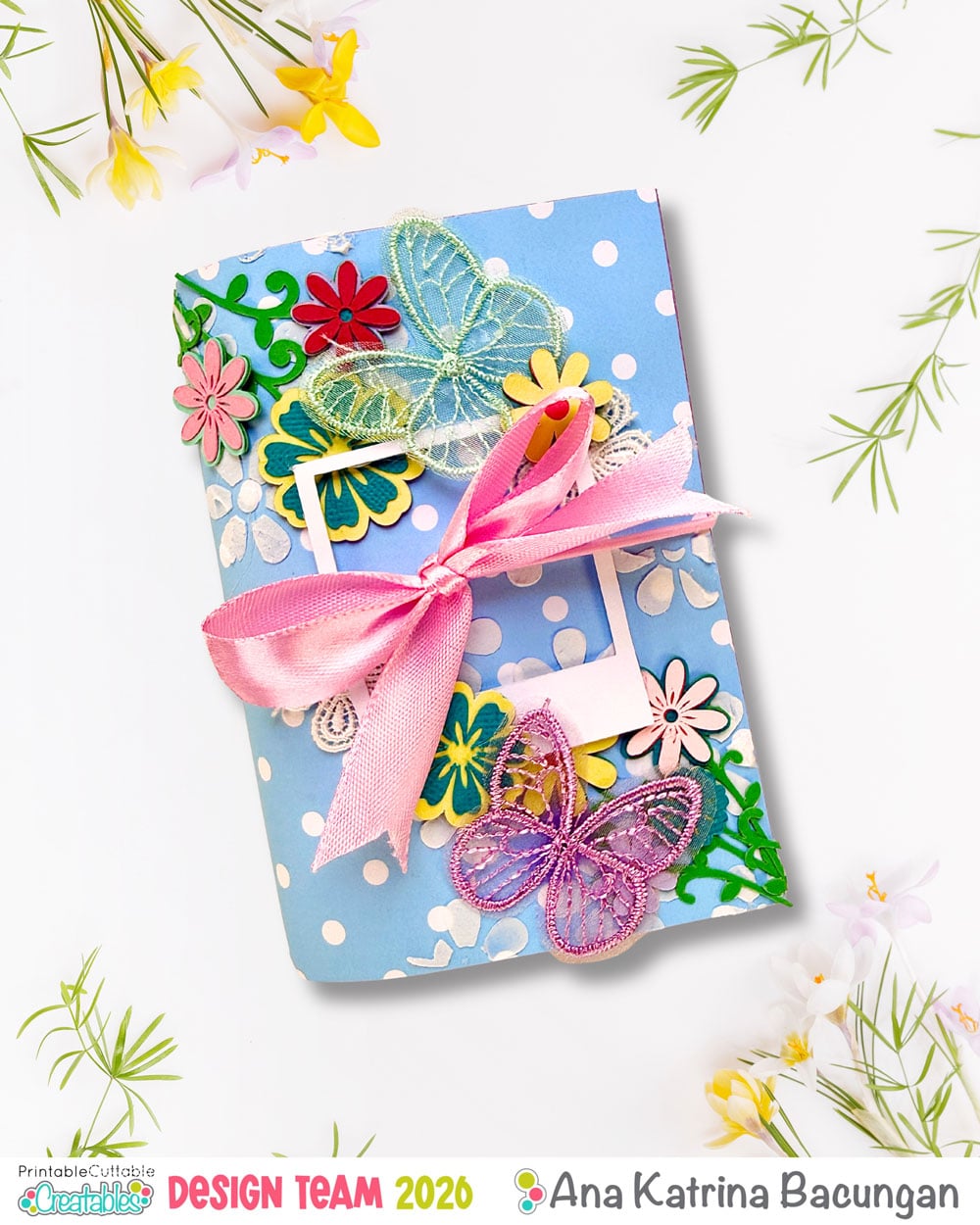
Hi everyone!
Lately, I’ve been really drawn to traveler’s notebooks and junk journaling. Before this, I mainly kept a daily planner where I jot down plans and little bits of daily journaling, and occasionally I’d create 12×12 scrapbook layouts for special memories. I love adding memorabilia like tickets, receipts, and other little keepsakes—but the problem is, I don’t get to scrapbook as often as I’d like.
So what happens? The memorabilia piles up… and turns into clutter. Sometimes I even forget where I kept them or which trip or celebration they came from!
That’s where traveler’s notebooks (TN) come in. They’re much more forgiving as there’s no pressure to create a “perfect” layout. The smaller pages are easier to fill, decorate, and most importantly, keep up with. Plus, they’re small! You can bring them anywhere, journal on the go, or even print photos while traveling and document your memories right away.
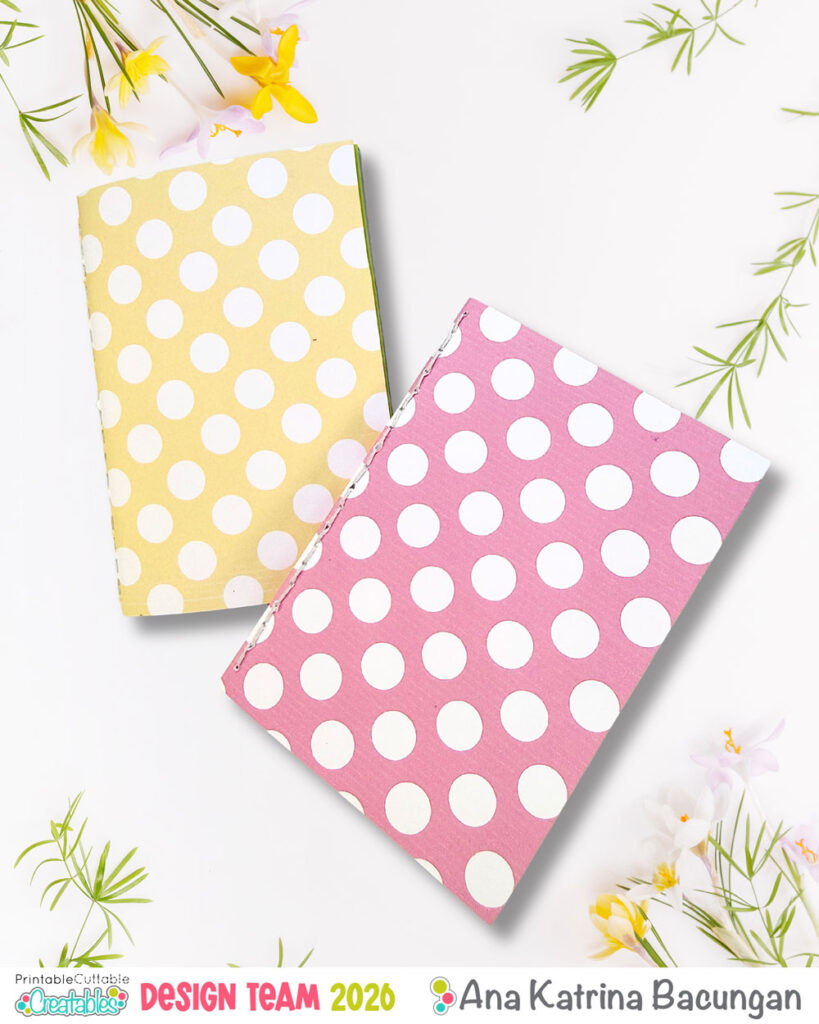
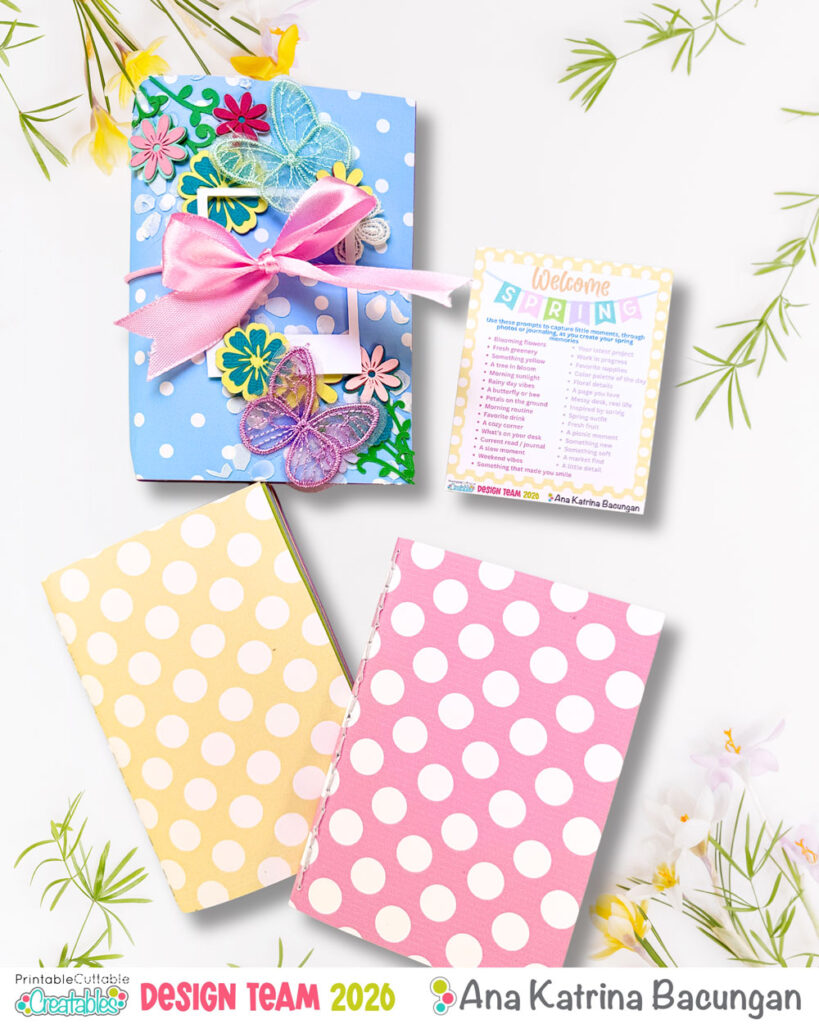
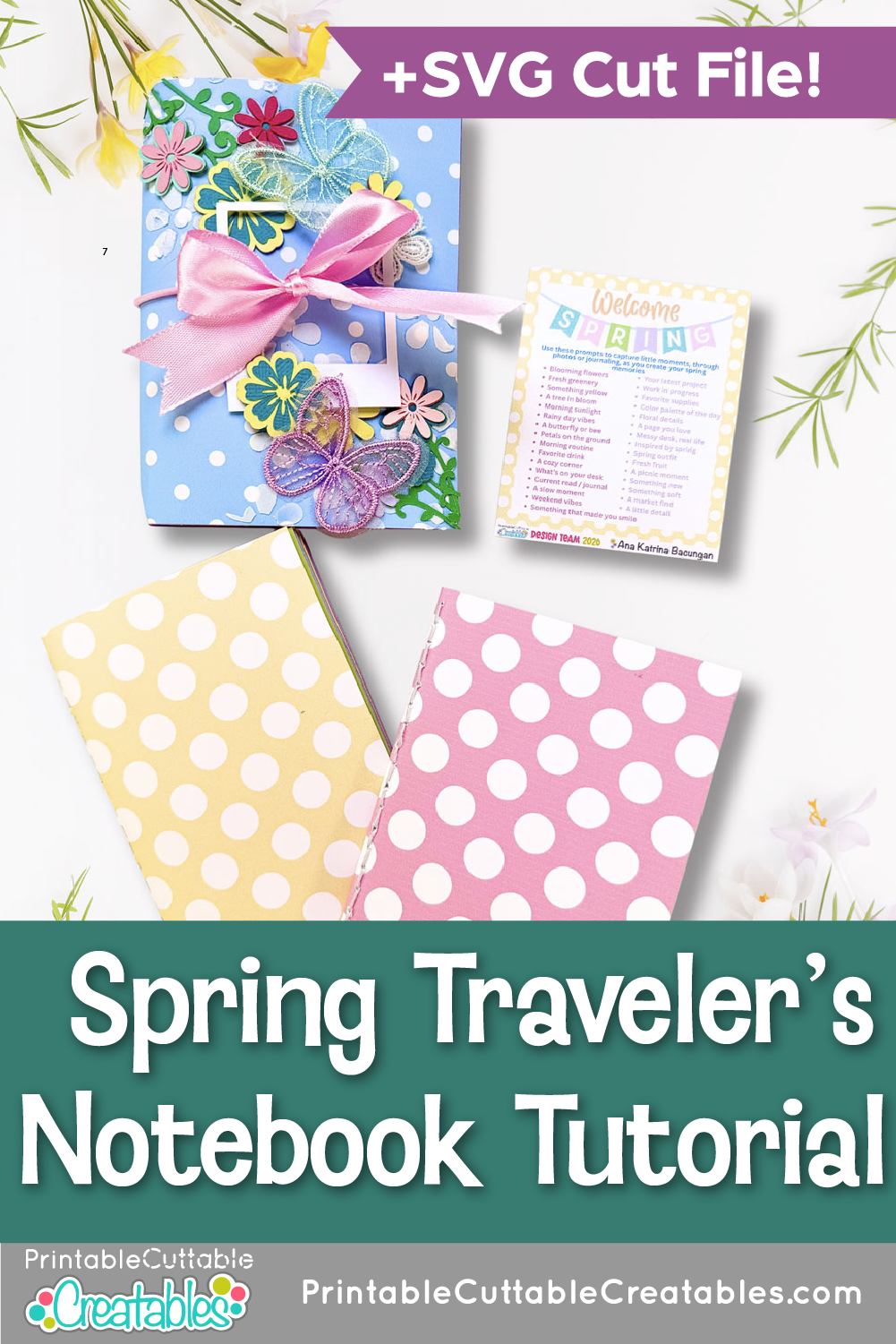
Today, I’m sharing a passport-sized traveler’s notebook with 3.5 x 5 inserts, perfect for your spring memories. To make it even more fun, I included a list of prompts you can use for photo ideas or journaling inspiration. This Spring Traveler’s Notebook Tutorial is a great way to start memory keeping in a more manageable (and fun) format.
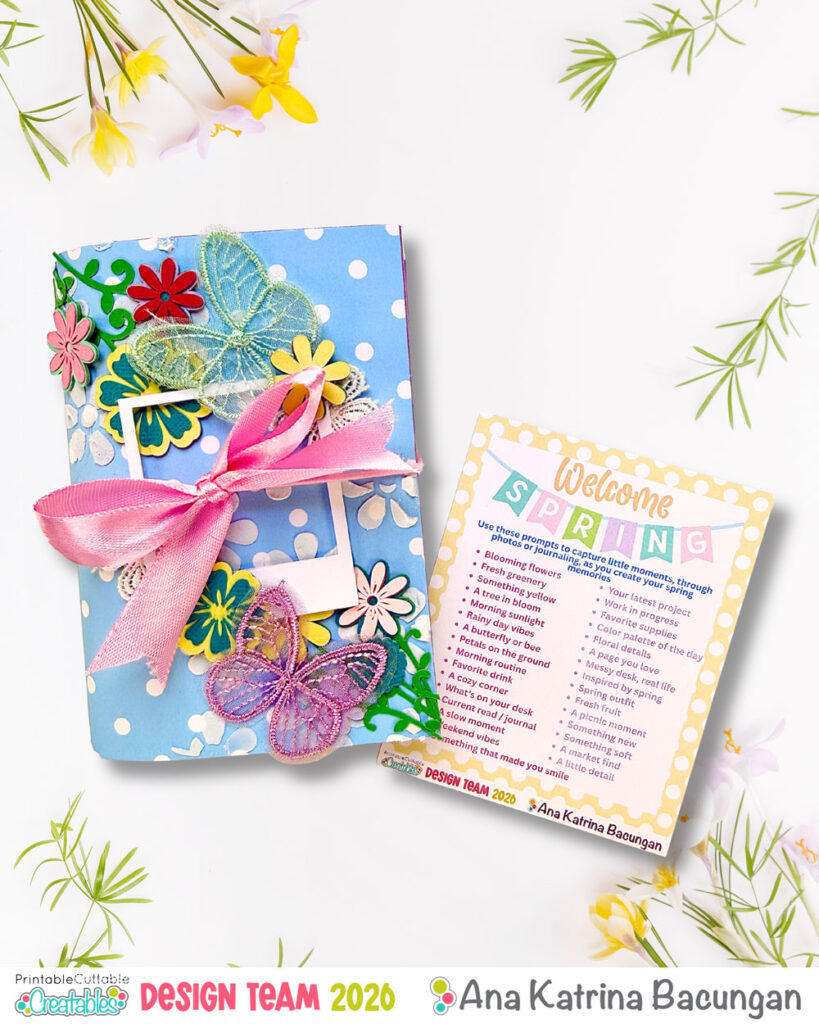
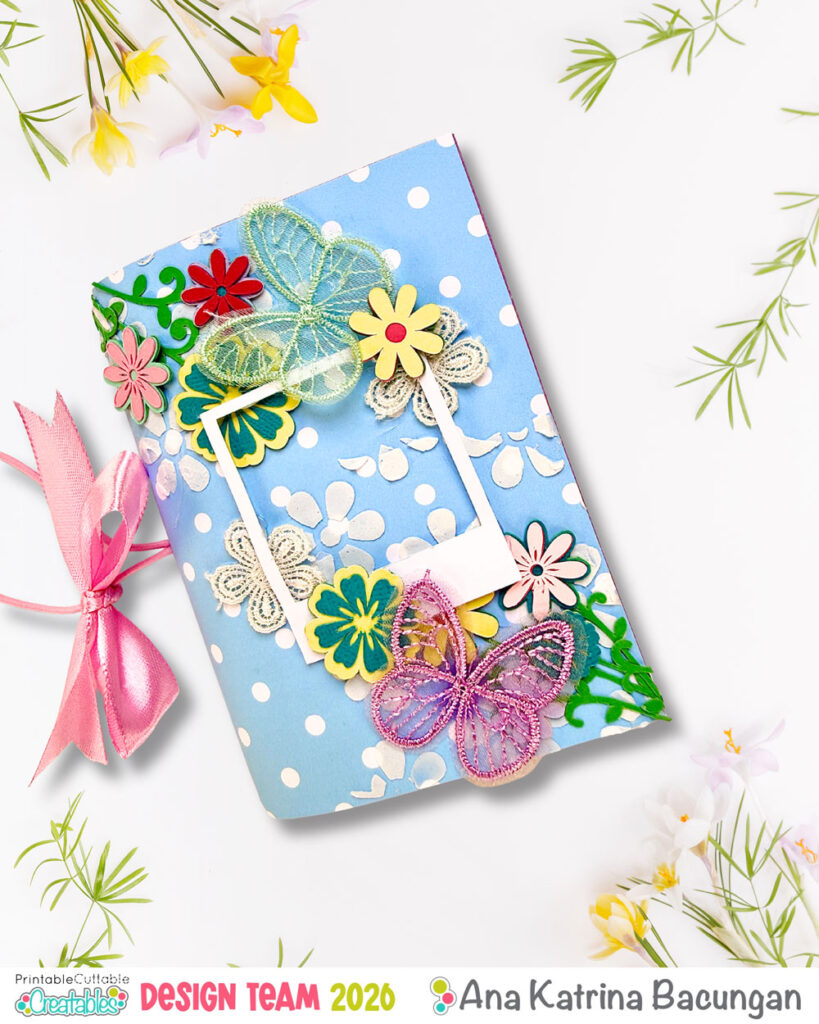
This TN features:
- One left blank which makes it more open for junk journaling and creative freedom
- An elastic closure
- Inner elastics that can hold up to 4 inserts
- Two different inserts:
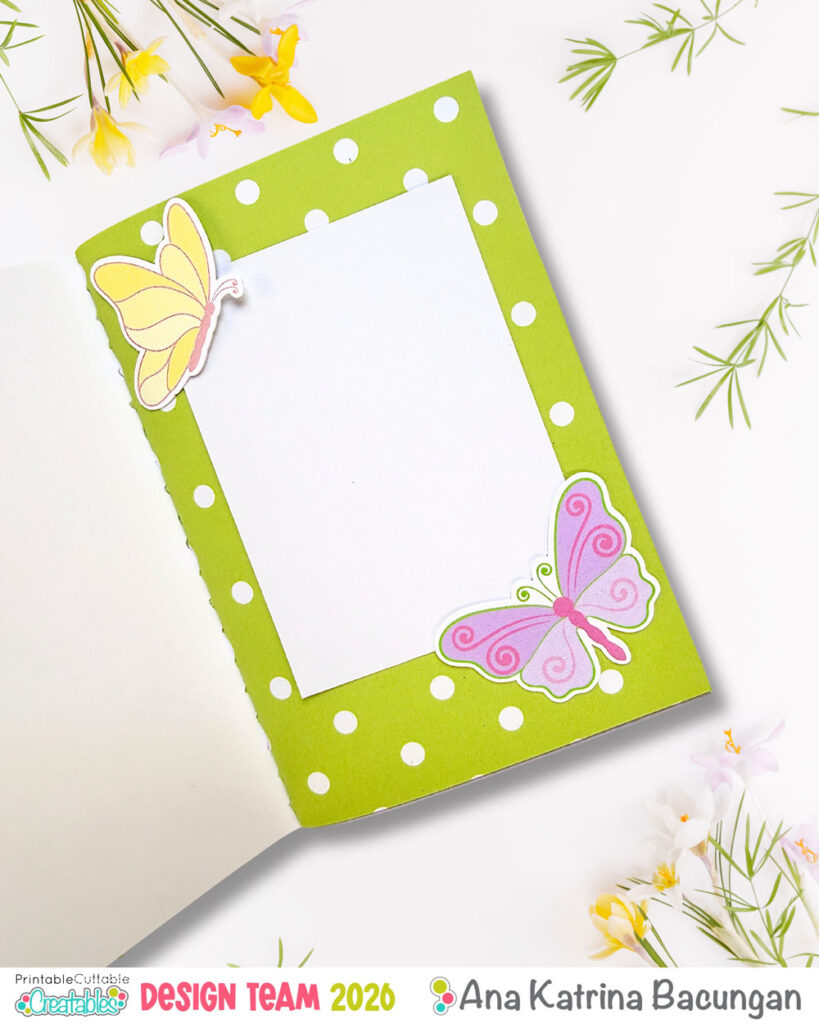
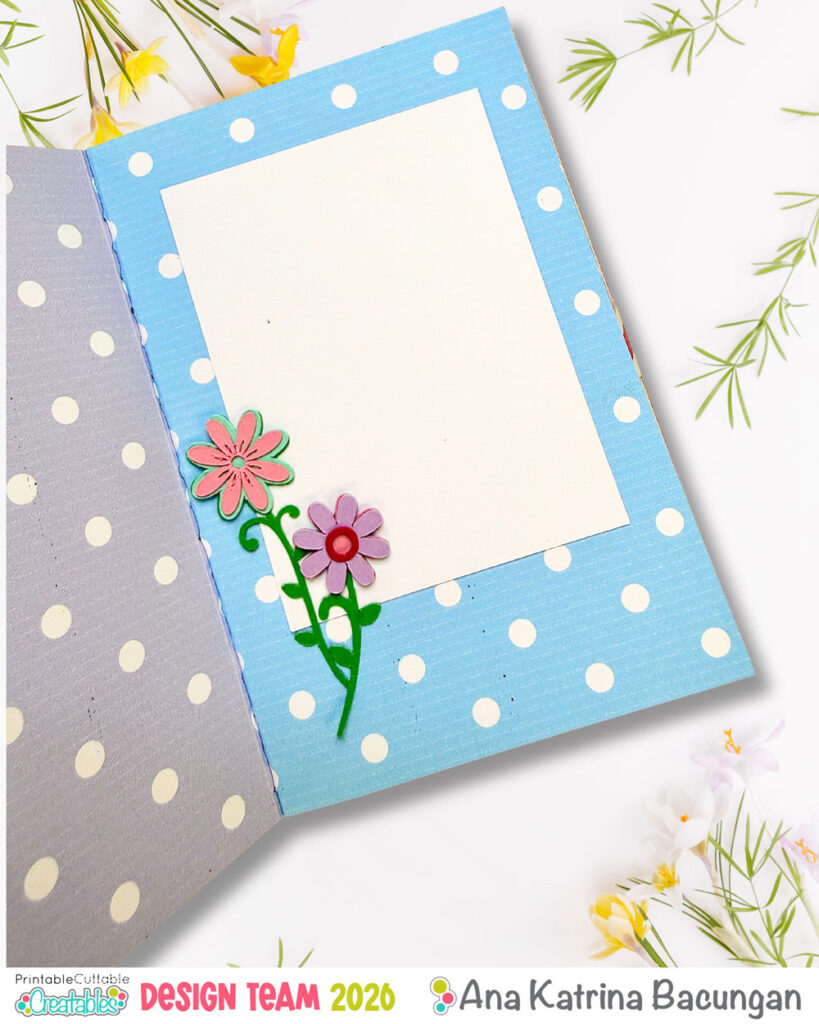
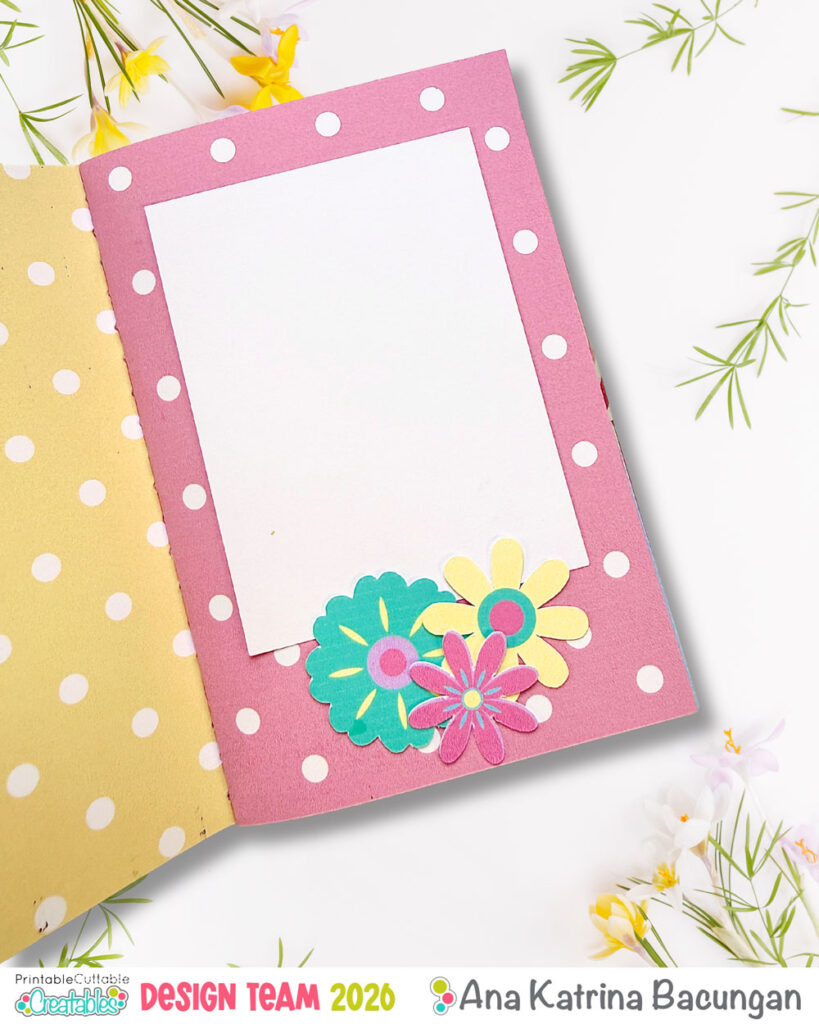
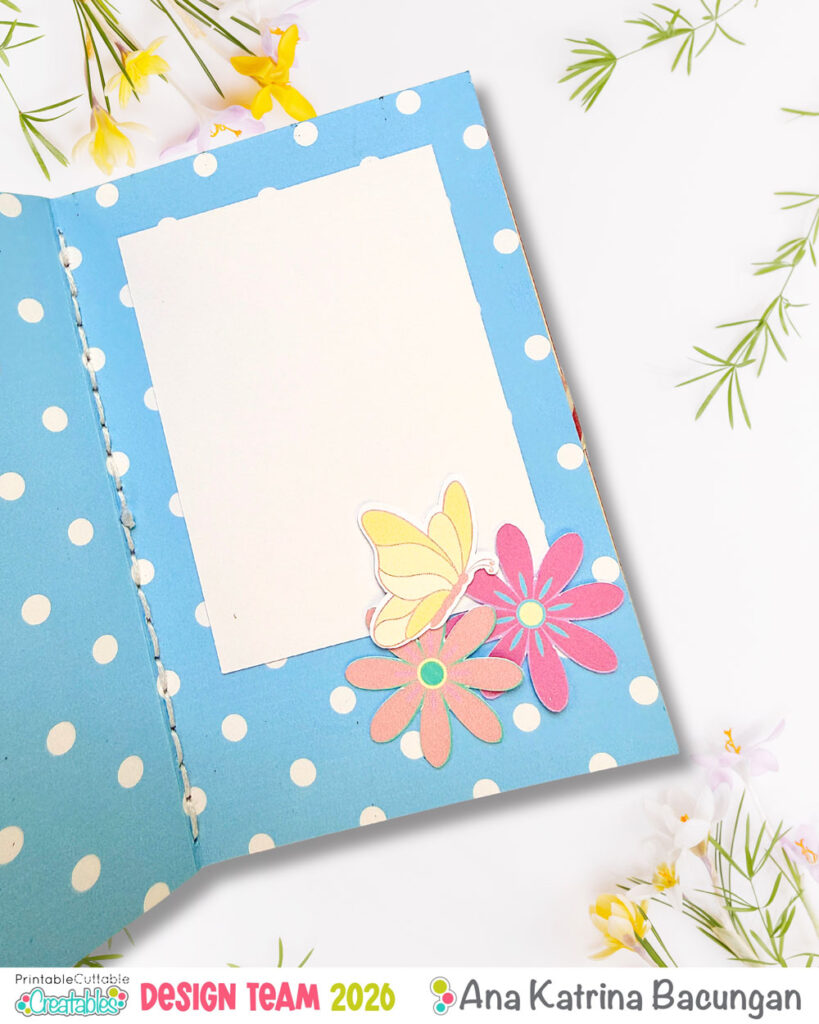
- One decorated with photo mats, butterflies, and florals—all ready for your memories
Materials Used
- Glue
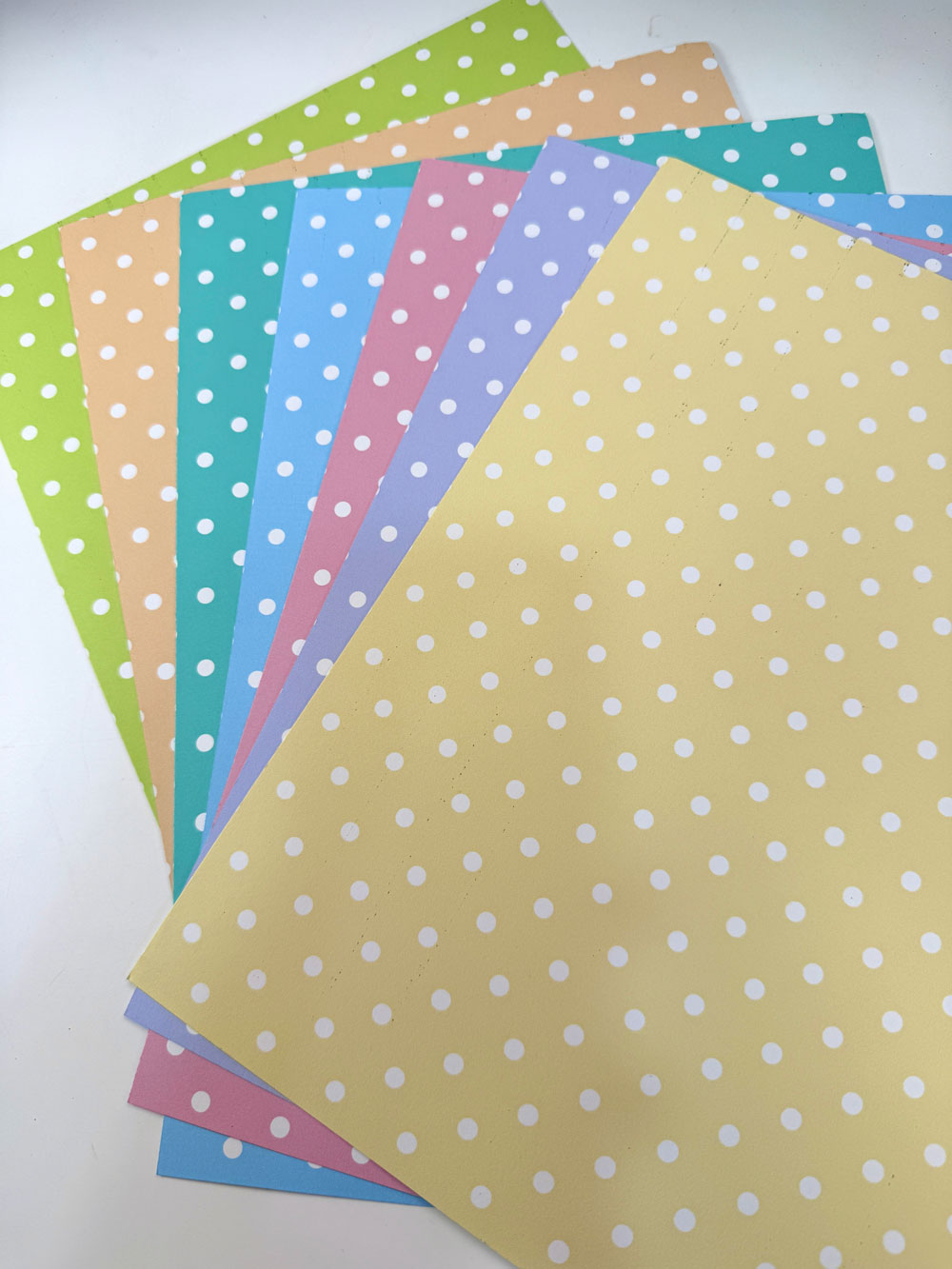
- Pattern Paper – Printable, Cuttable, Creatables Spring Polka Dots Digital Paper Pack
- Foam Sheet
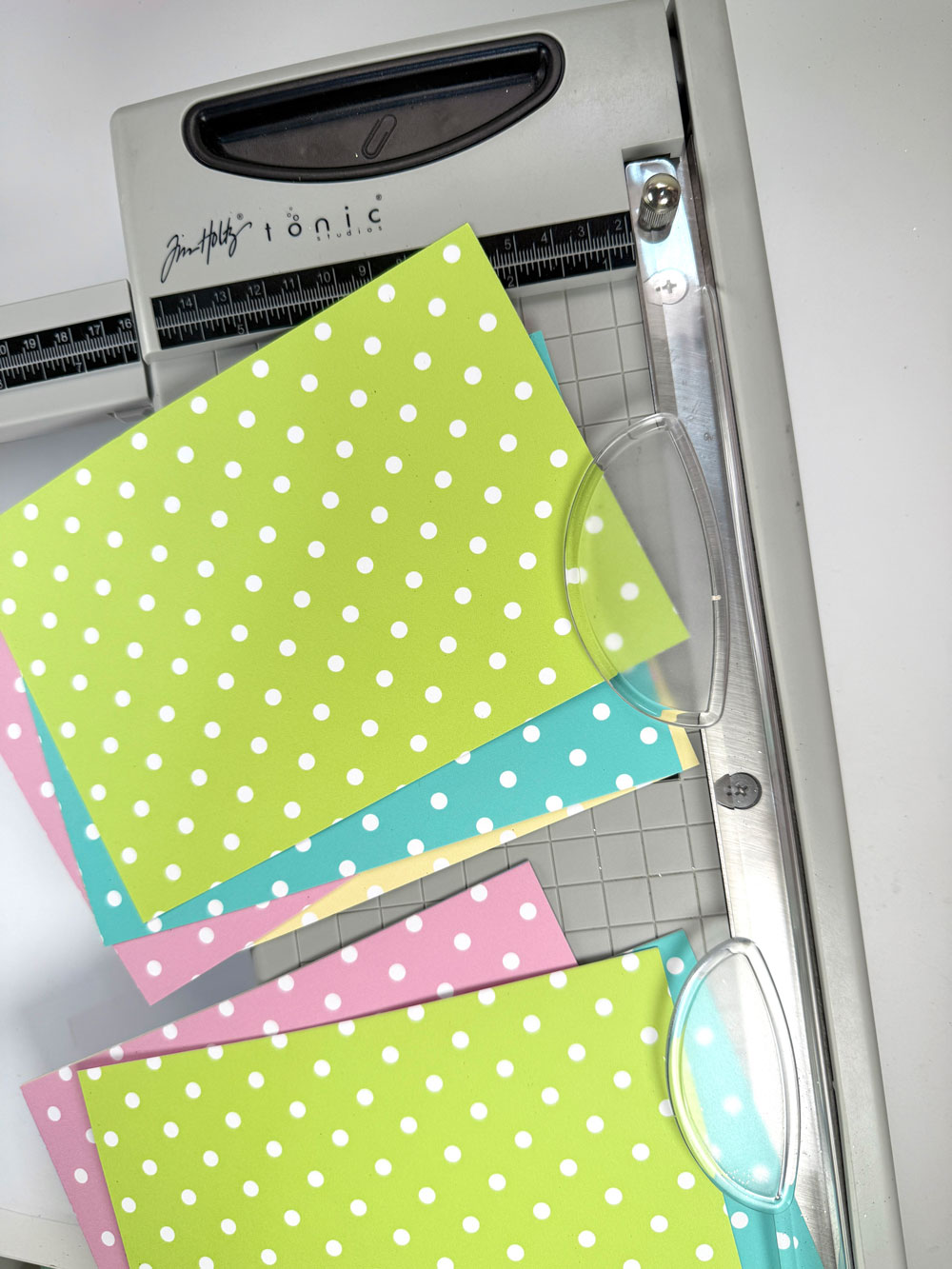
- Tim Holtz Guillotine
- Binder Clips
- Ruler & Scissors
- Needle & Thread
- Piercing Tool + Foam base
- Elastic String
- Ribbon
- Embellishments – Spring Butterflies & Spring Flowers
- Stencil – B042 Flower Background Stencil
- Palette Knife
- Aleene’s Glitter Snow
- Cricut Joy
- Cricut Maker (Print then Cut)
- We R Memory Keepers Crop-a-dile
How to Make the Traveler’s Notebook Cover
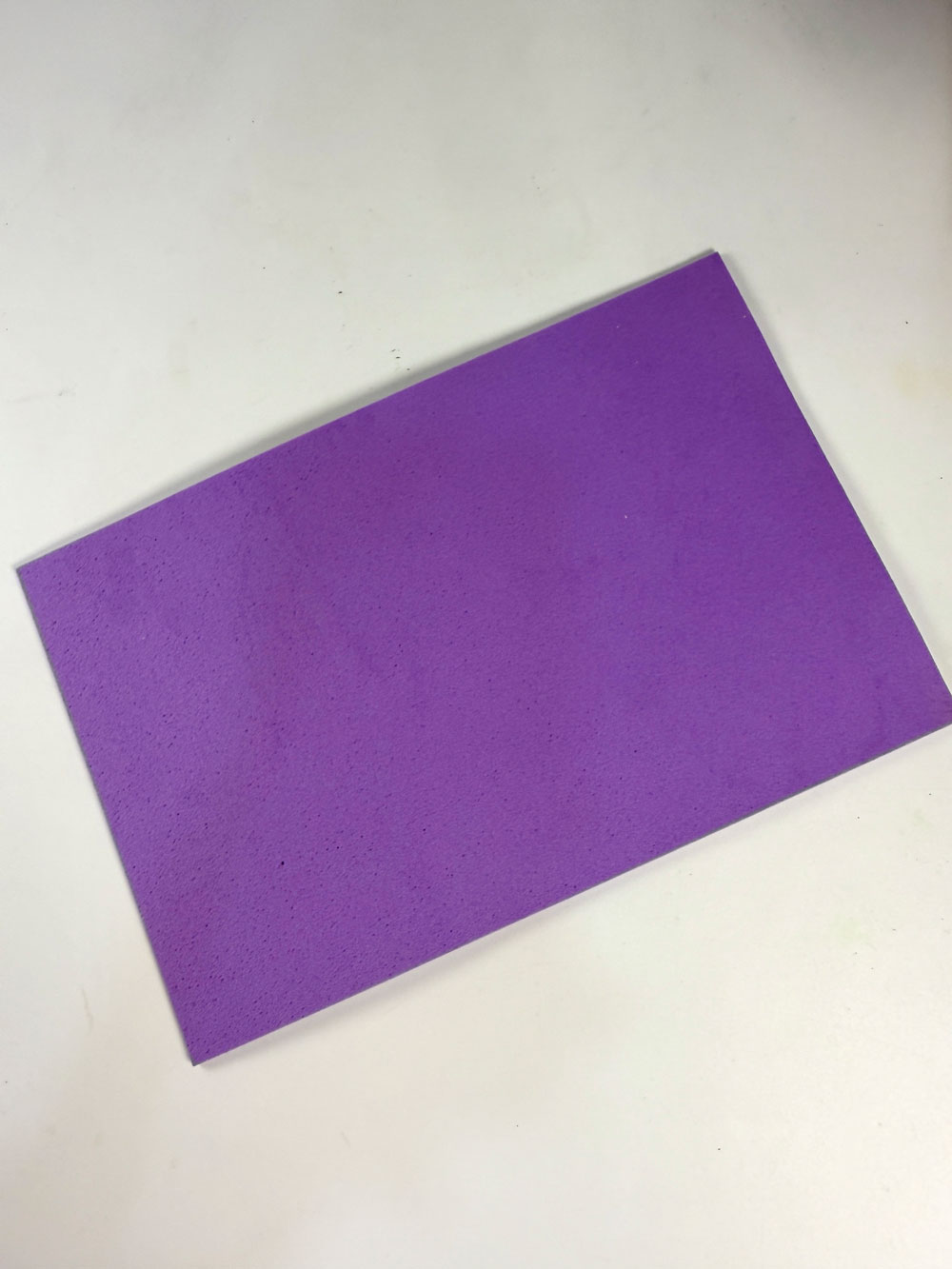
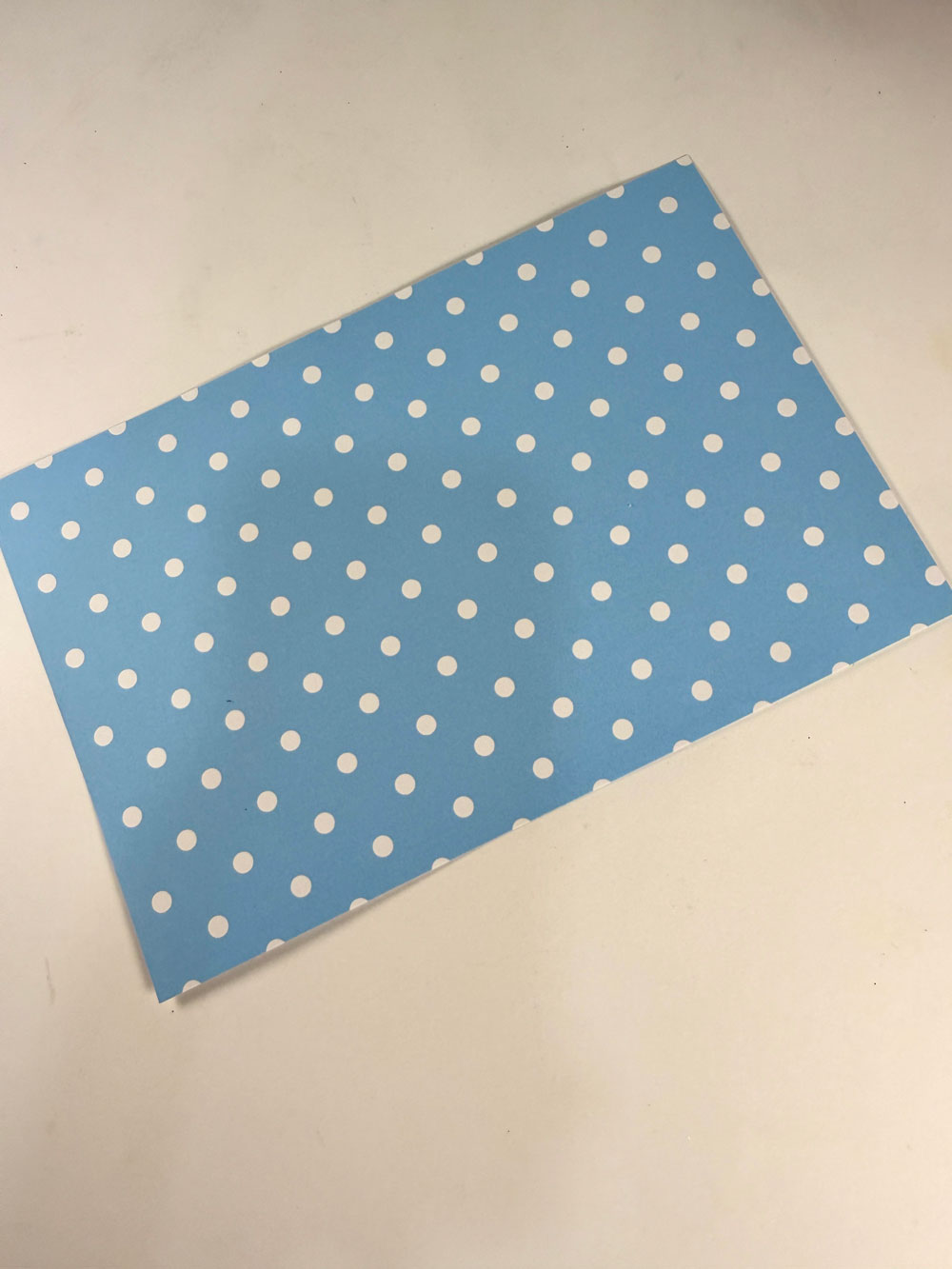
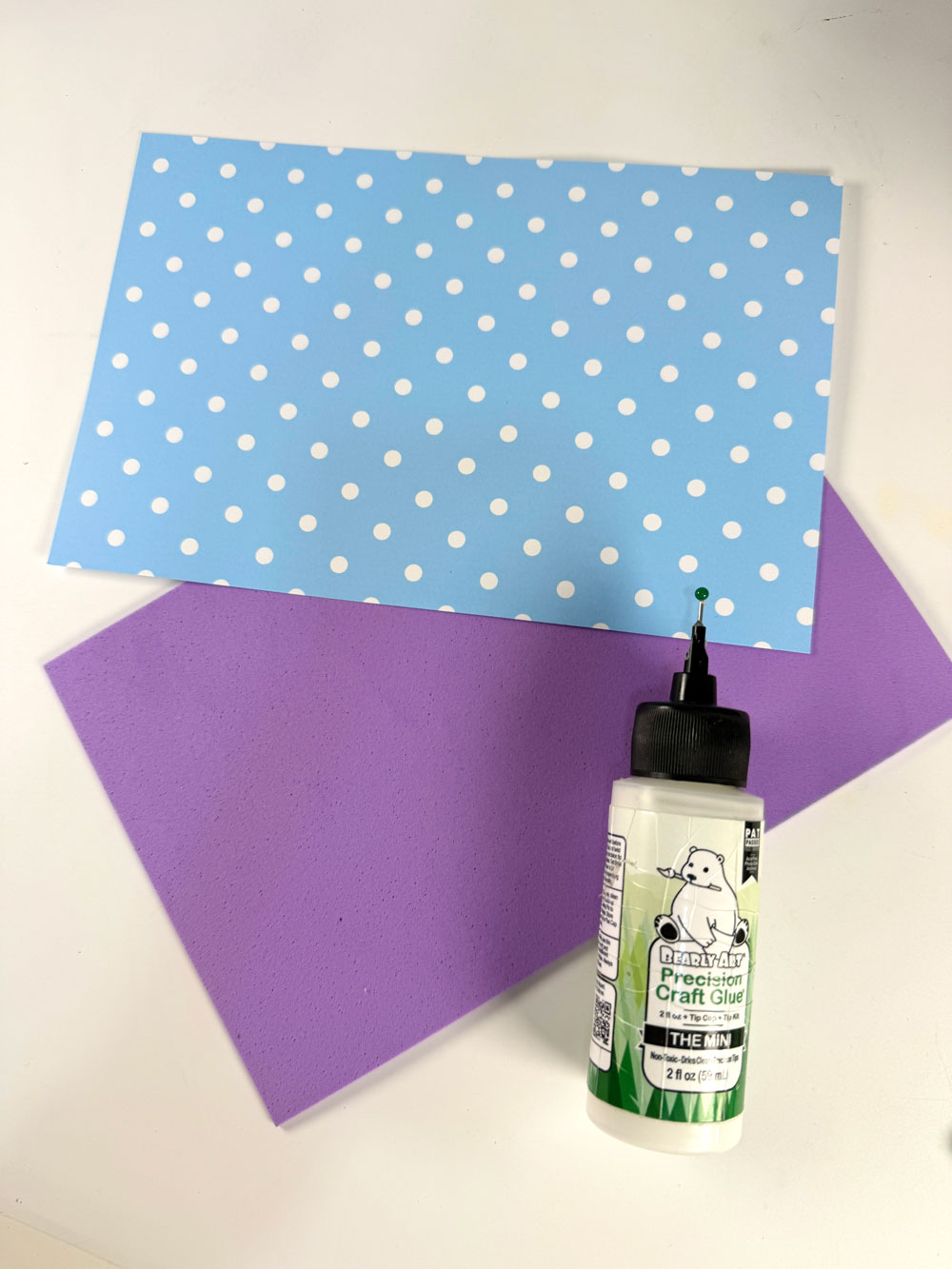
Start by trimming both your foam sheet and pattern paper (I used Spring Polka Dots Digital Paper Pack) to 8 x 5.5 inches. Adhere the patterned paper onto the foam sheet—this will be your cover.
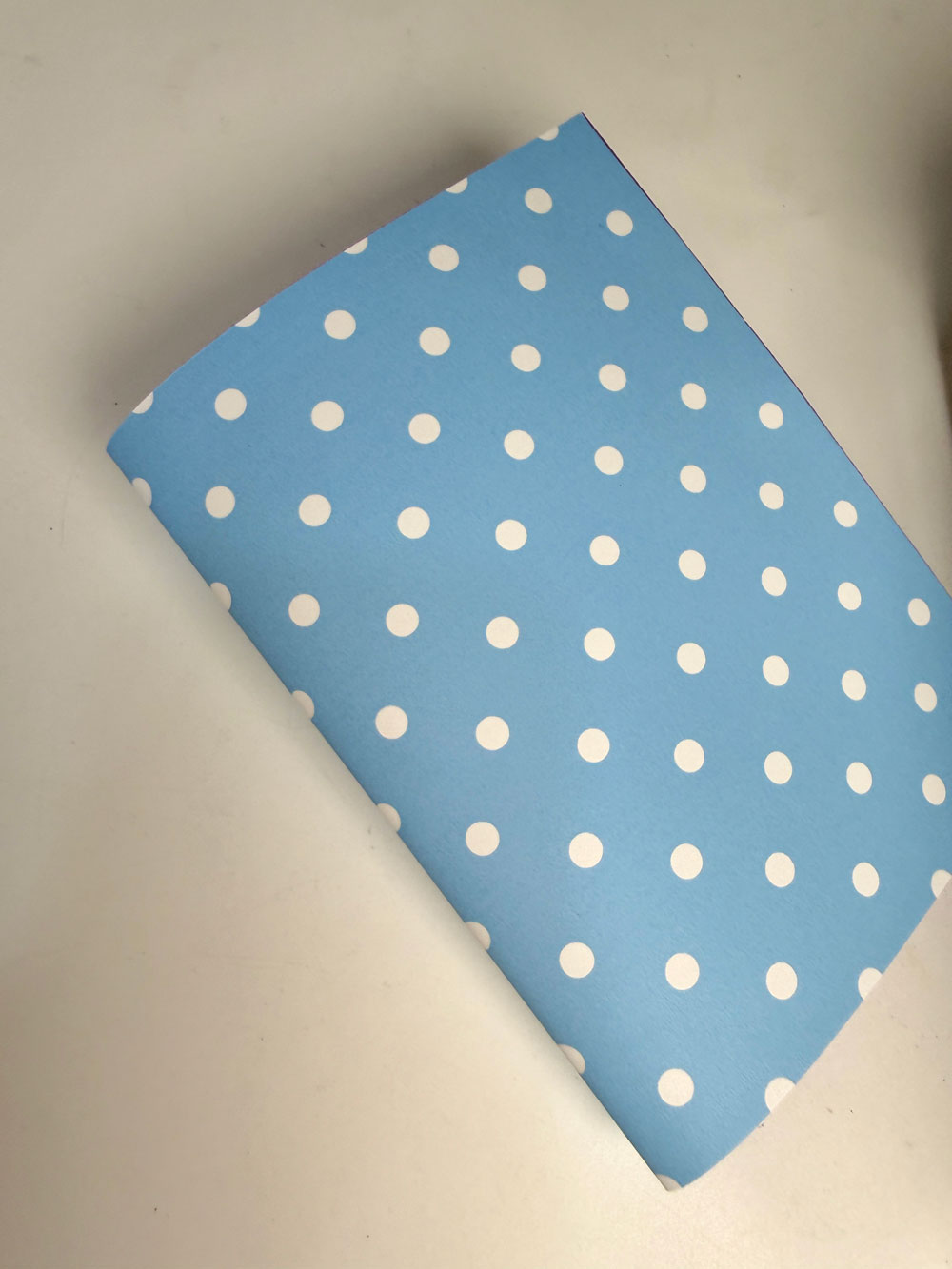
Fold it in half along the longer side. The fold won’t stay flat (and that’s okay!), but it gives you a guide for the center.
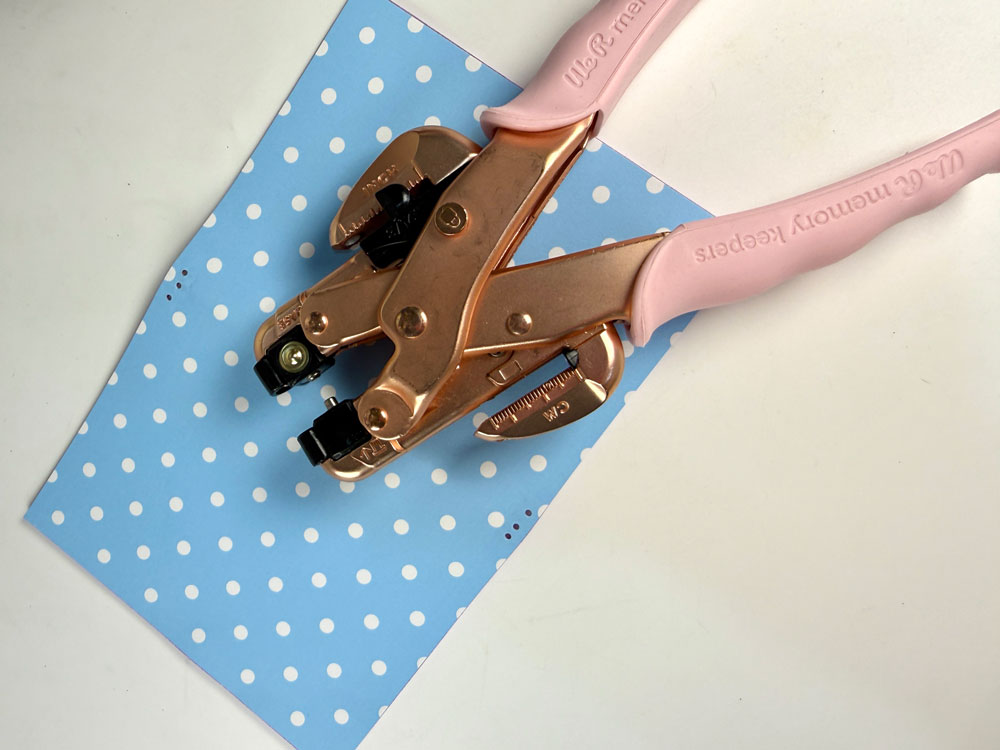
Using your Crop-a-dile, punch three holes at the top and three at the bottom along the center fold. These will hold your elastic strings.
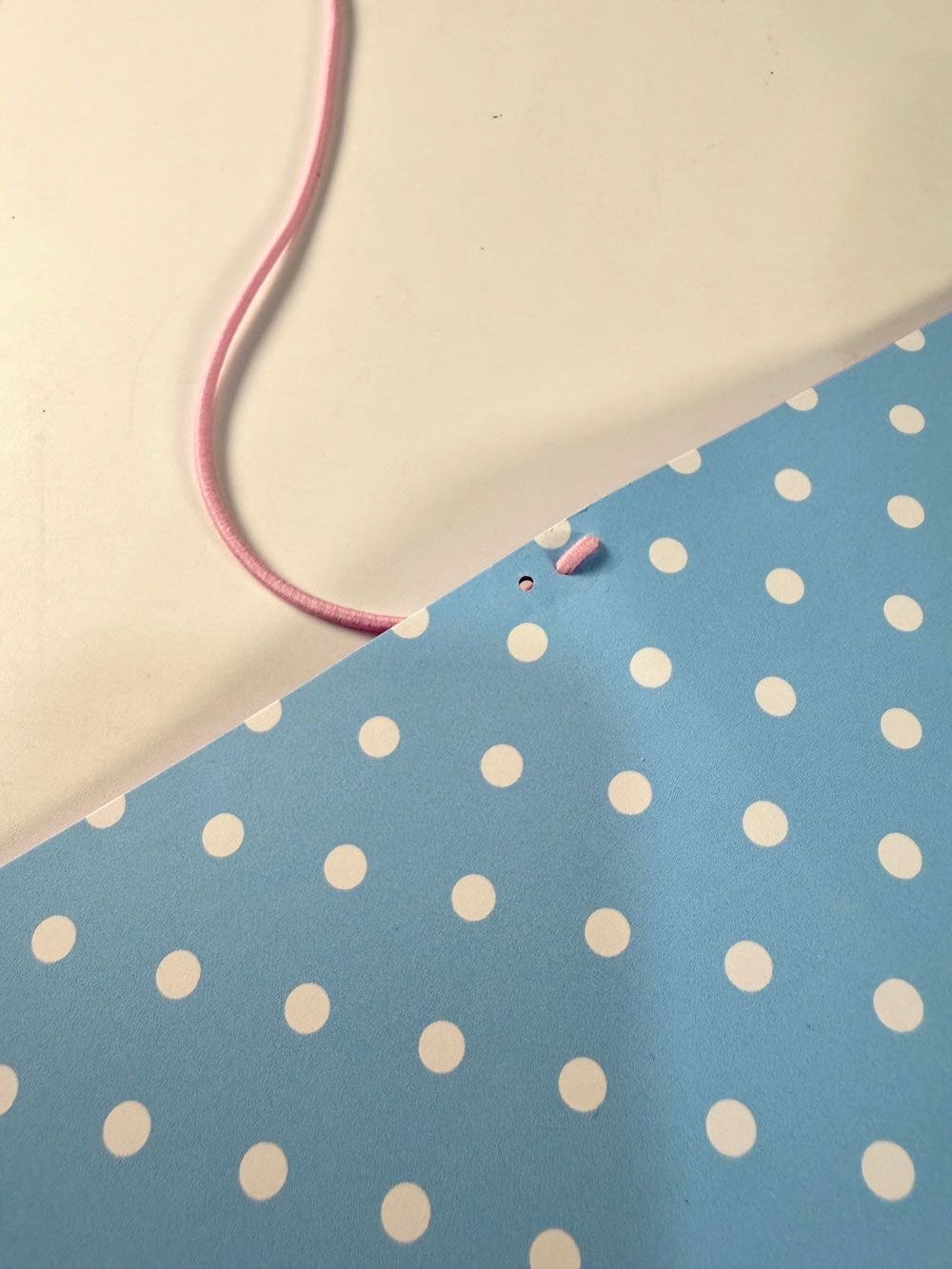
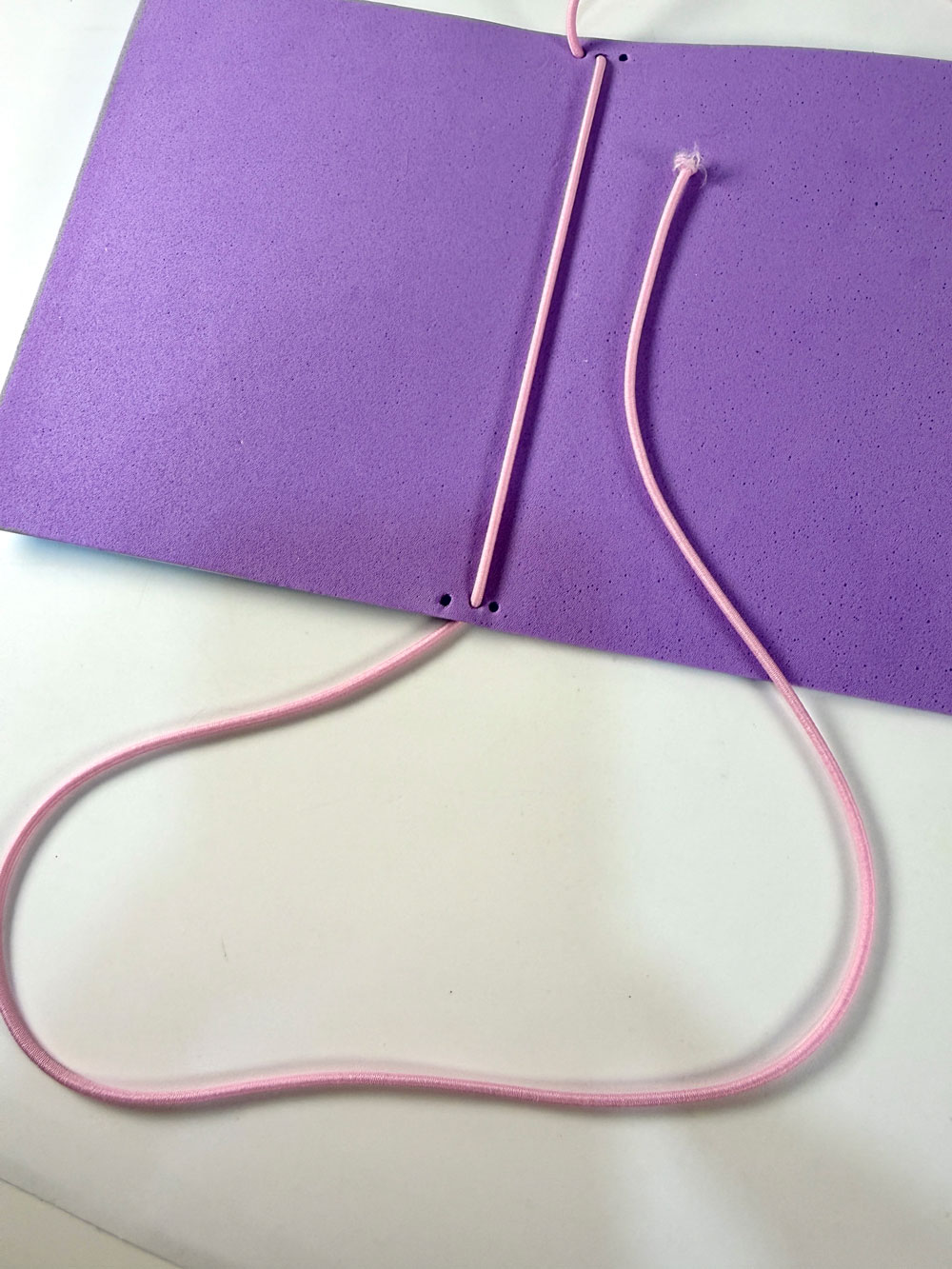
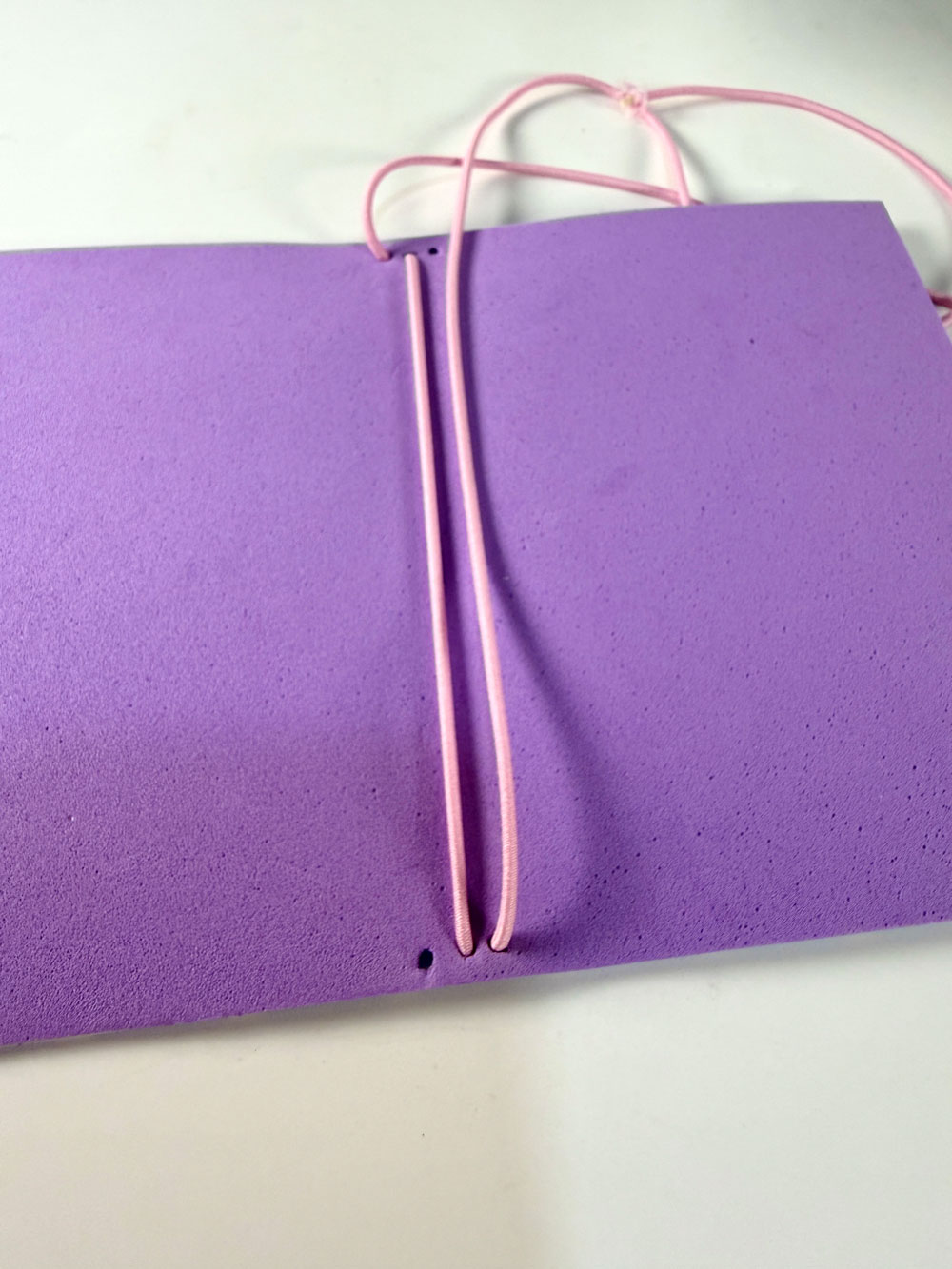
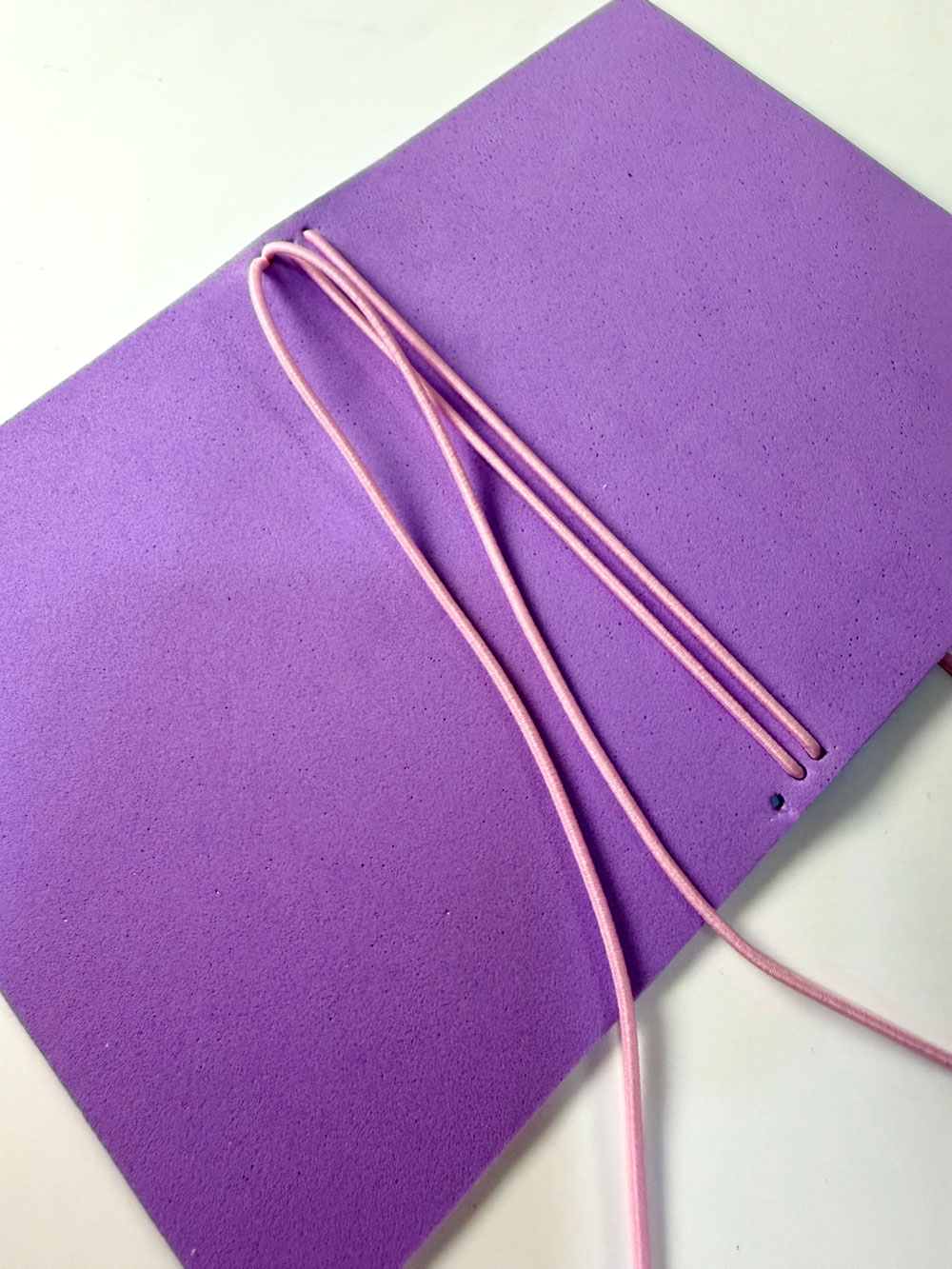
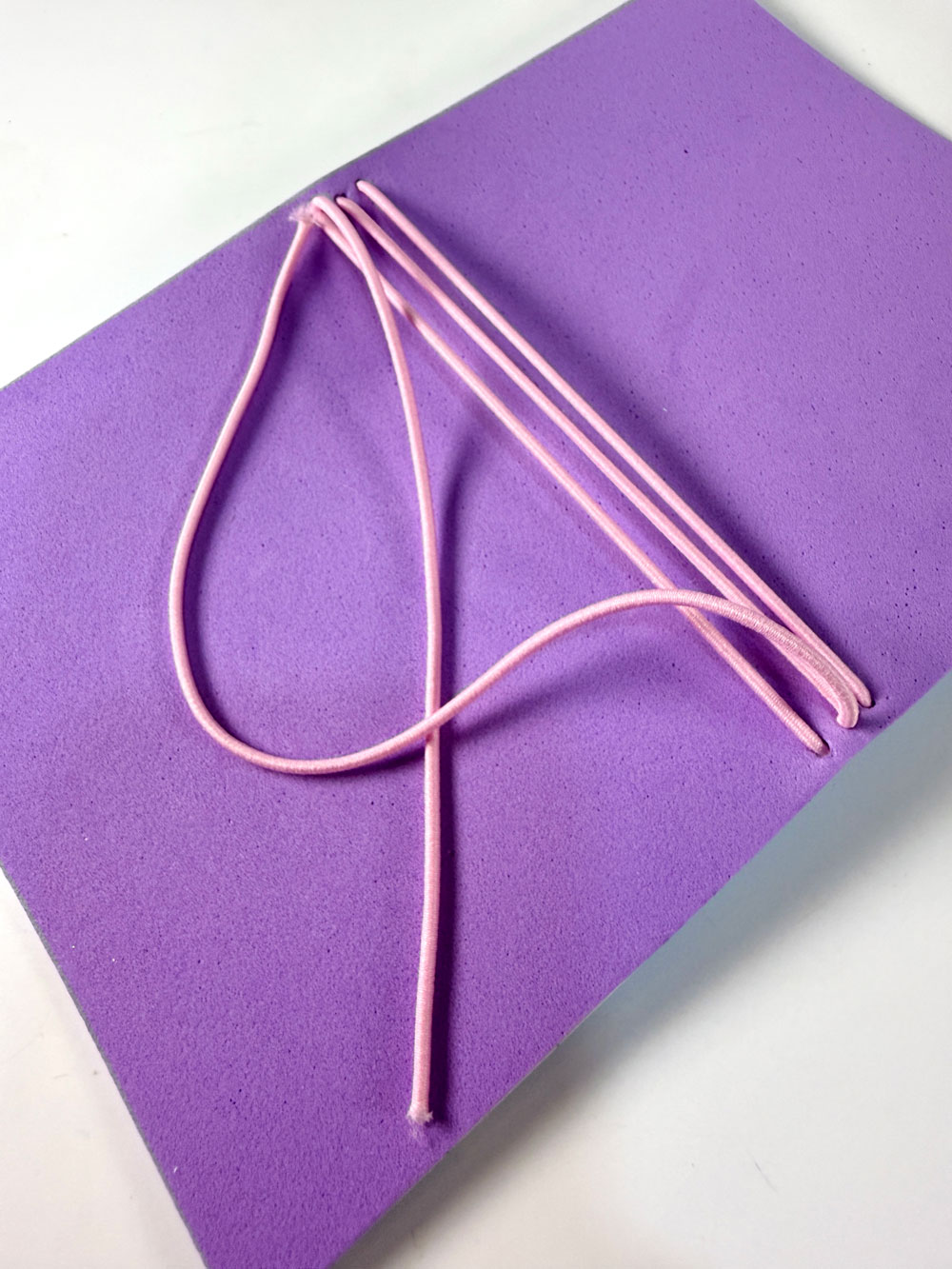
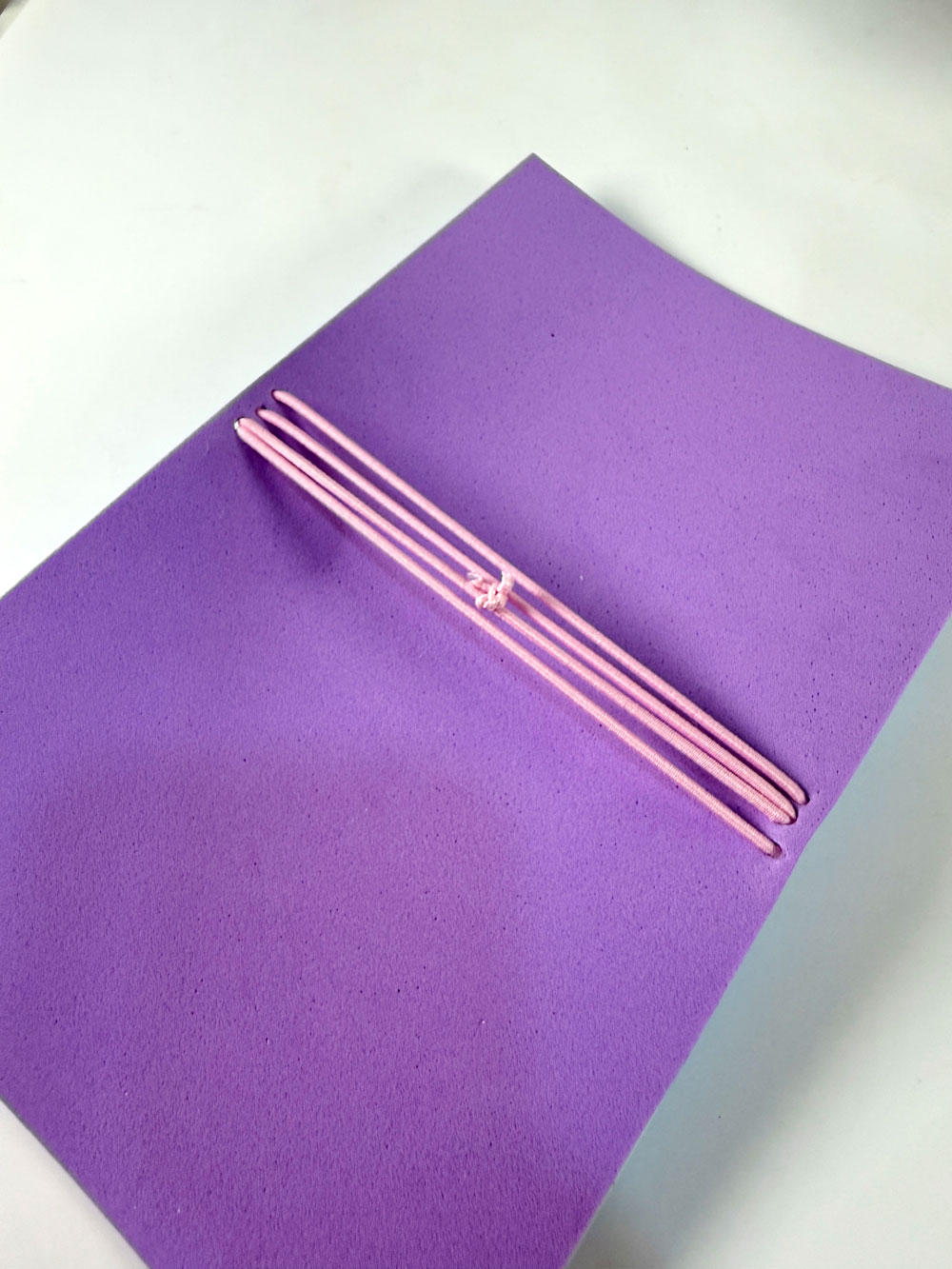
Next, create the closure by poking a hole in the center of the spine. Insert another elastic from the outside going in, then knot it inside. Before tying, wrap it around your notebook to check the length.
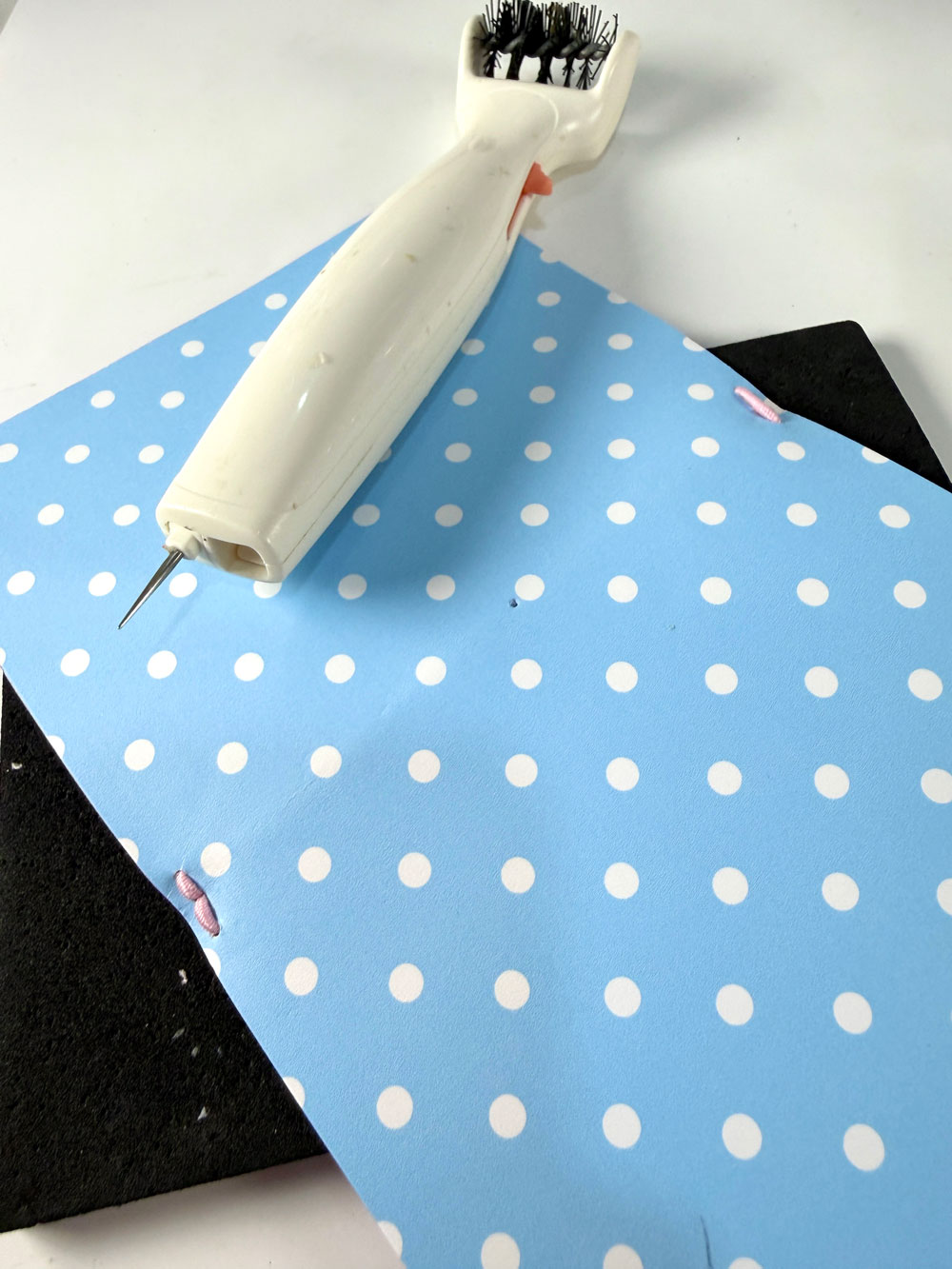
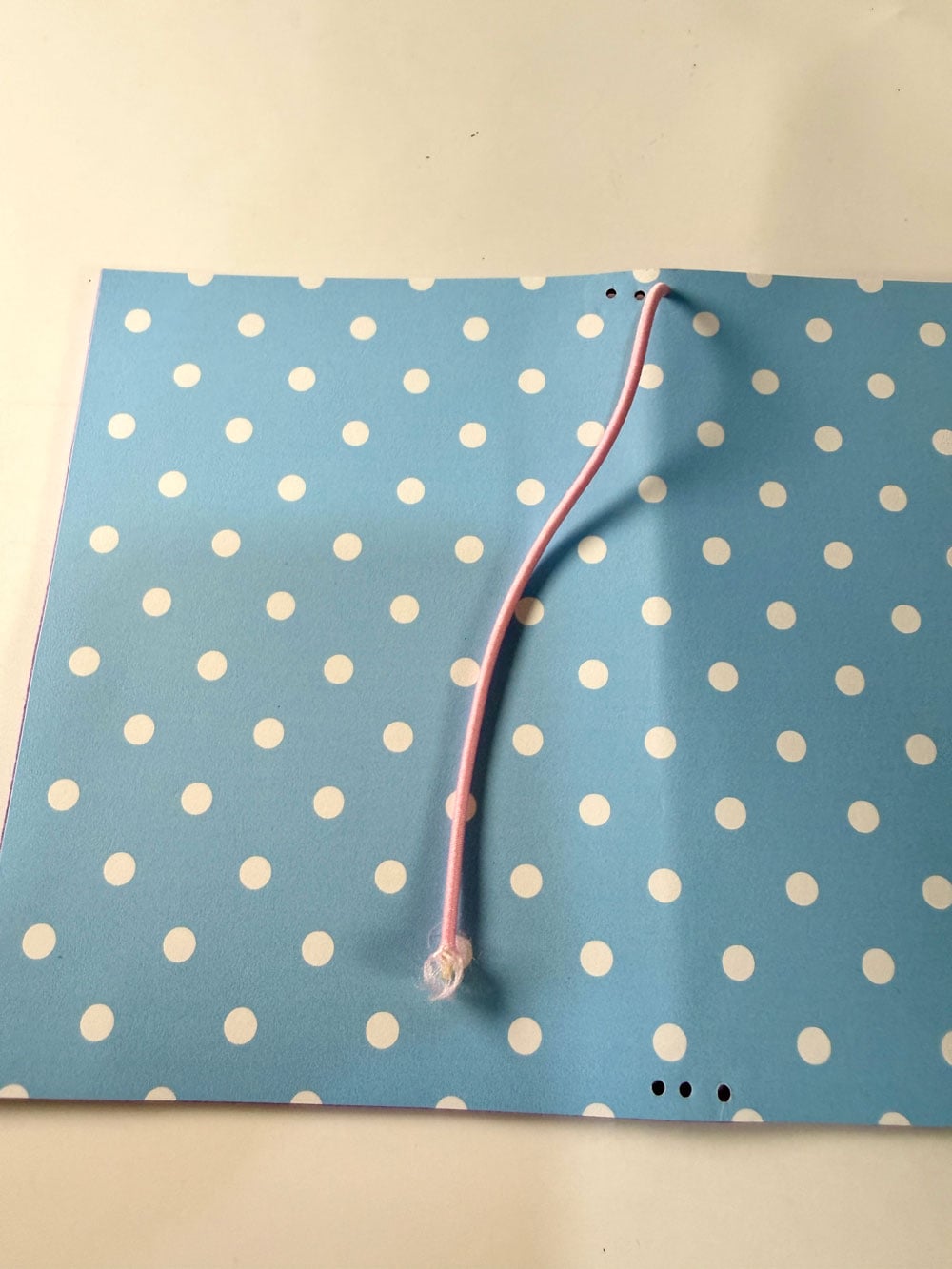
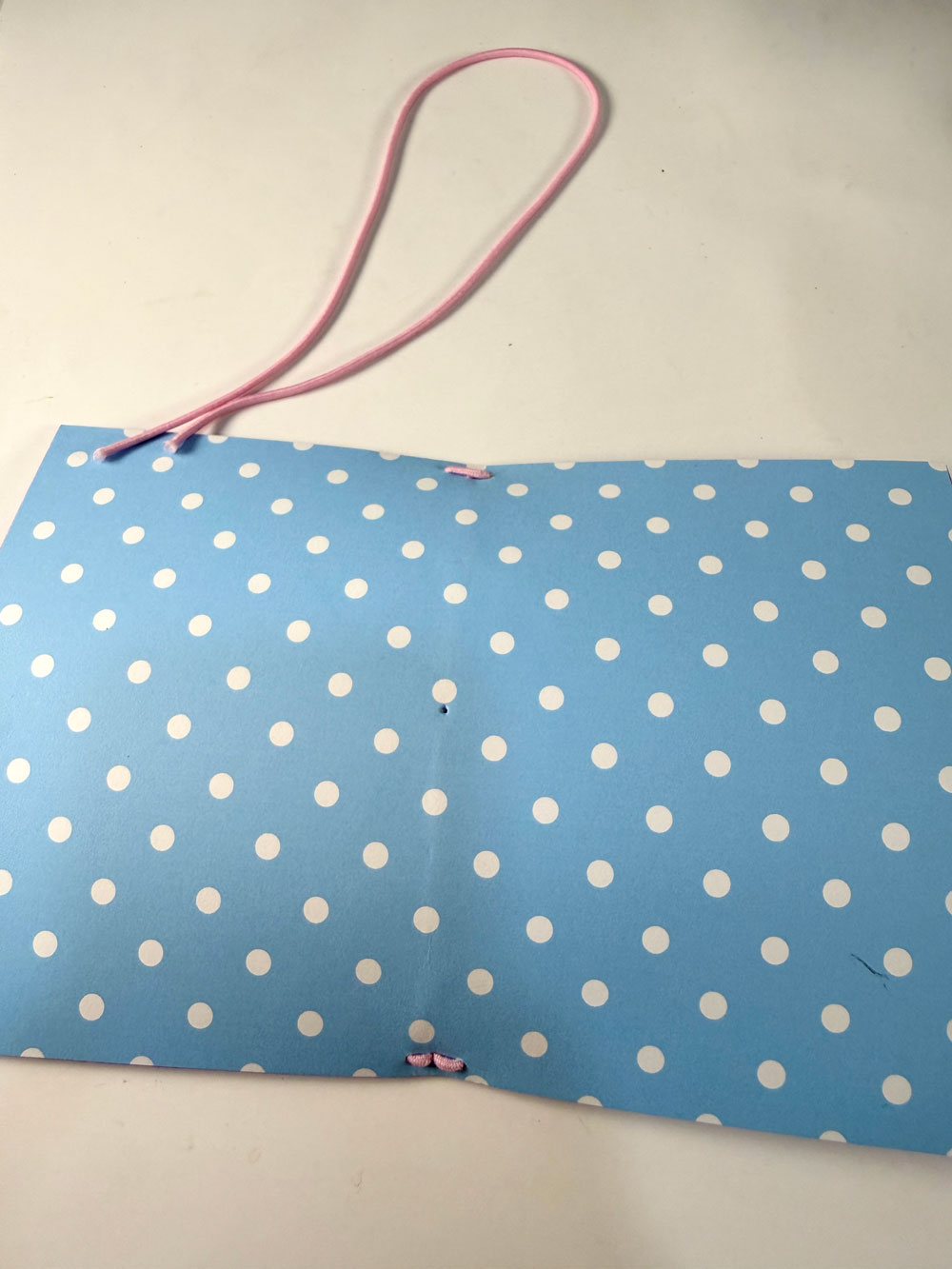
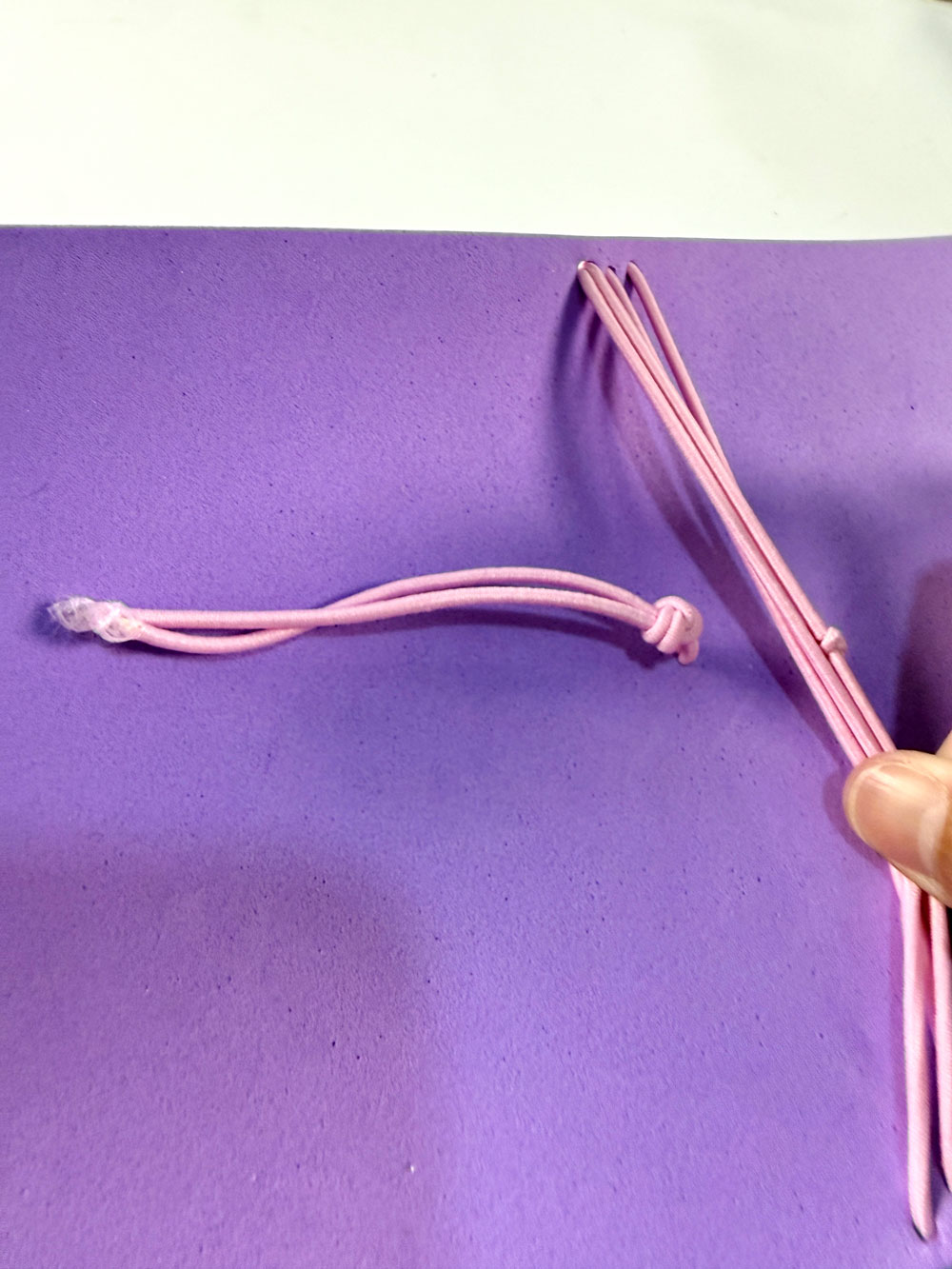
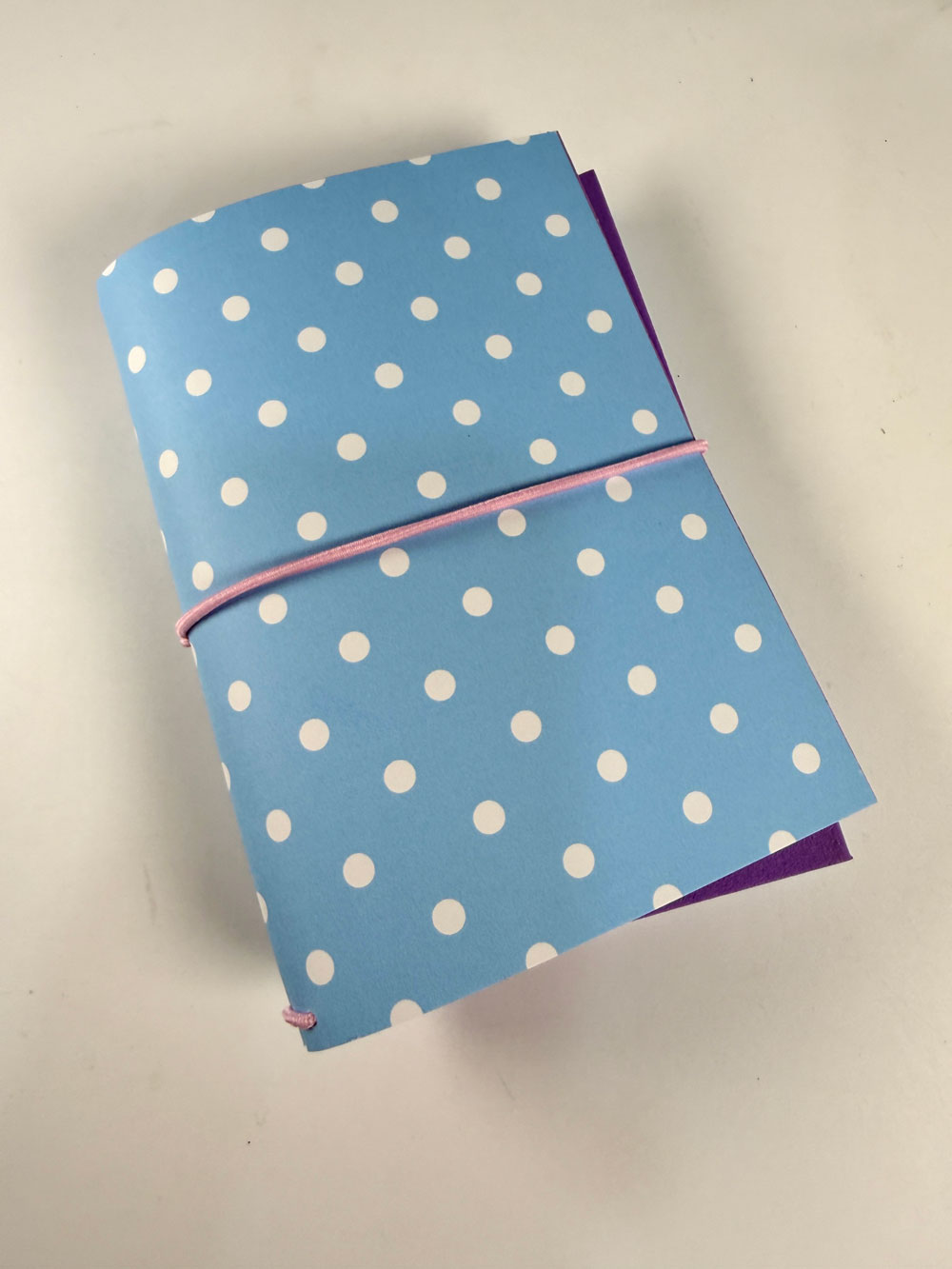
Now your TN cover is ready—time to decorate!
More Easter SVG Files
-

Bunny Holding Carrot Easter SVG Cut Files & Clipart
$1.45 -

Easter Bunny in Basket SVG File
$1.45 -
Happy Easter Seamless Patterns & Digital Paper Pack
Original price was: $4.95.$3.95Current price is: $3.95. -

Easter Basket Gift Card Holder SVG File
$2.95

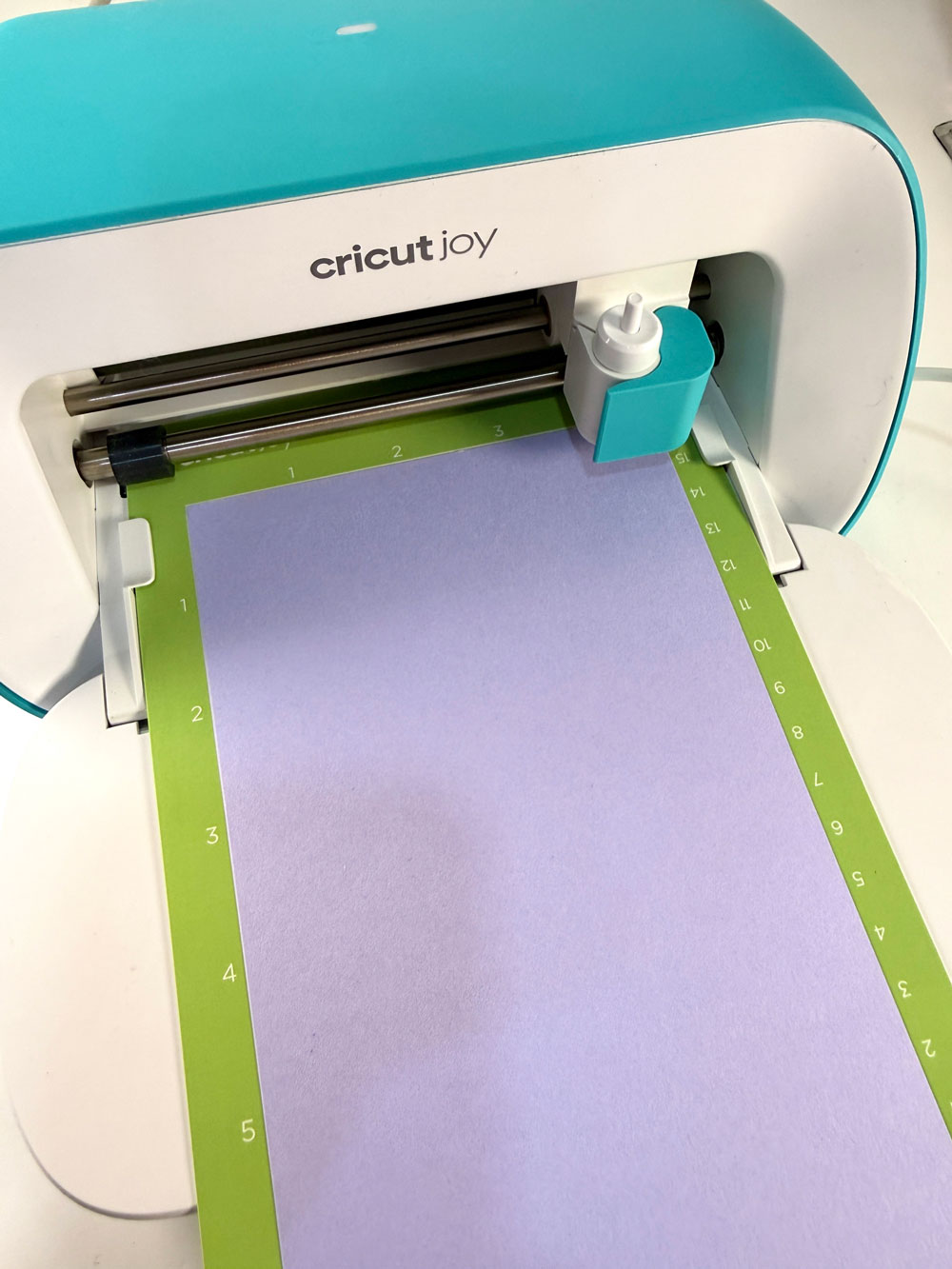
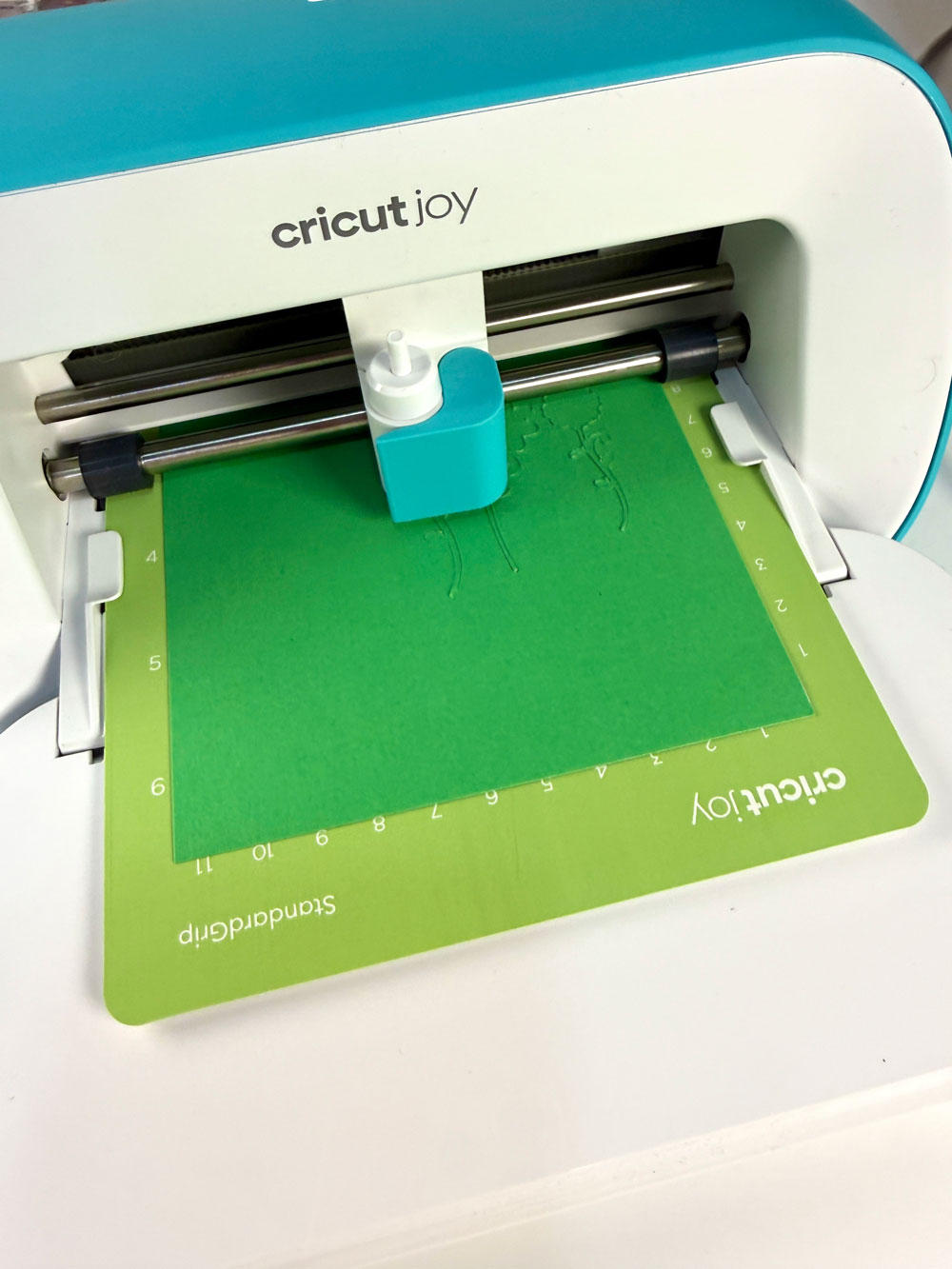
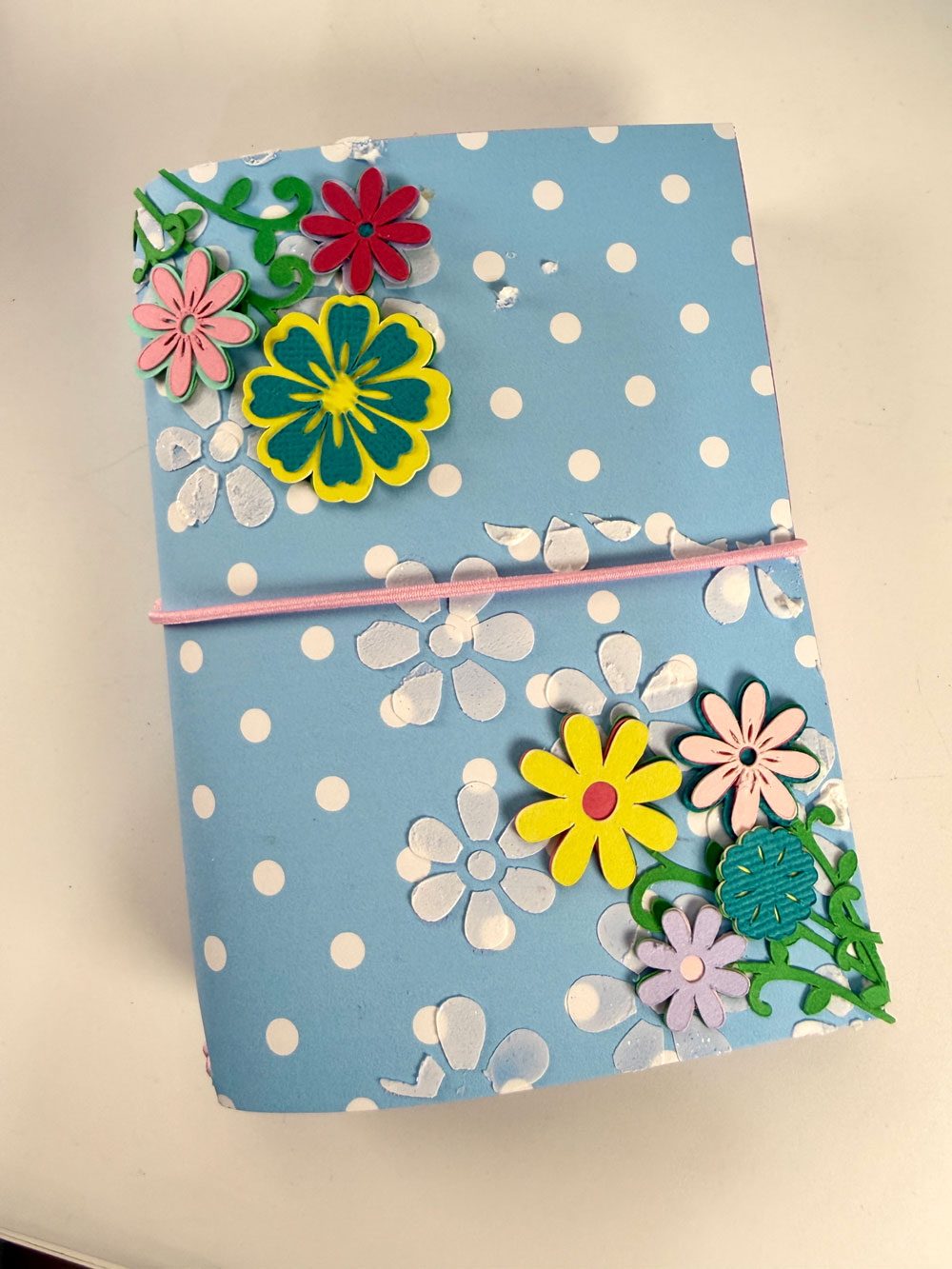
To add texture, I created a stencil using the Flower Background design (cut with my Cricut Joy) and applied Aleene’s Glitter Snow with a palette knife.
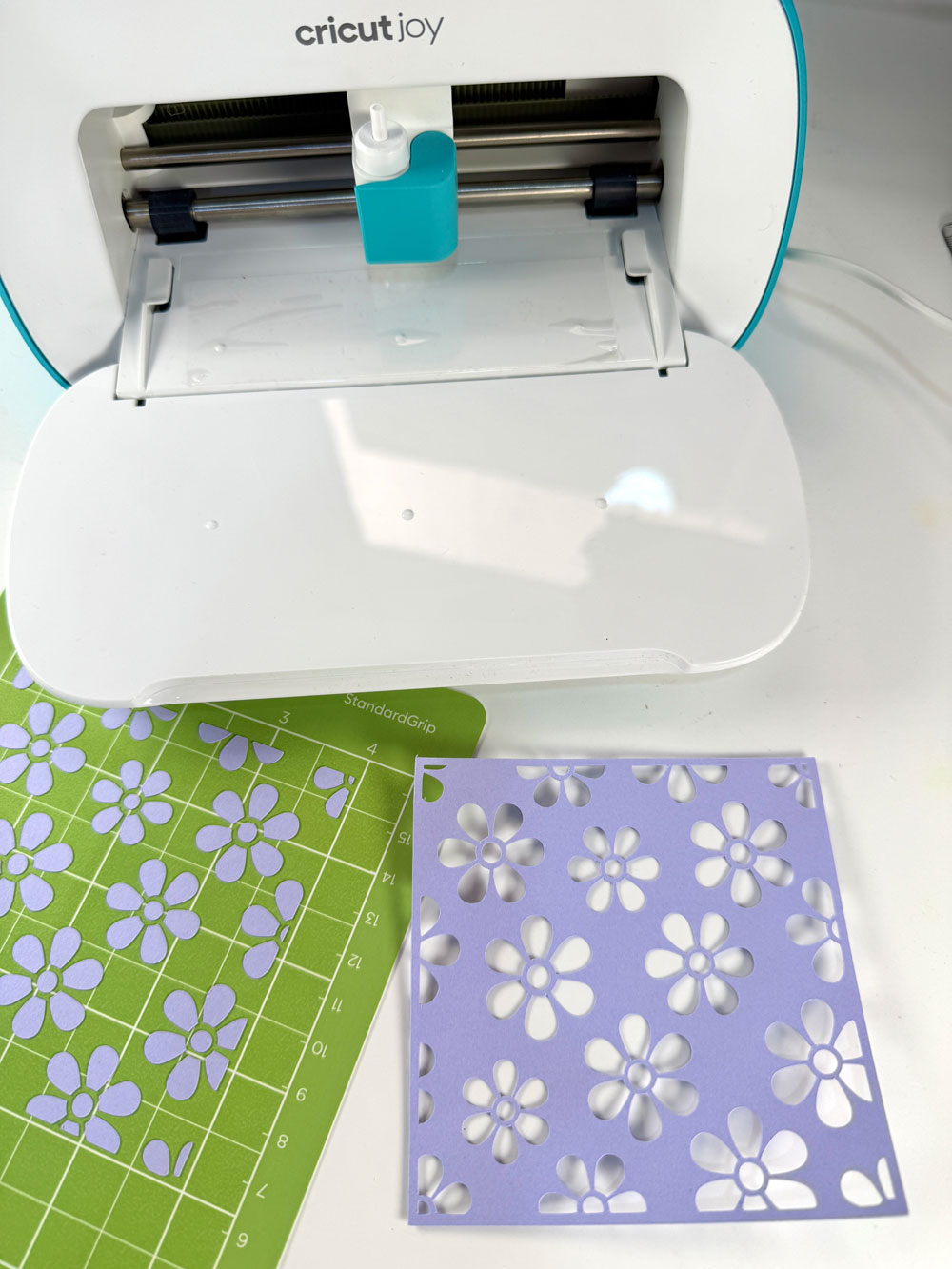
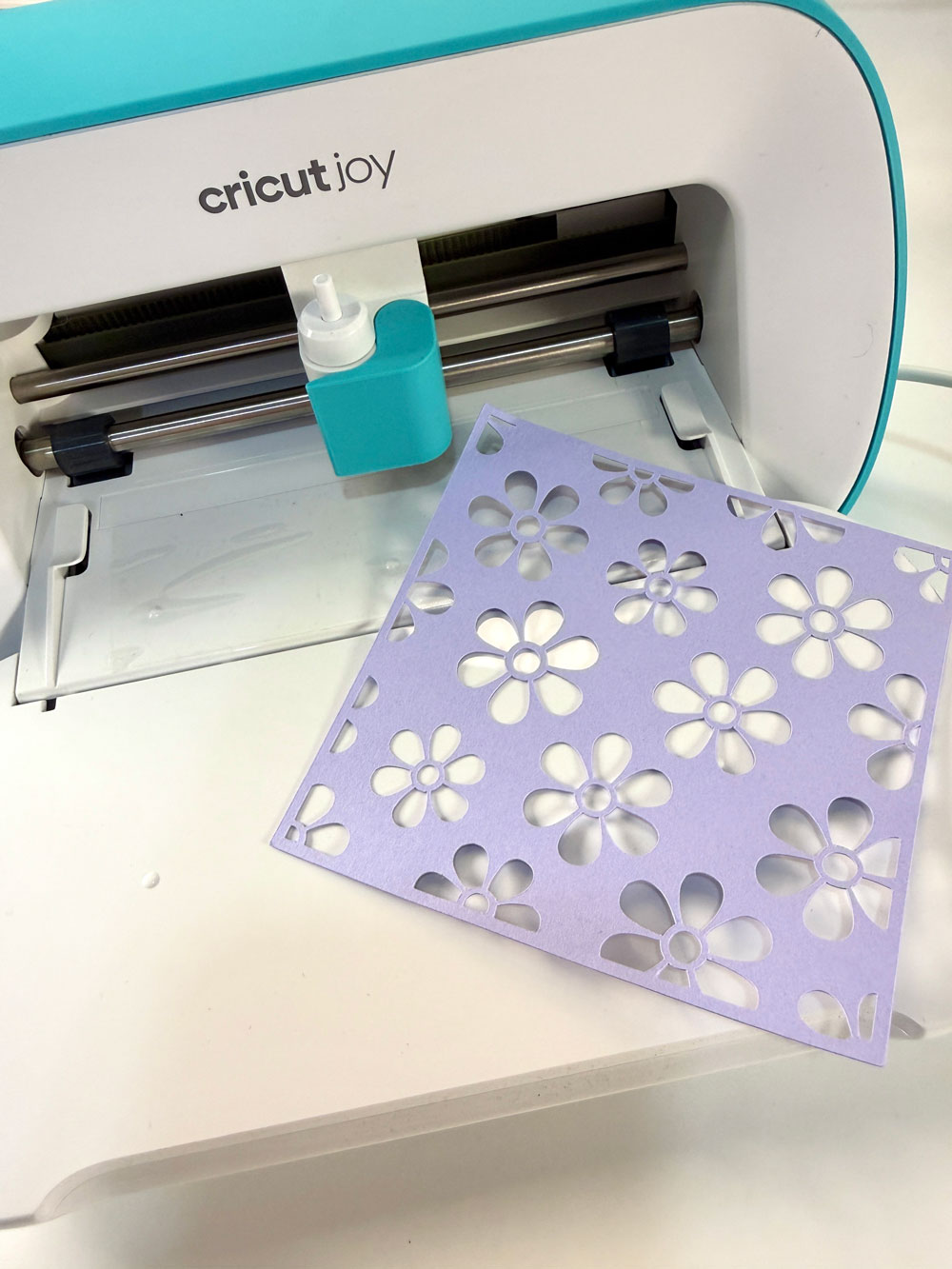
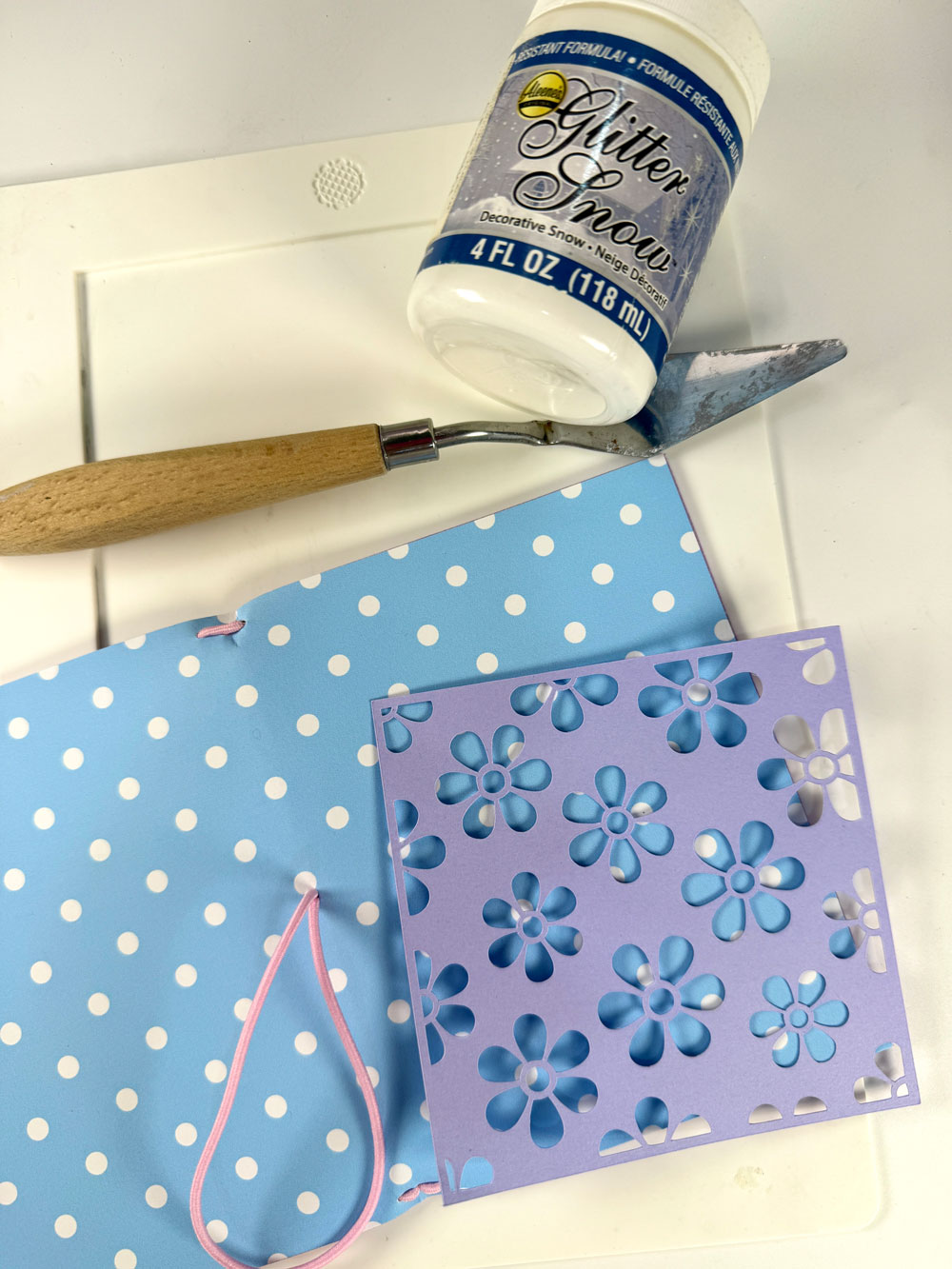
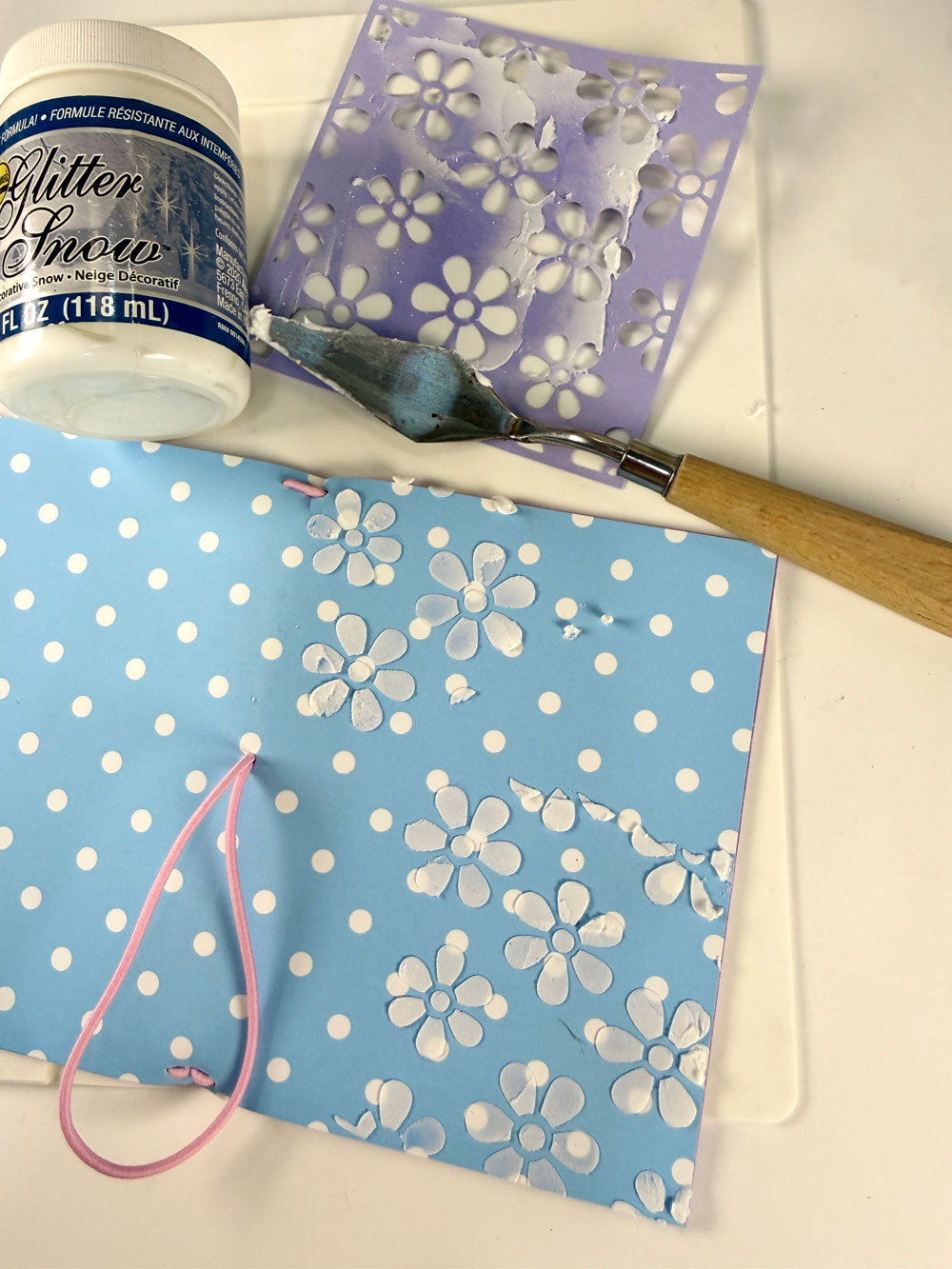
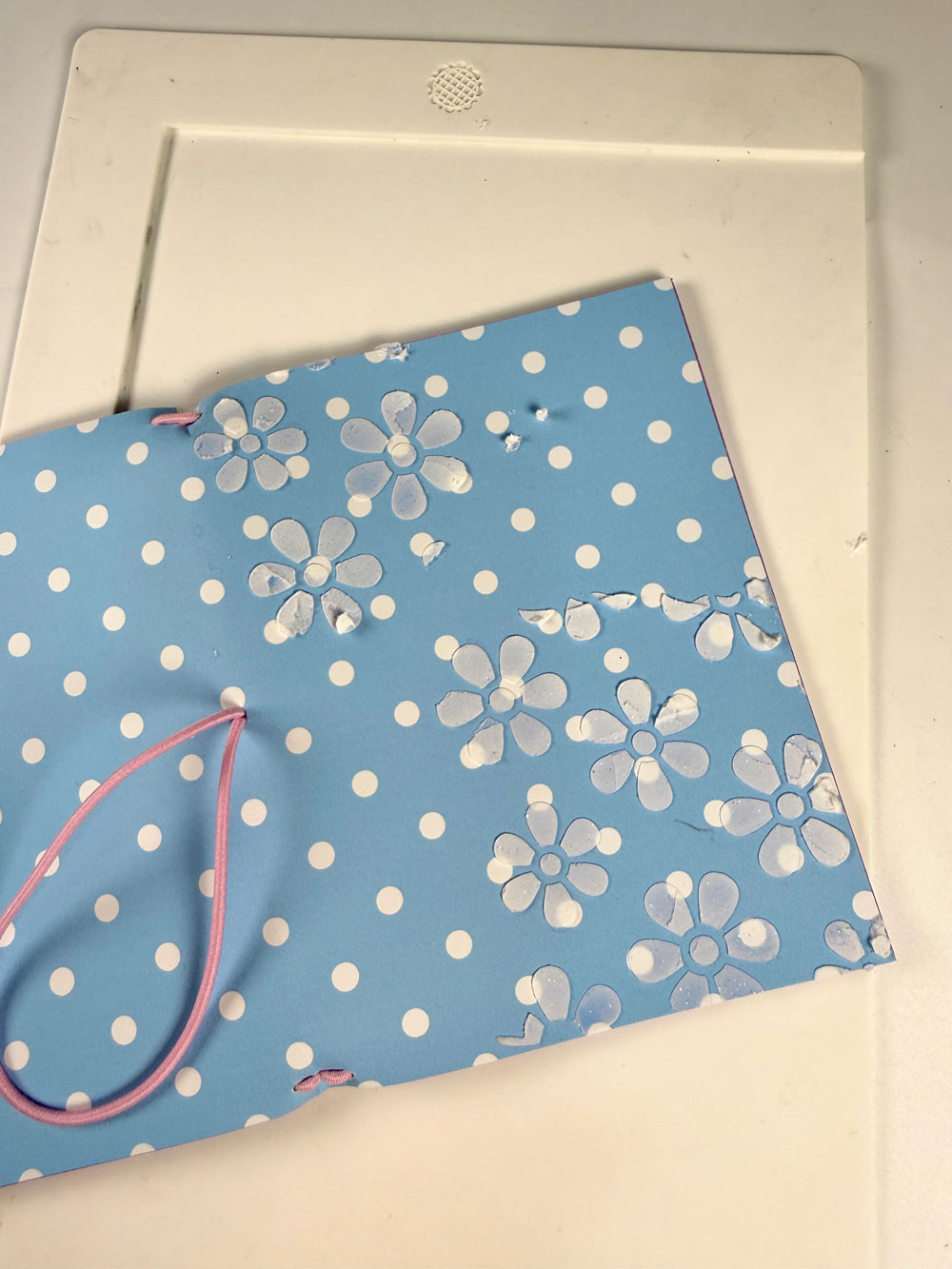
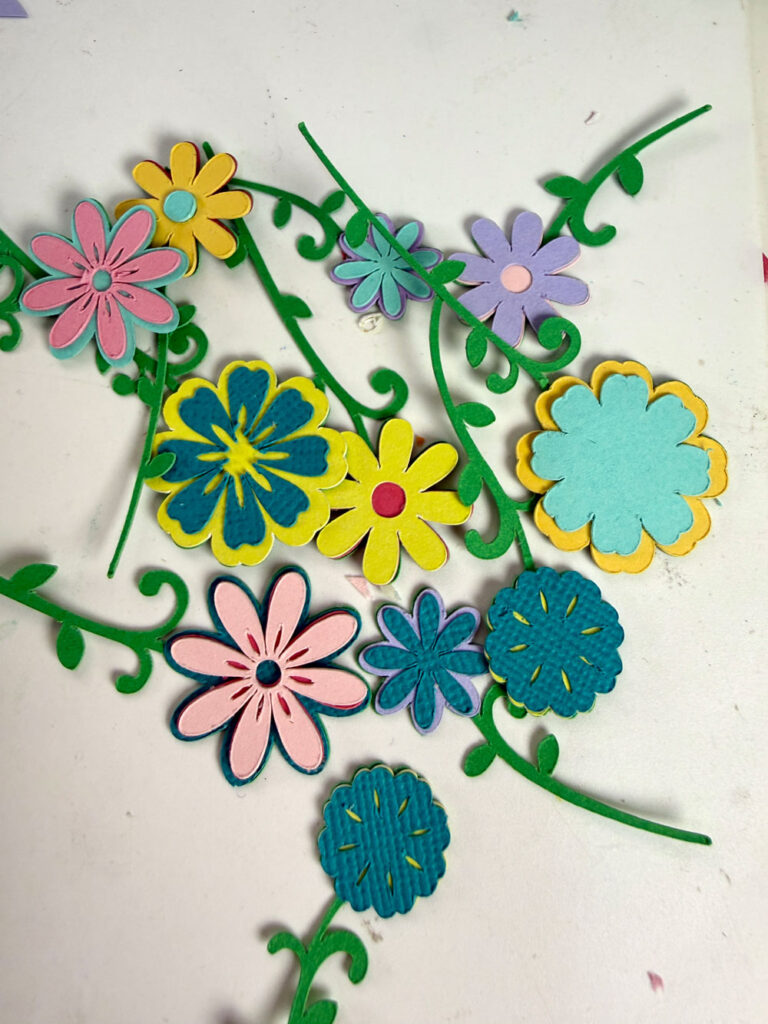
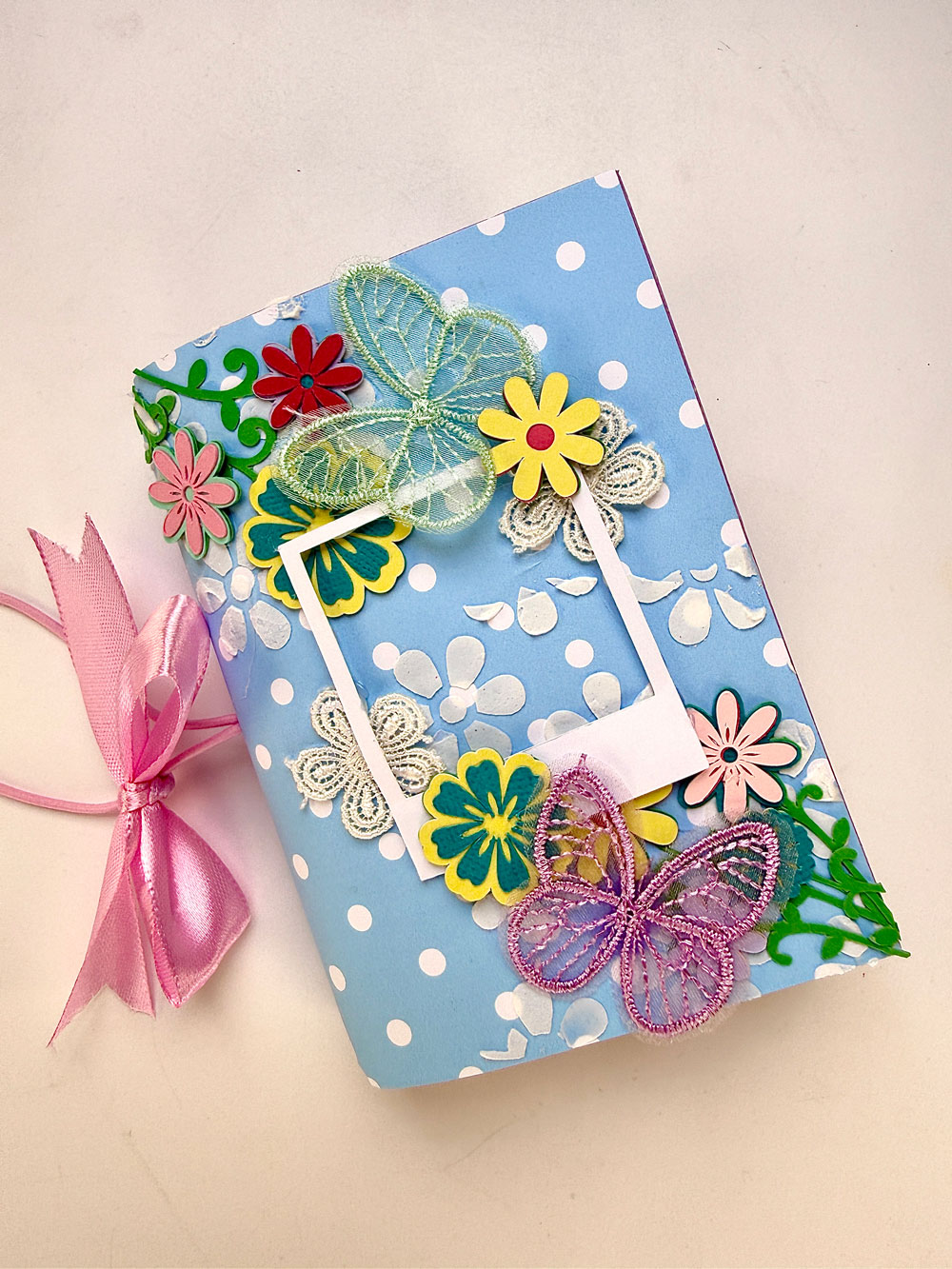
Once dry, I embellished with Spring Flowers and butterflies I prepared with my Cricut Joy, a ribbon tied around the elastic, and a few extra details like a frame and floral lace. Honestly, I kept adding until it felt just right!
How to Make the TN Inserts
Choose your pattern papers (I used Spring Polka Dots Digital Paper Pack) and trim them to 7 x 5 inches. Score at 3.5 inches and fold.
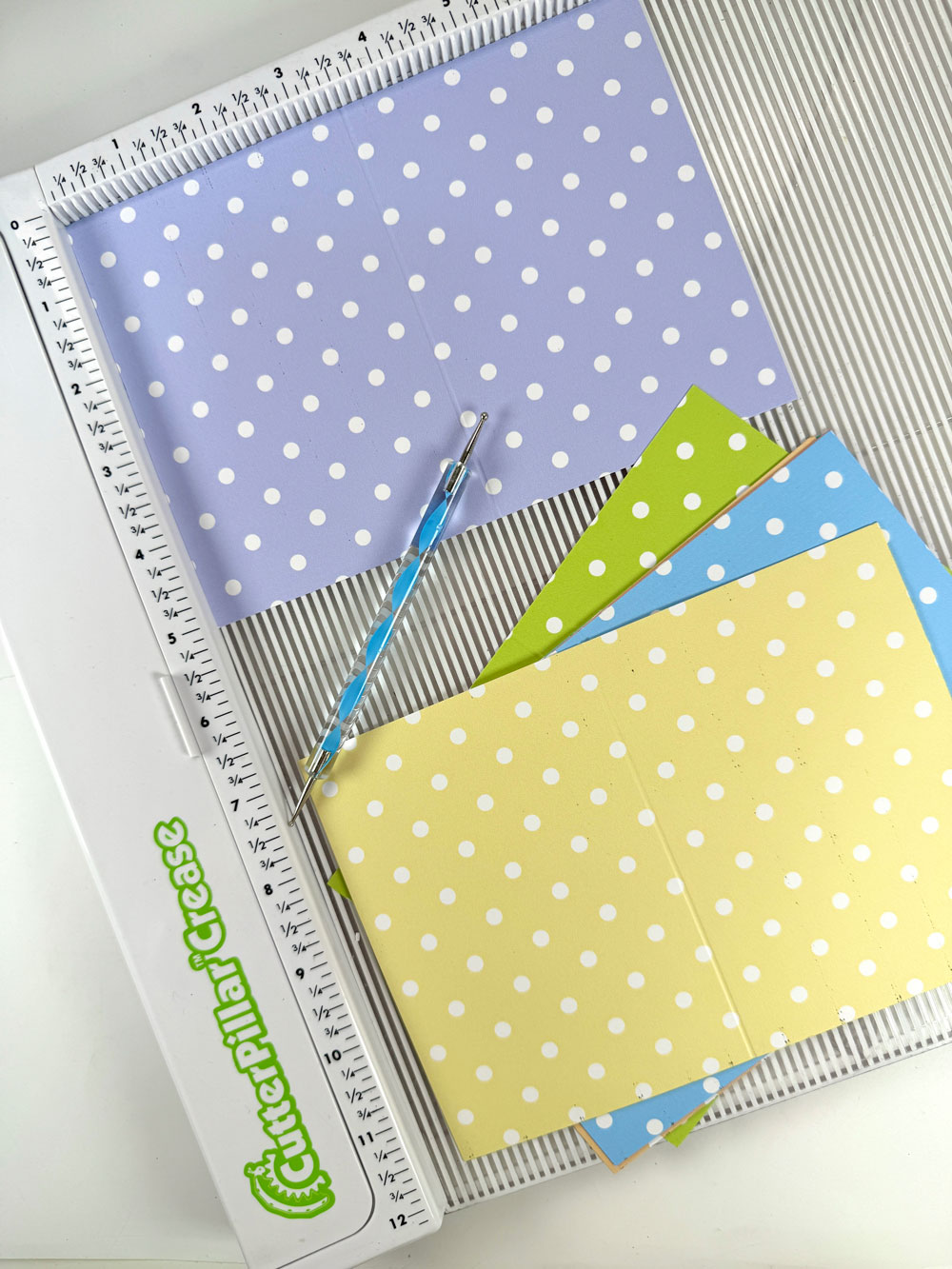
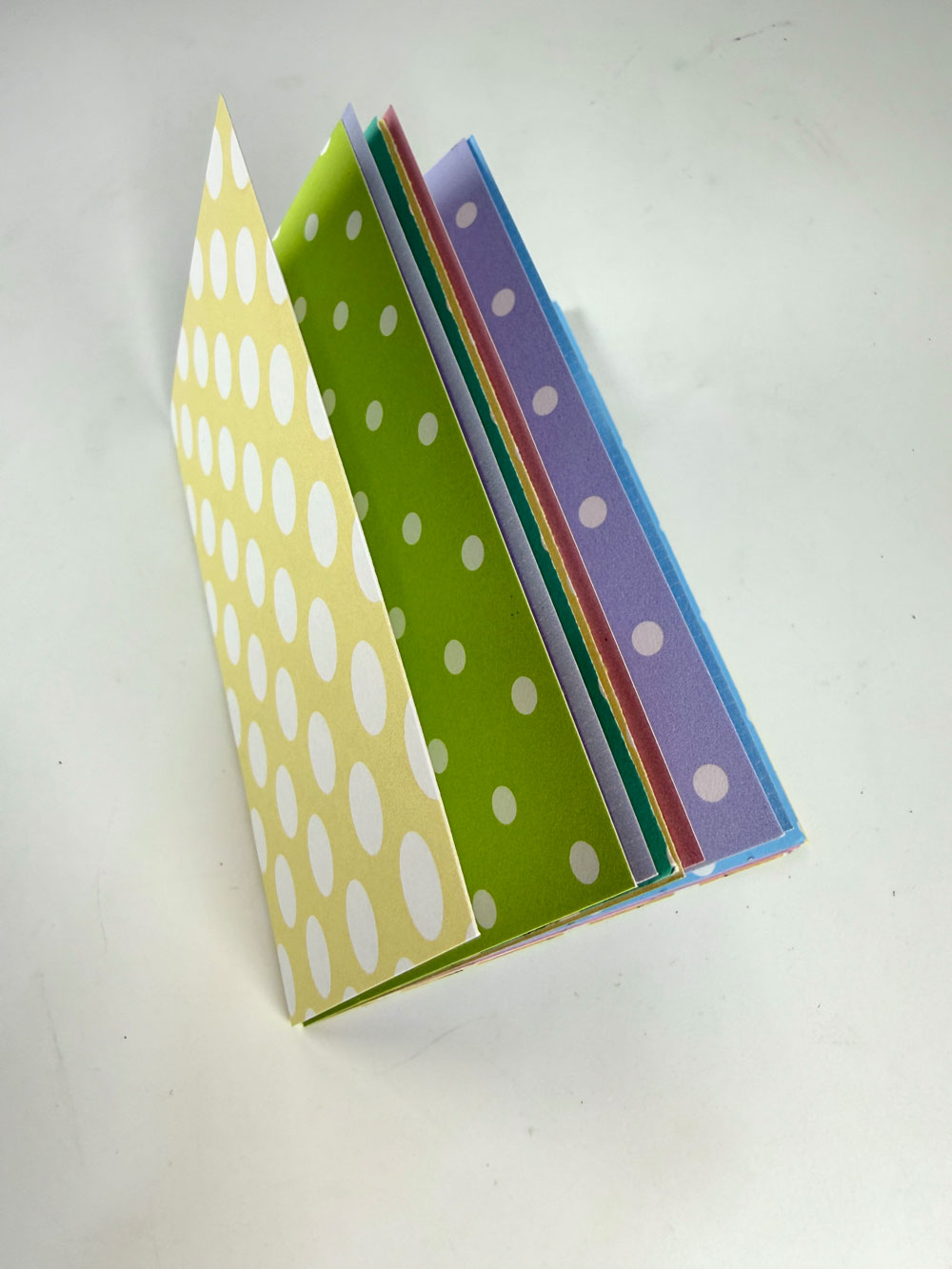
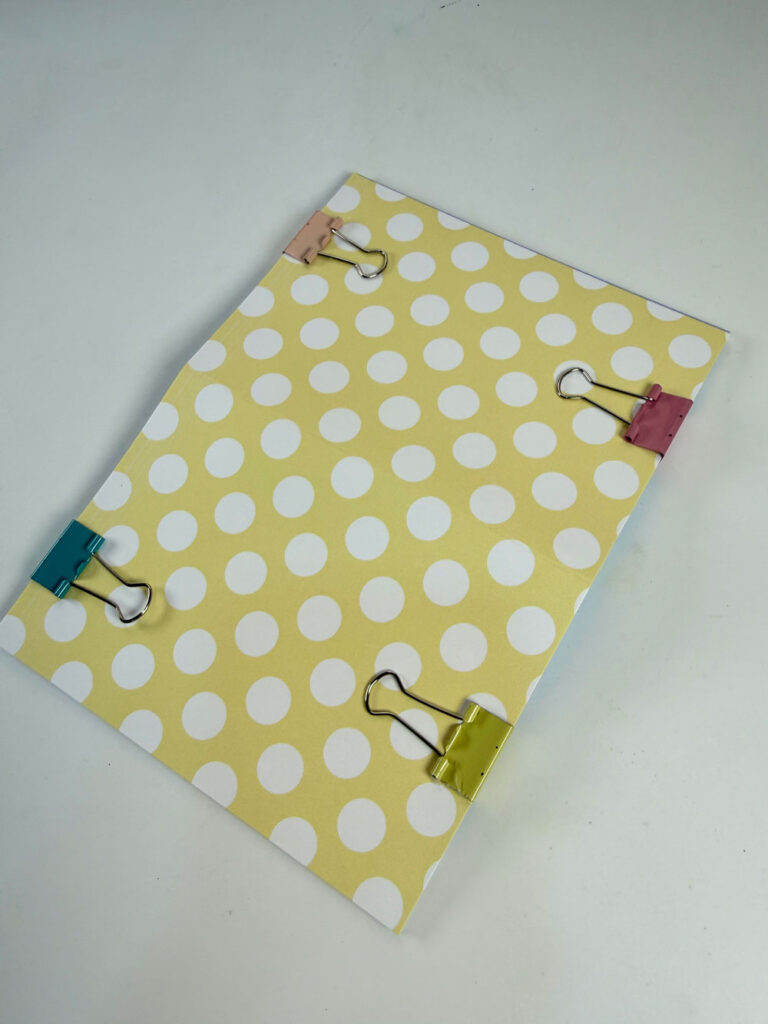
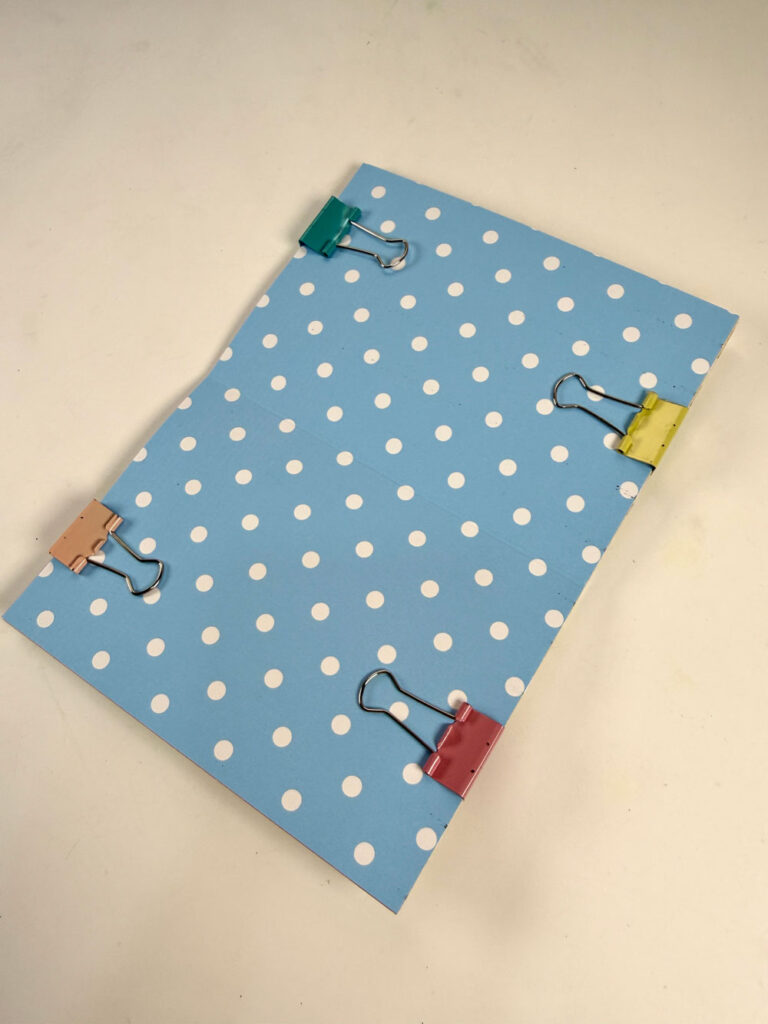
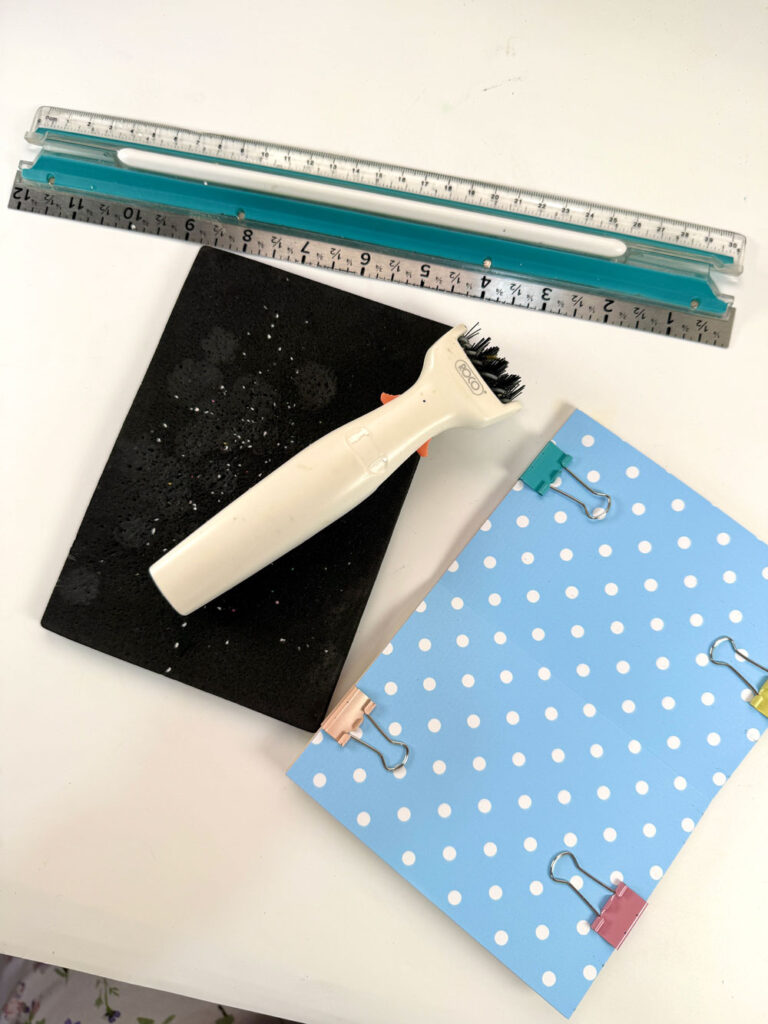
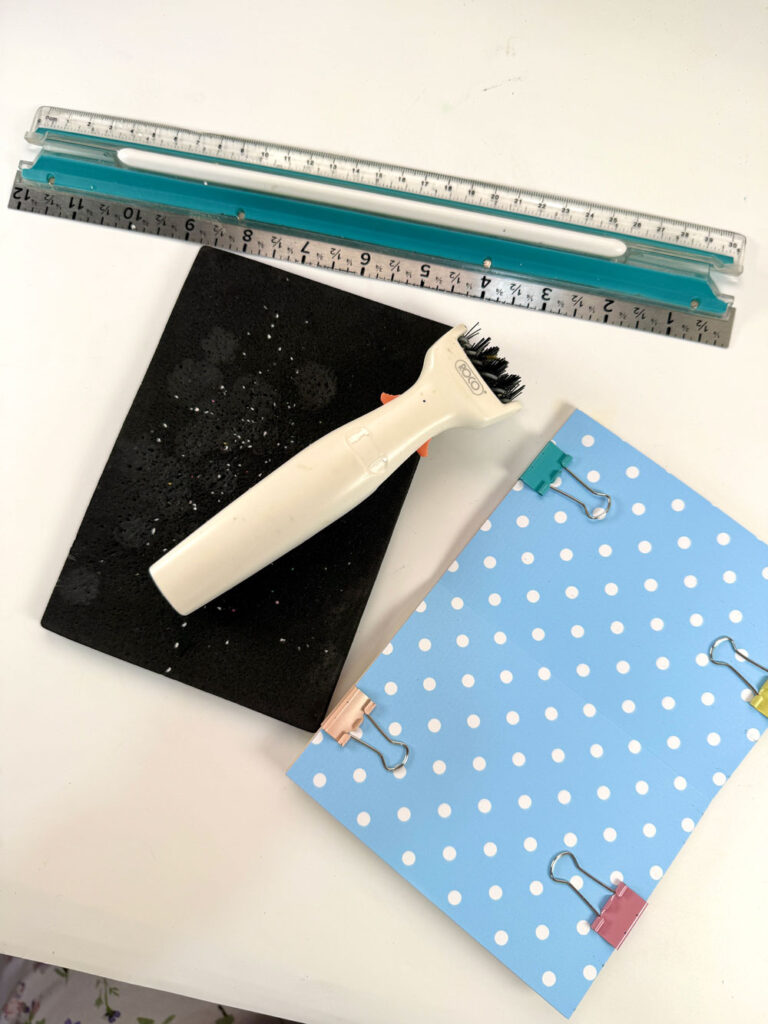
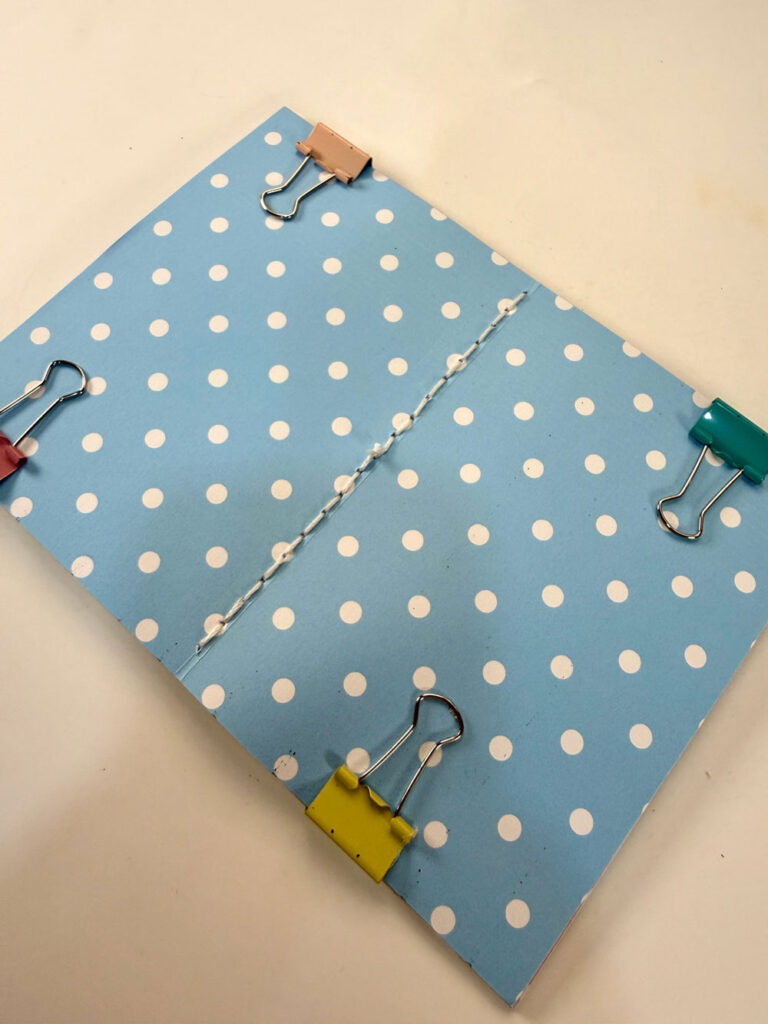
Stack your pages and secure them with binder clips. Using a ruler, mark and poke holes along the center fold at 1/4-inch intervals.
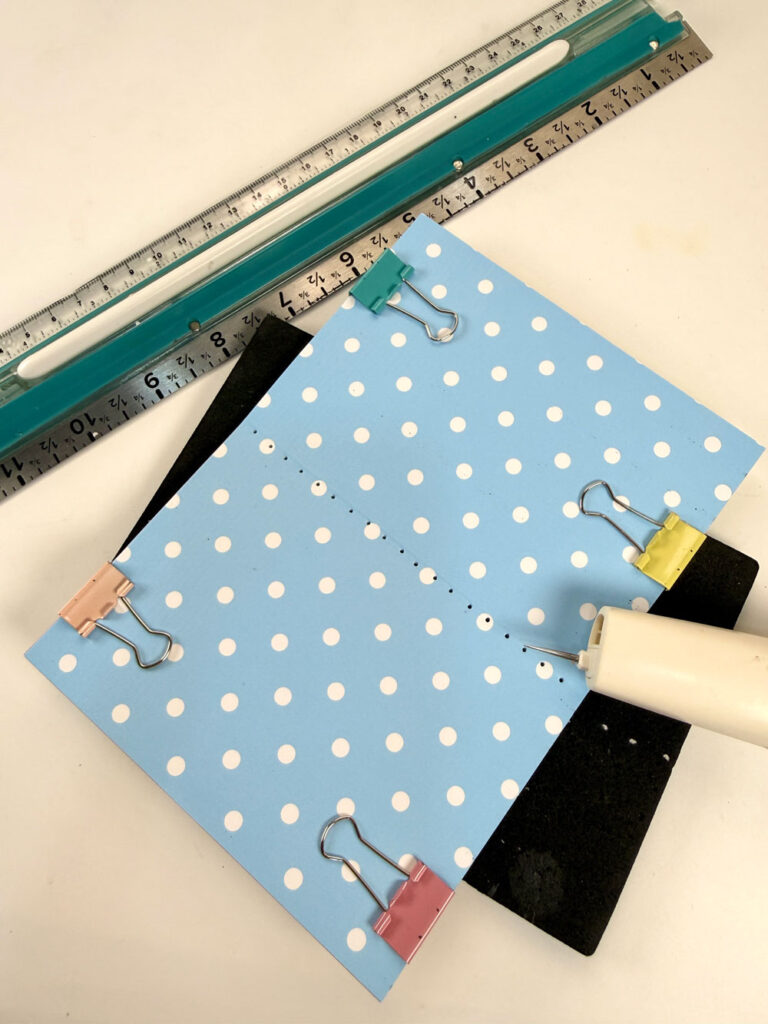
To bind, use a saddle stitch:
- Start at the center hole from the inside, leaving a thread tail
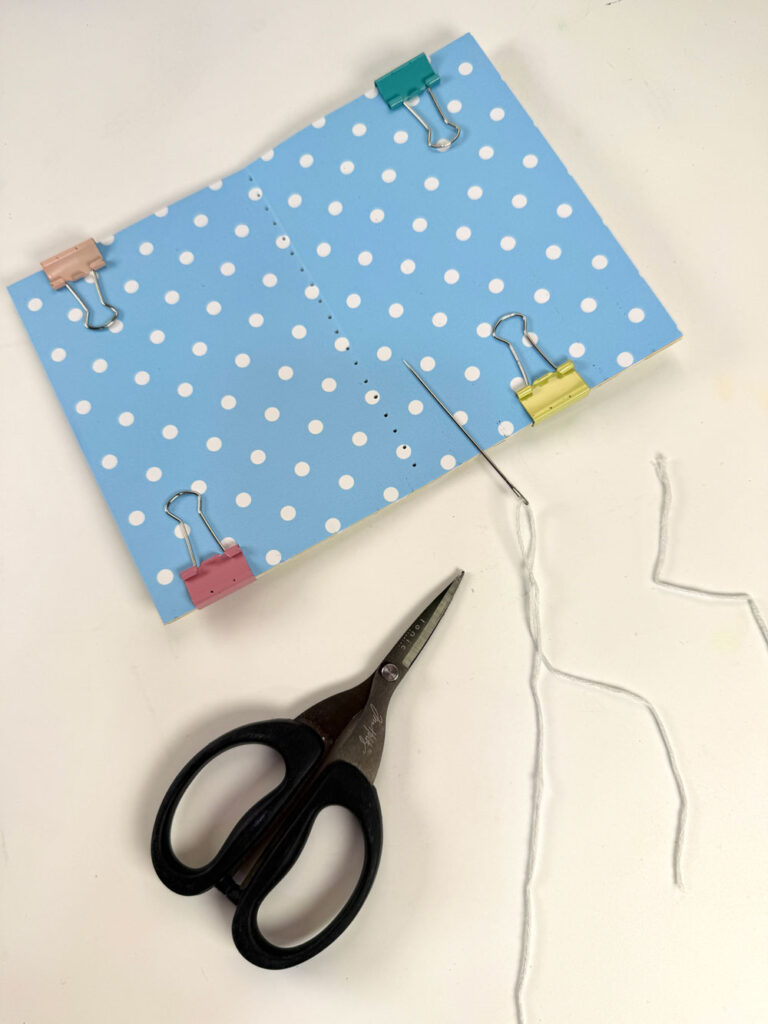
- Stitch toward one end, then back to center
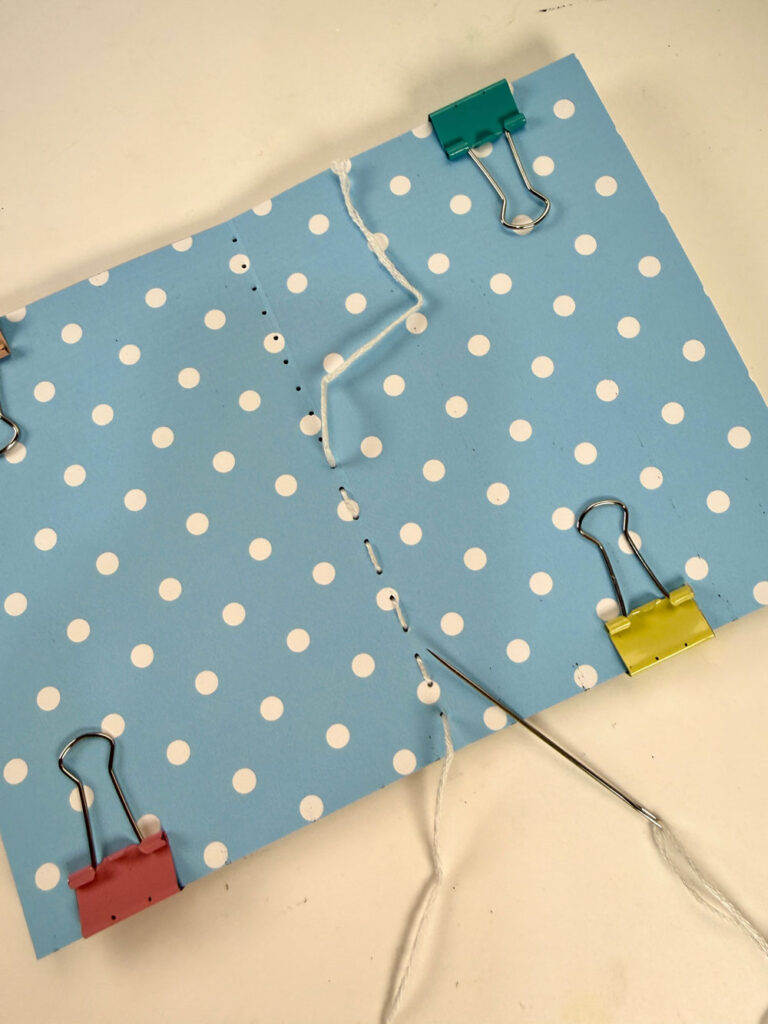
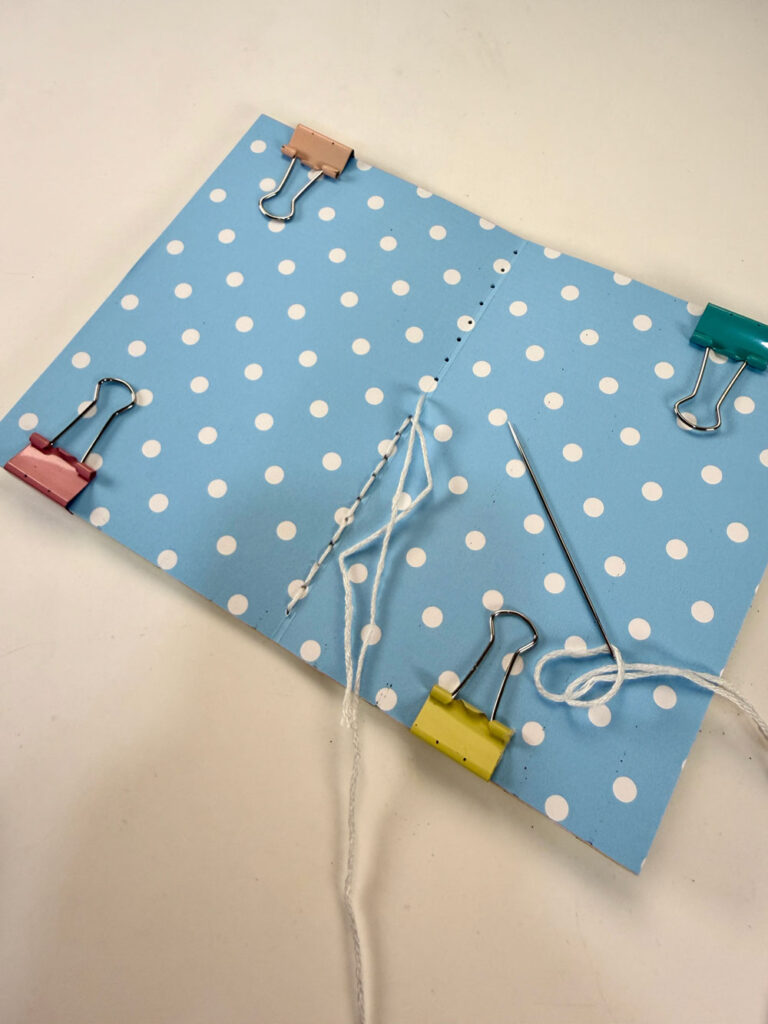
- Repeat on the other side
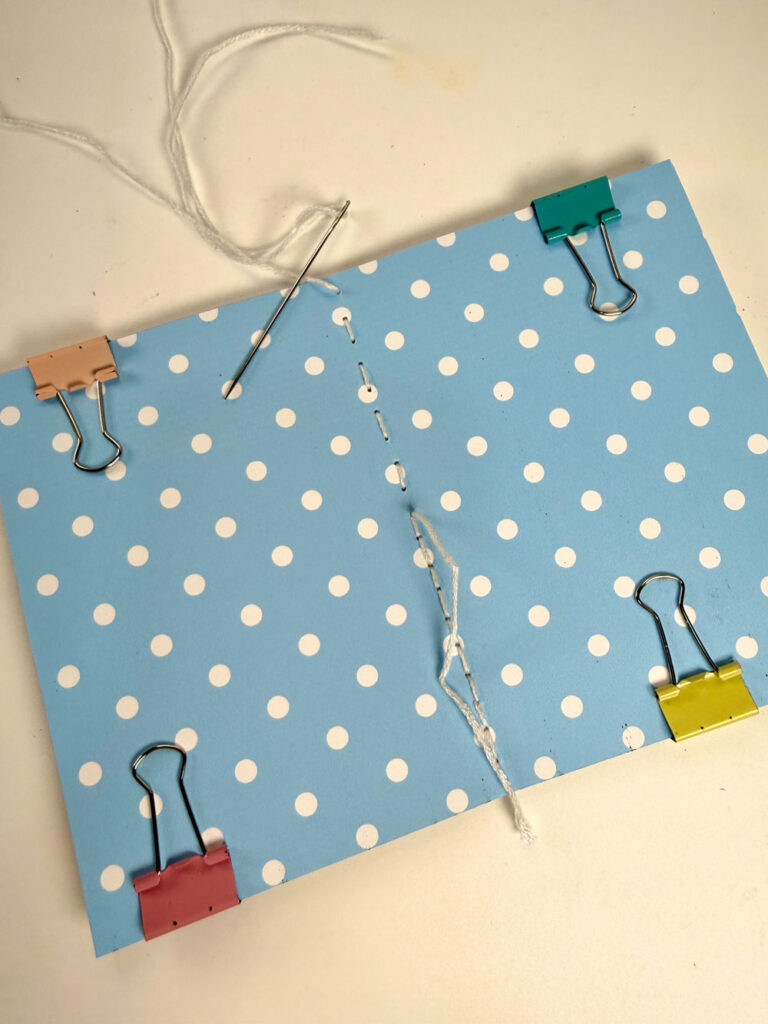
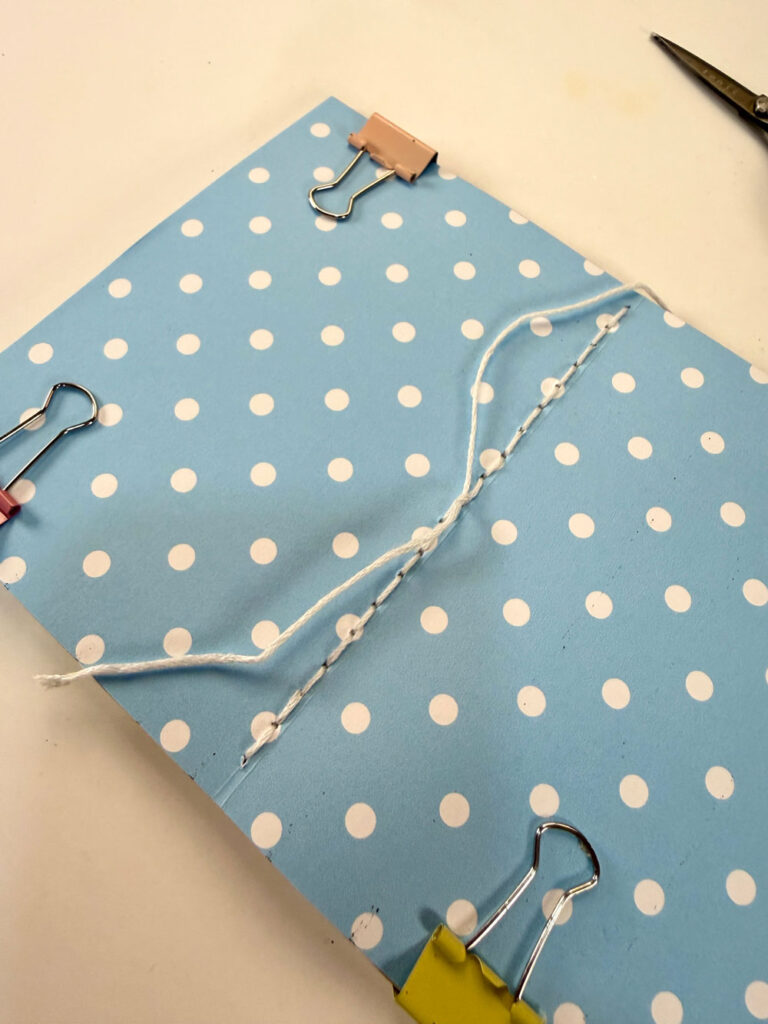
Finish at the outside center, knot the thread, insert the needle to the inside and tug the knot in, then tie and knot it with the starting tail.
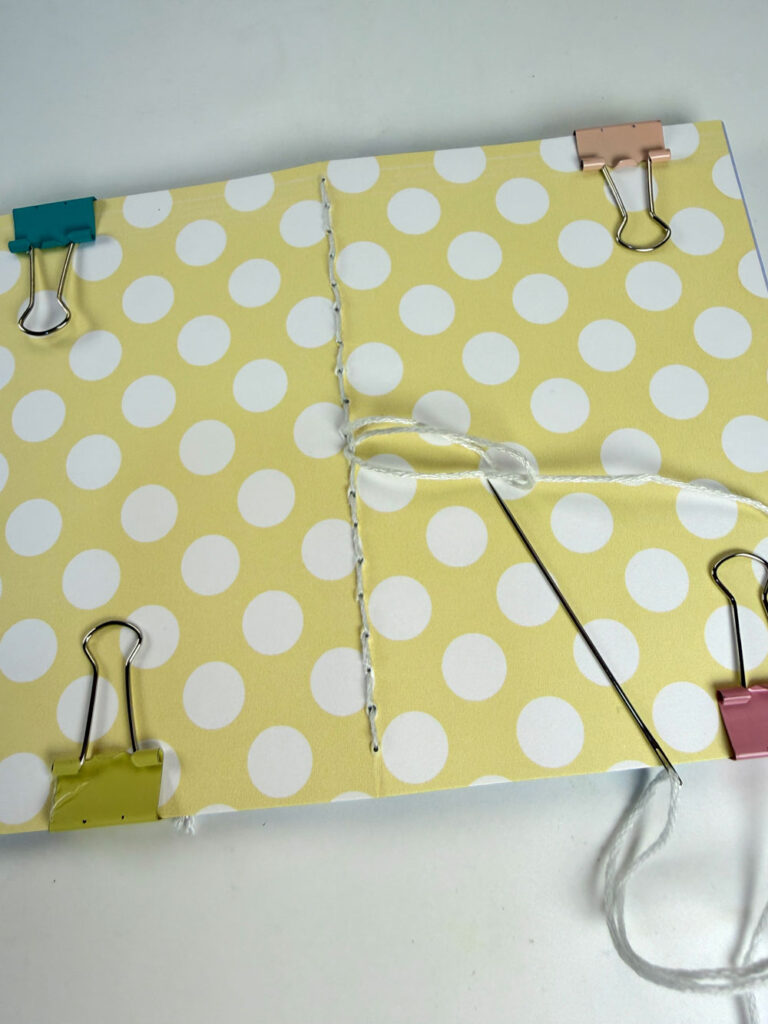

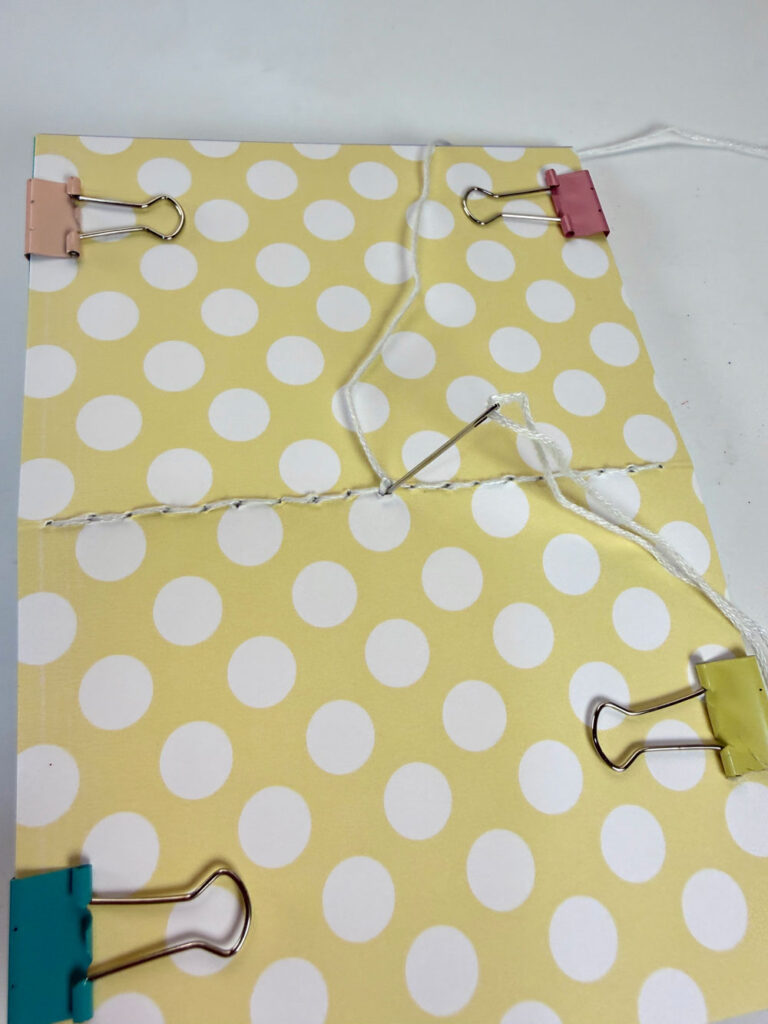
Trim the excess thread.
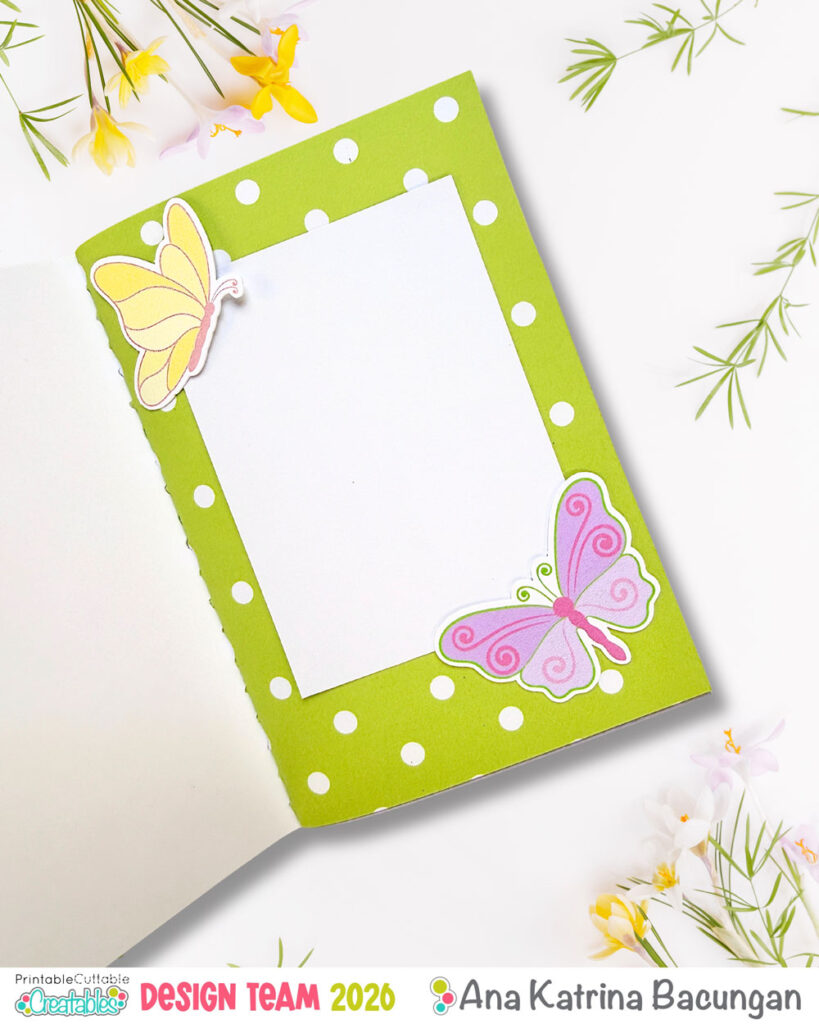
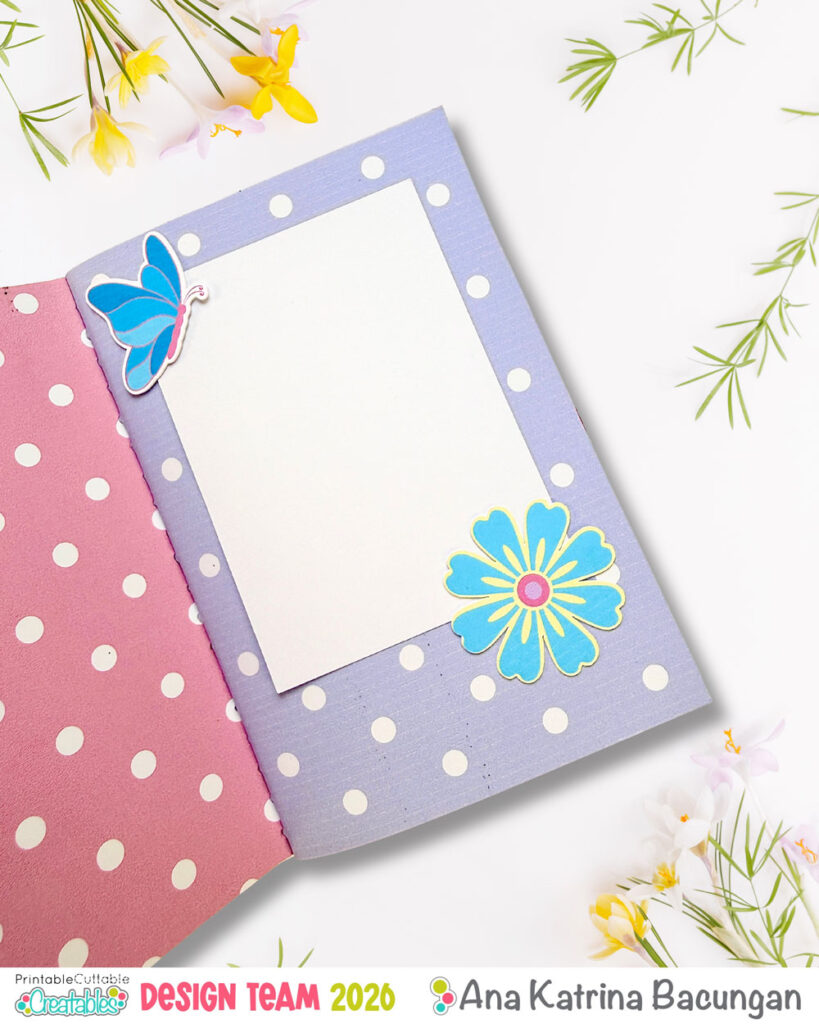
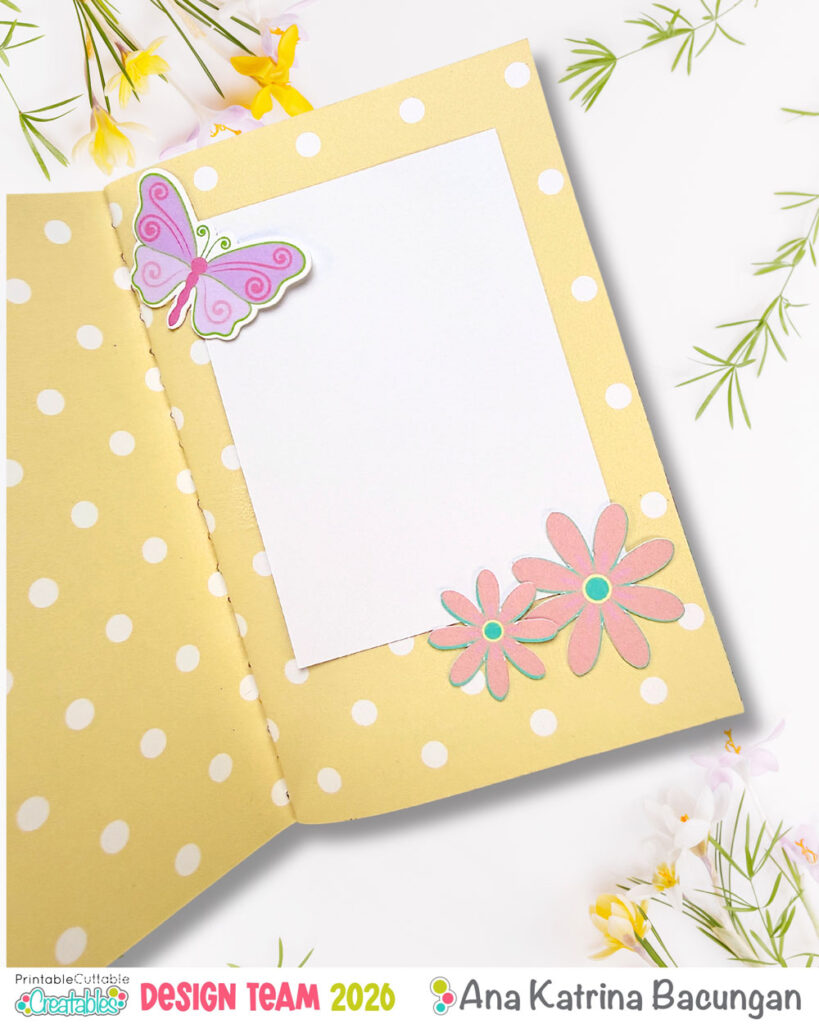
For one insert, I added photo mats and embellishments using Spring Butterflies and Spring Flowers sets (cut with my Cricut Maker using Print then Cut). The second insert, I left mostly blank for journaling.
Finishing Touches
Slip your inserts into the TN cover, and you’re done!
I also created a spring prompt list, printed it on polka dot paper, and tucked it inside the cover. I added a little butterfly tab so I can easily pull it out whenever I need inspiration.
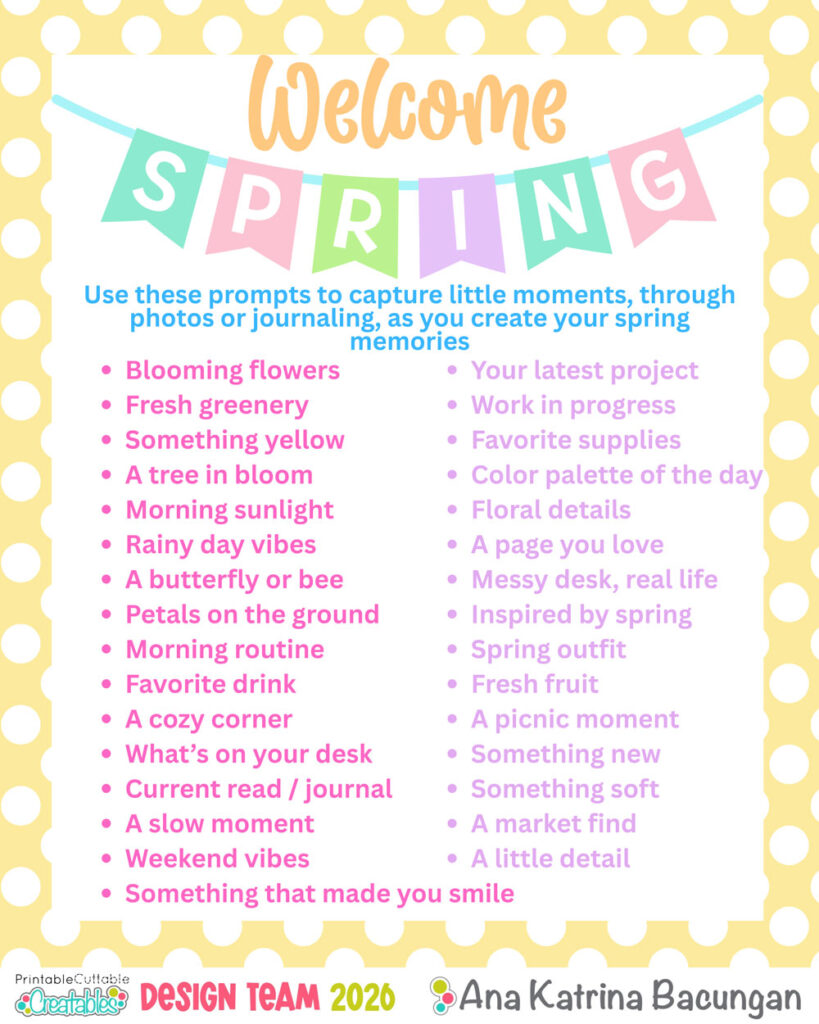
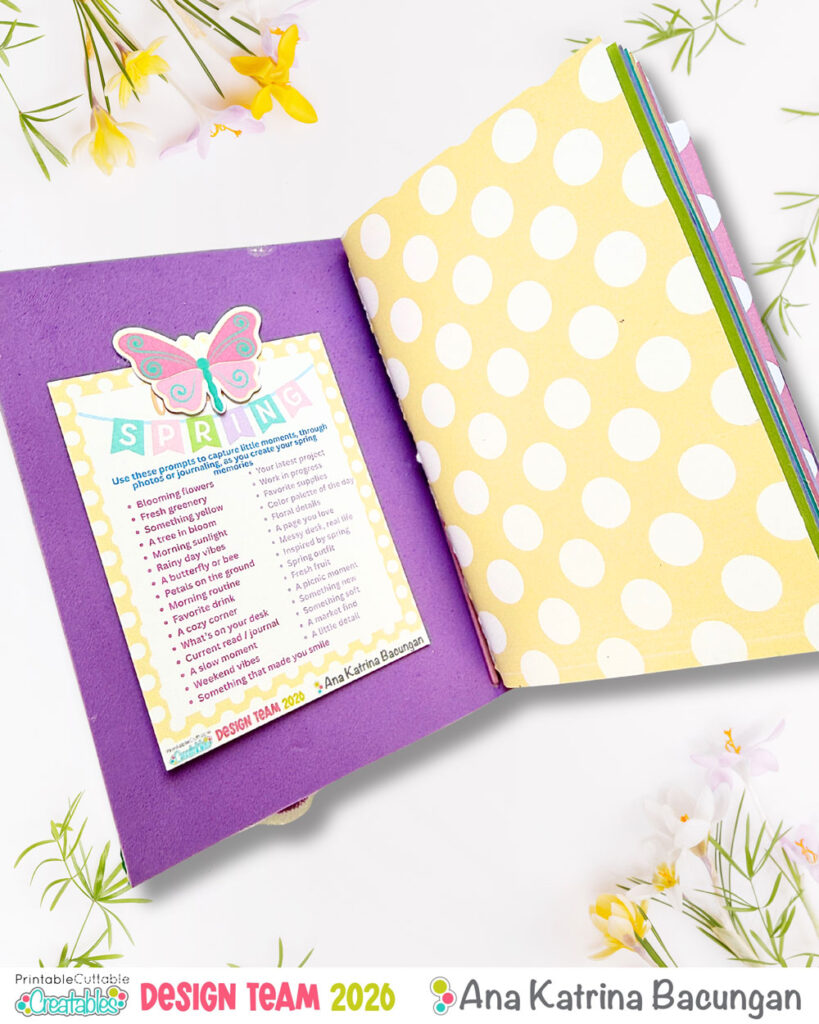
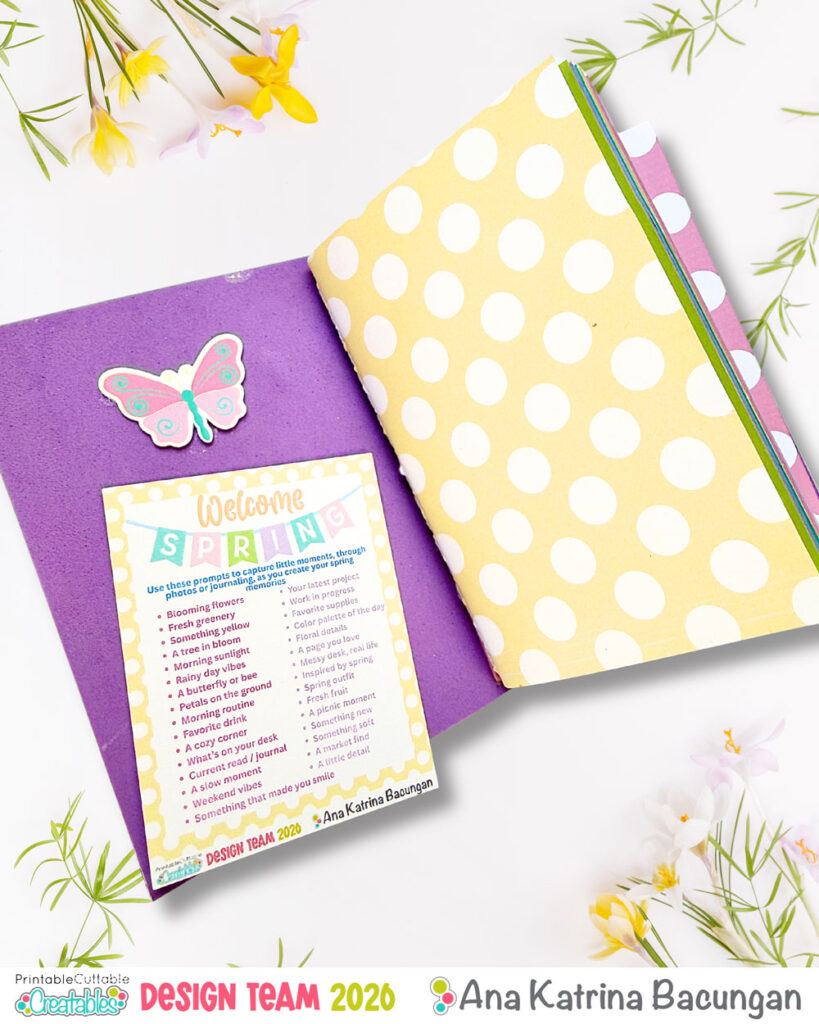
If you’d like a copy of the prompts I used (featuring PCC’s Spring Polka Dots Digital Paper Pack and Welcome Spring banner), you can download it here!
Let’s Stay Connected
If you enjoyed this project, I’d love for you to follow along and see more of my crafting and journaling adventures:
Instagram: @my.cat.and.crafts
Facebook: My Cat and Crafts
Blog: mycatandcrafts.blogspot.com
Creating this TN was such a fun and refreshing way to document memories without the pressure of traditional scrapbooking. It’s simple, functional, and perfect for capturing those everyday moments, especially this beautiful spring season.
I hope this inspires you to make your own traveler’s notebook and start documenting your memories in a more creative (and manageable!) way.
-Ana
Affiliate Disclosure: I may be an affiliate for some products recommended in this post. This means that if you purchase items through my links I will earn a small commission, at no extra cost to you. I only recommend products that I have personally used and enjoy and when you order through my link, it helps me continue to offer you weekly free SVG files, digital papers, scrapbook sketches, tutorials, and other fun things. Thank you in advance for your support!


