

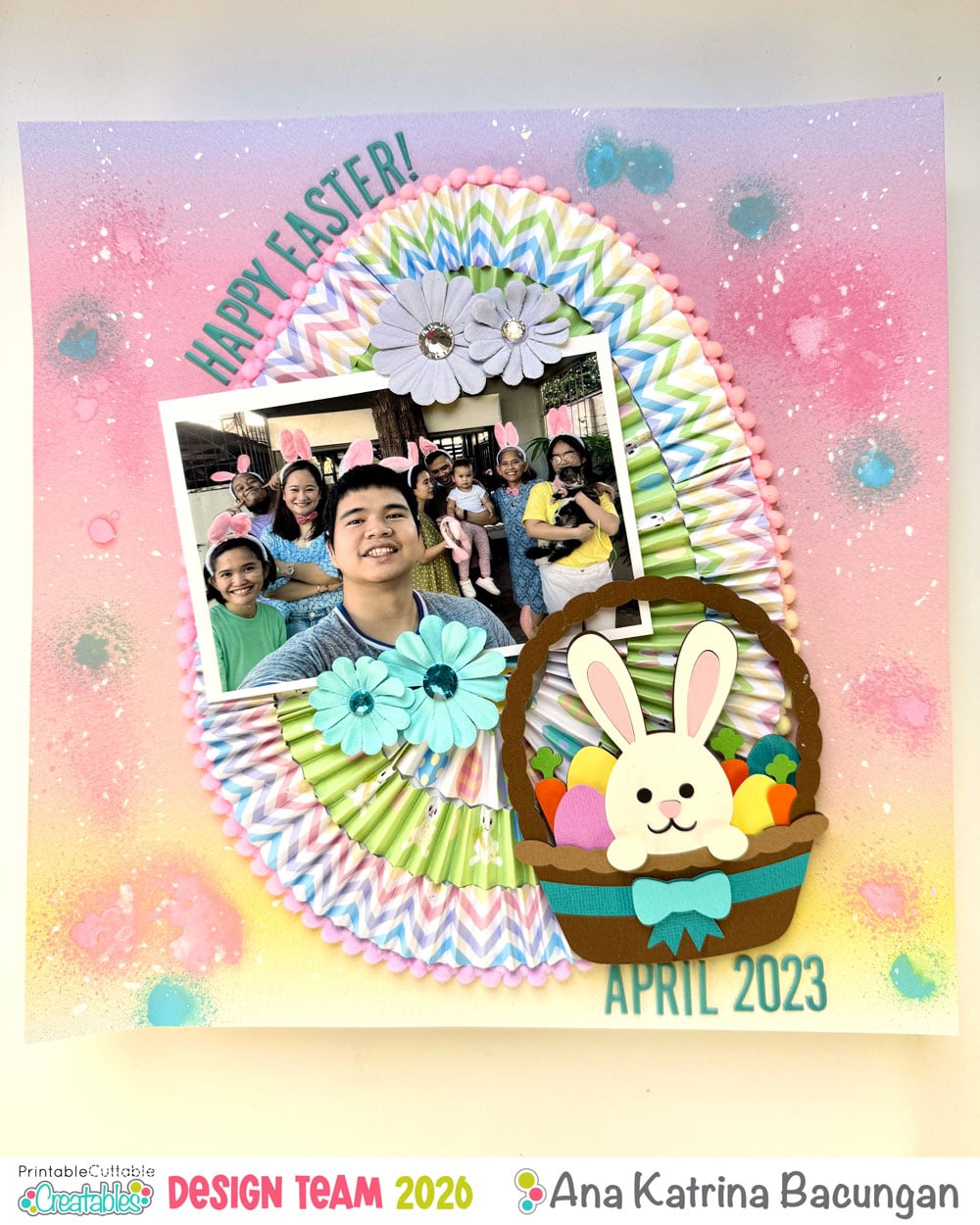
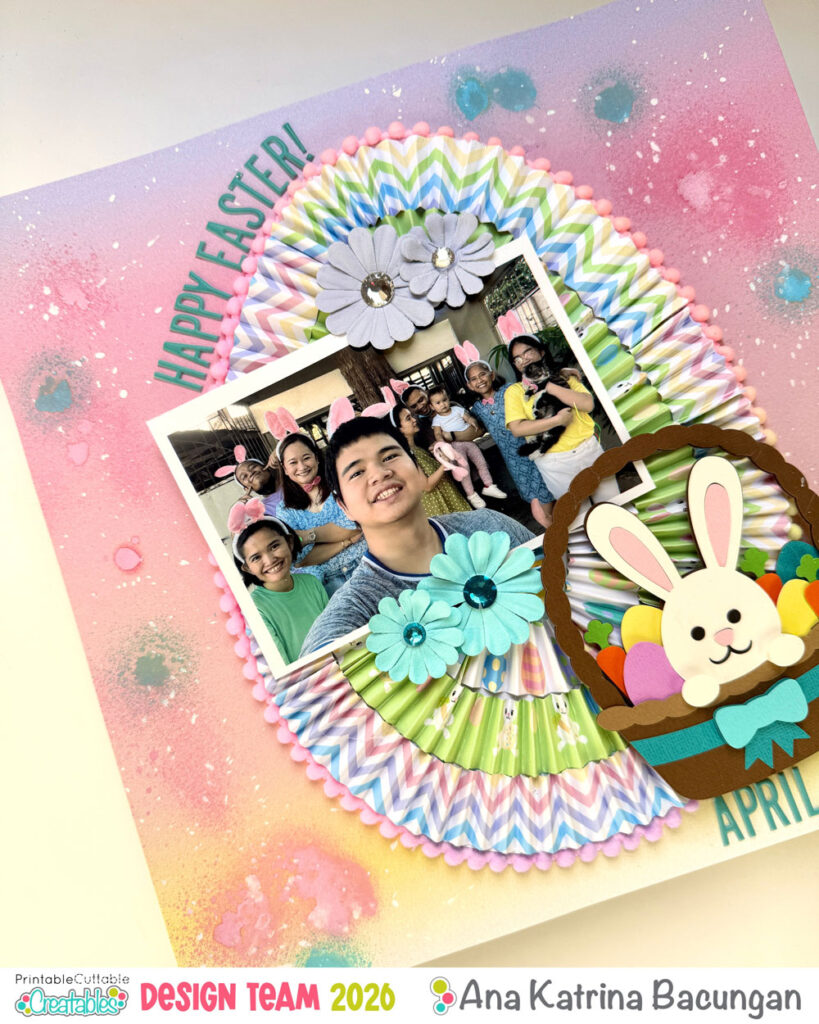
Hi Crafty friends, it’s me again, Ana of My Cat and Crafts! Today, I’m sharing a scrapbook layout I created from our Easter celebration back in 2023. This piece is extra special because it’s part of an ongoing album I’ve been working on for my mom, a heartfelt gift filled with our most treasured family memories. It feels extra meaningful creating this for her now, especially since she used to make albums for us when we were growing up… so this is my little way of returning the love.
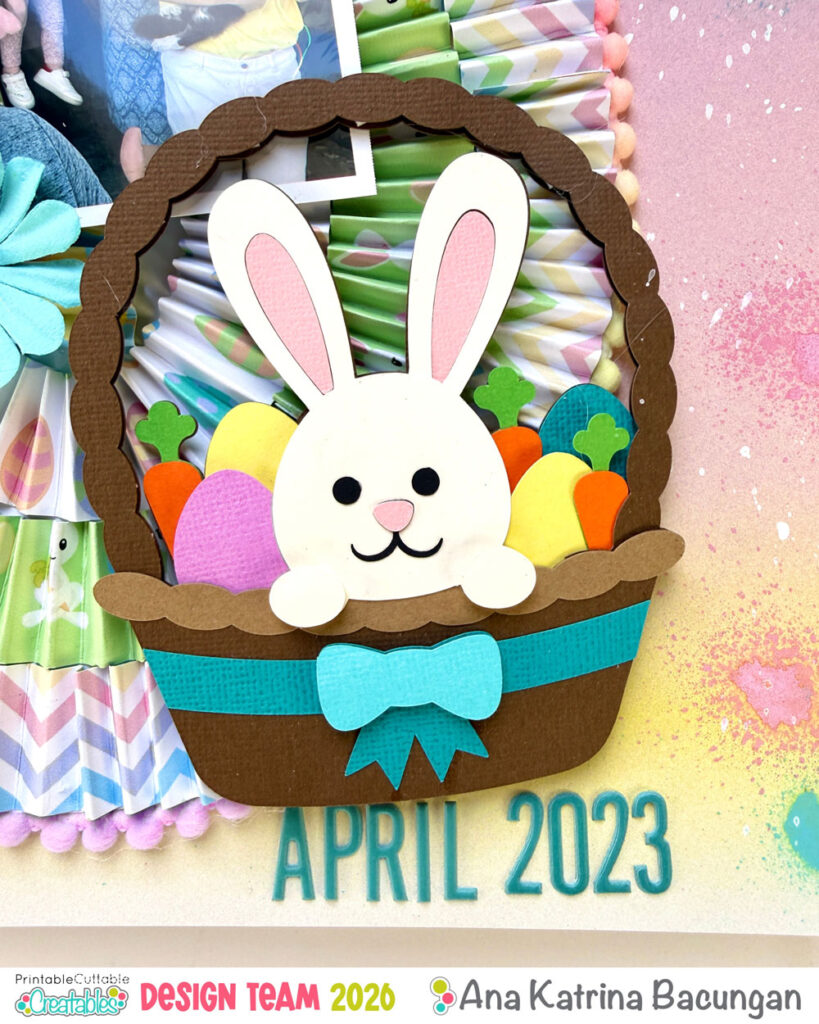
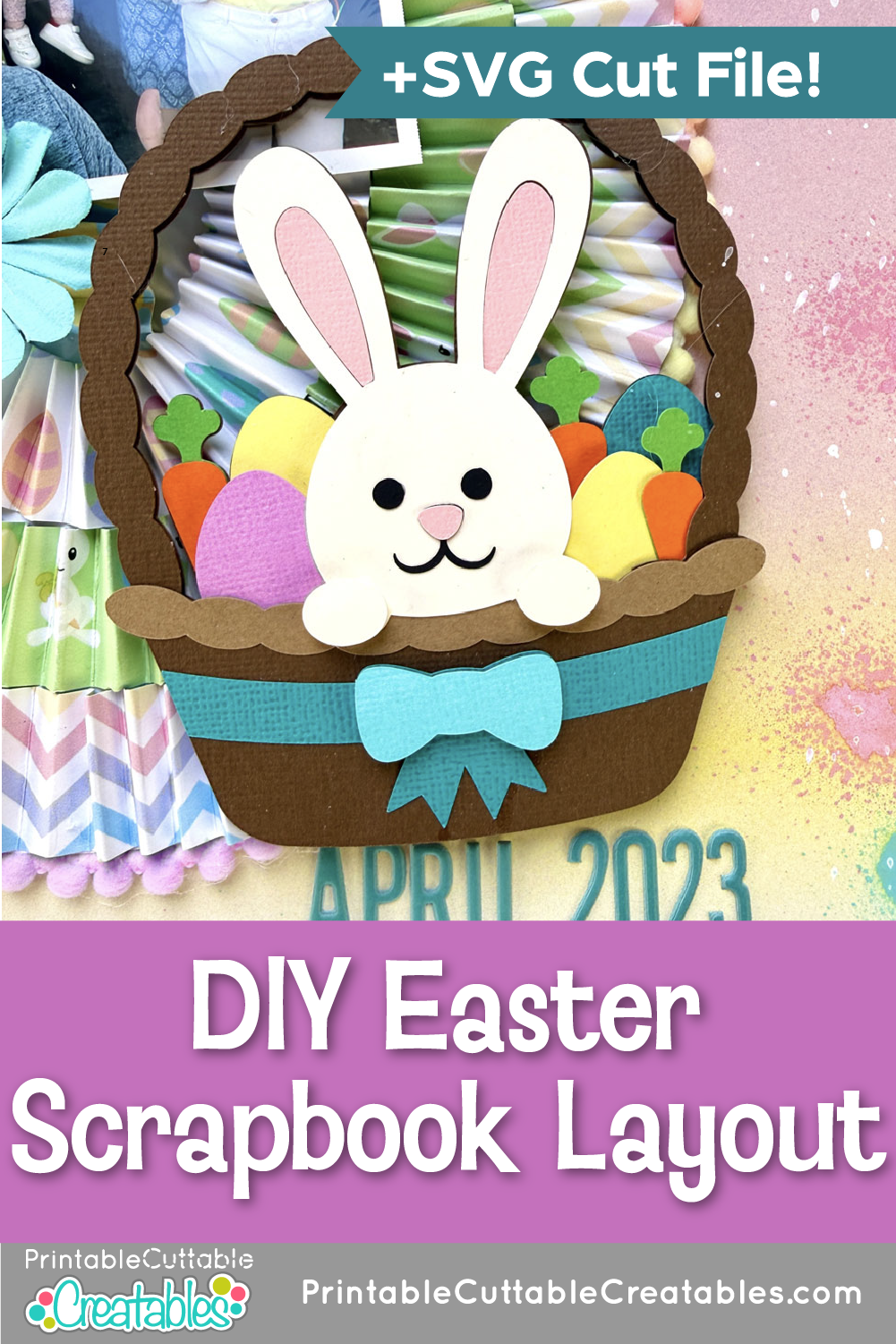
For this Easter layout, I used the adorable Easter Bunny in Basket SVG along with the Happy Easter Digital Paper Pack from Printable, Cuttable, Creatables. I wanted something really colorful, and this design delivered just that! This DIY Easter Scrapbook Layout is a fun way to turn special family memories into something bright, layered, and full of texture.
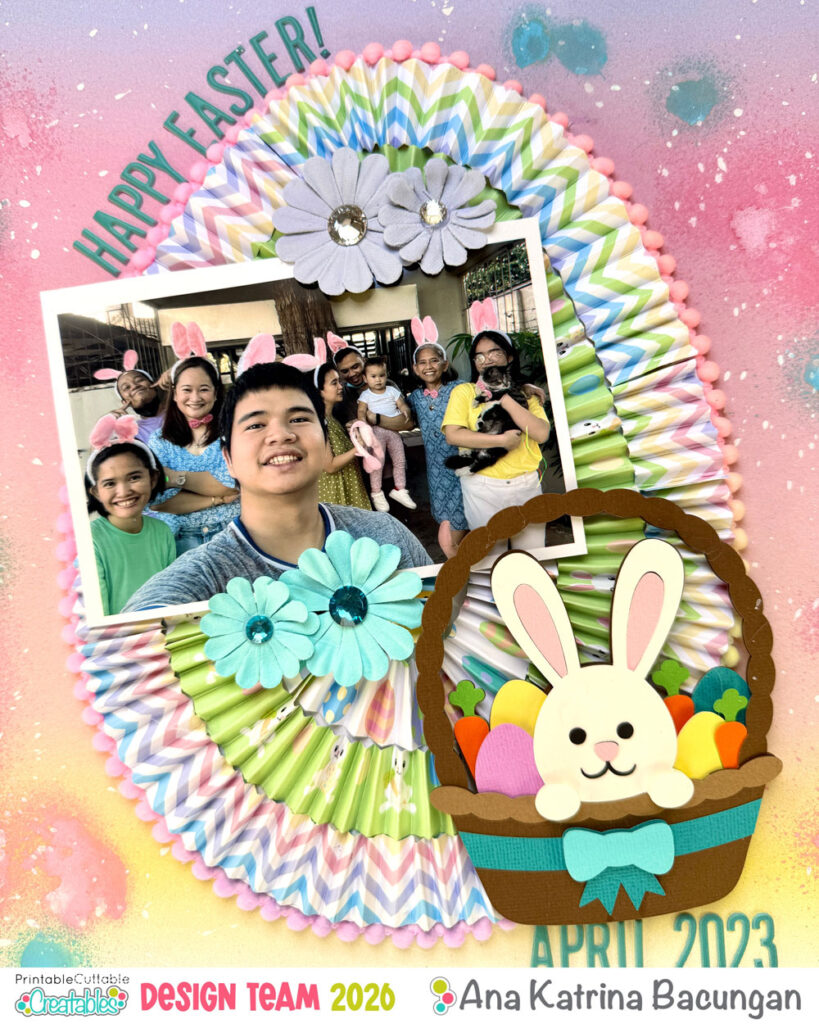
If you’d like to recreate this layout, or make your own version, here’s a simple tutorial to guide you through it:
Materials Used
- Paper trimmer
- 12 x 12 cardstock
- Pattern papers (I used Happy Easter Digital Paper Pack)
- Plain white cardstock
- Cute Easter SVG (I used Easter Bunny in Basket)
- Pompom trims (optional)
- Floral embellishments
- Alphabet stickers
- Glue gun
- Liquid glue
- Foam tape
- Ink or paint sprays for splatter (optional)
- Photo
Instructions:
1. Prepare your SVG
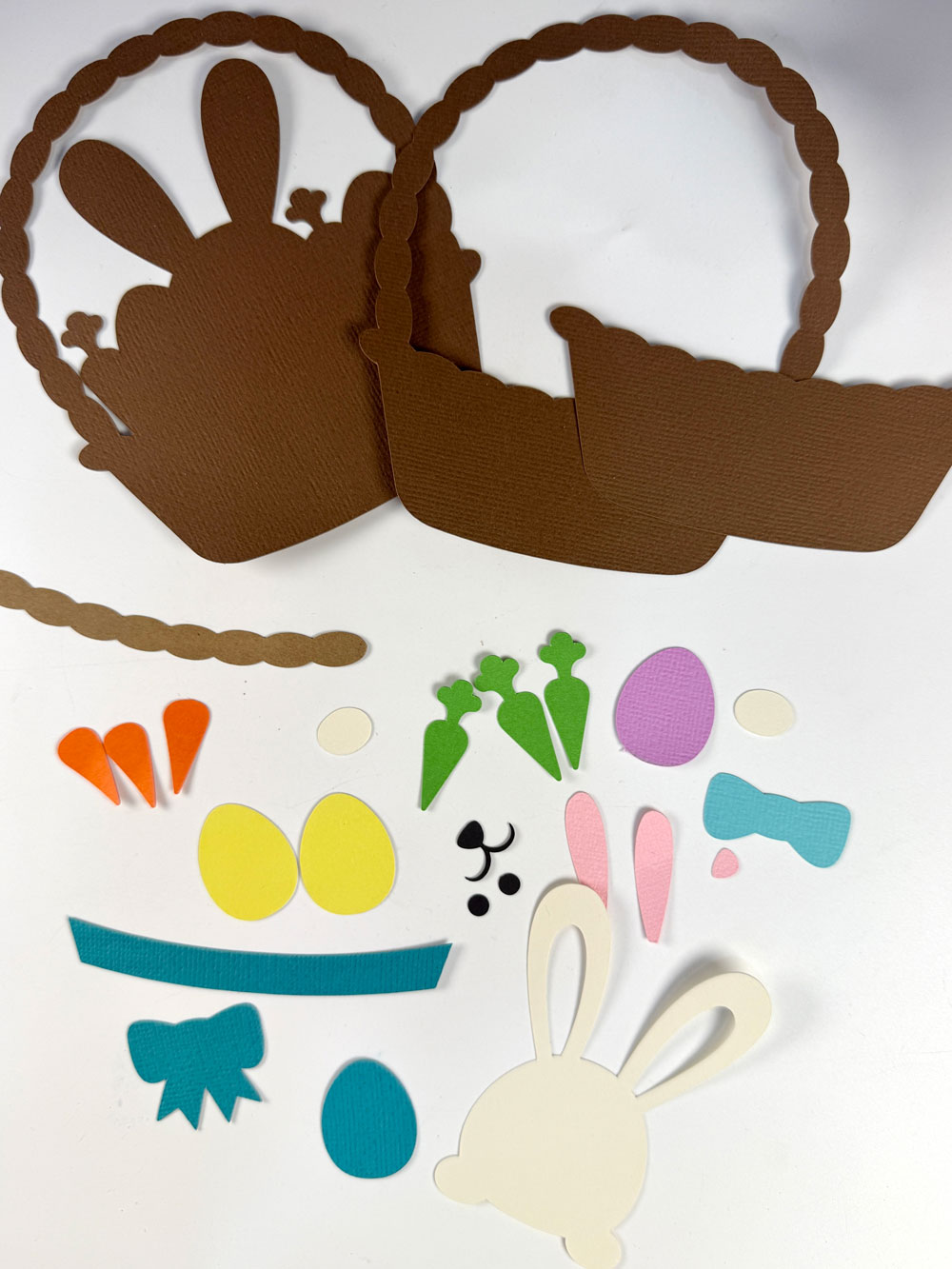
Start by cutting and assembling your Easter Bunny in Basket SVG. Follow the layering guide included with the file. Use liquid glue for flat layers and foam tape to add dimension.
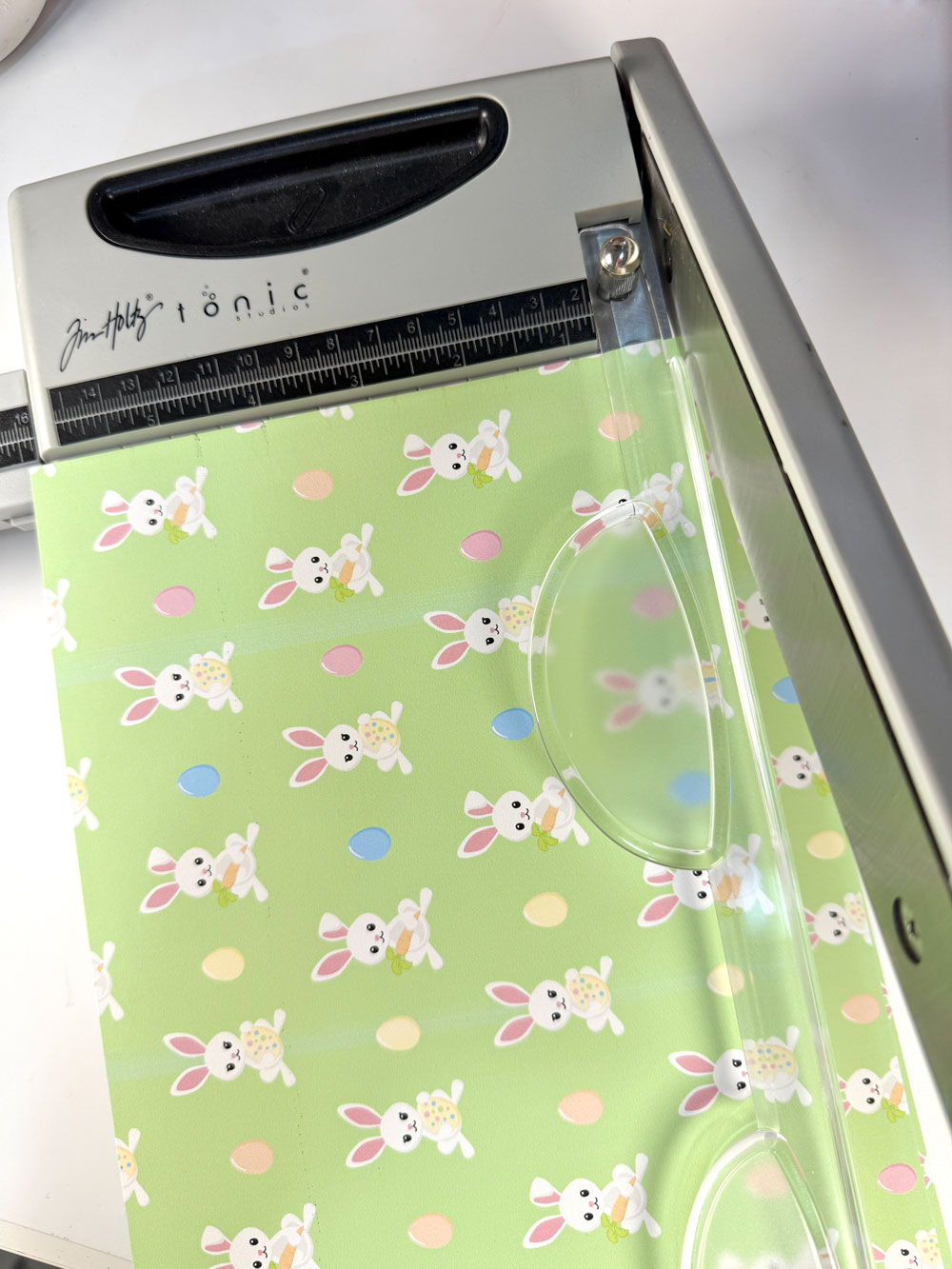
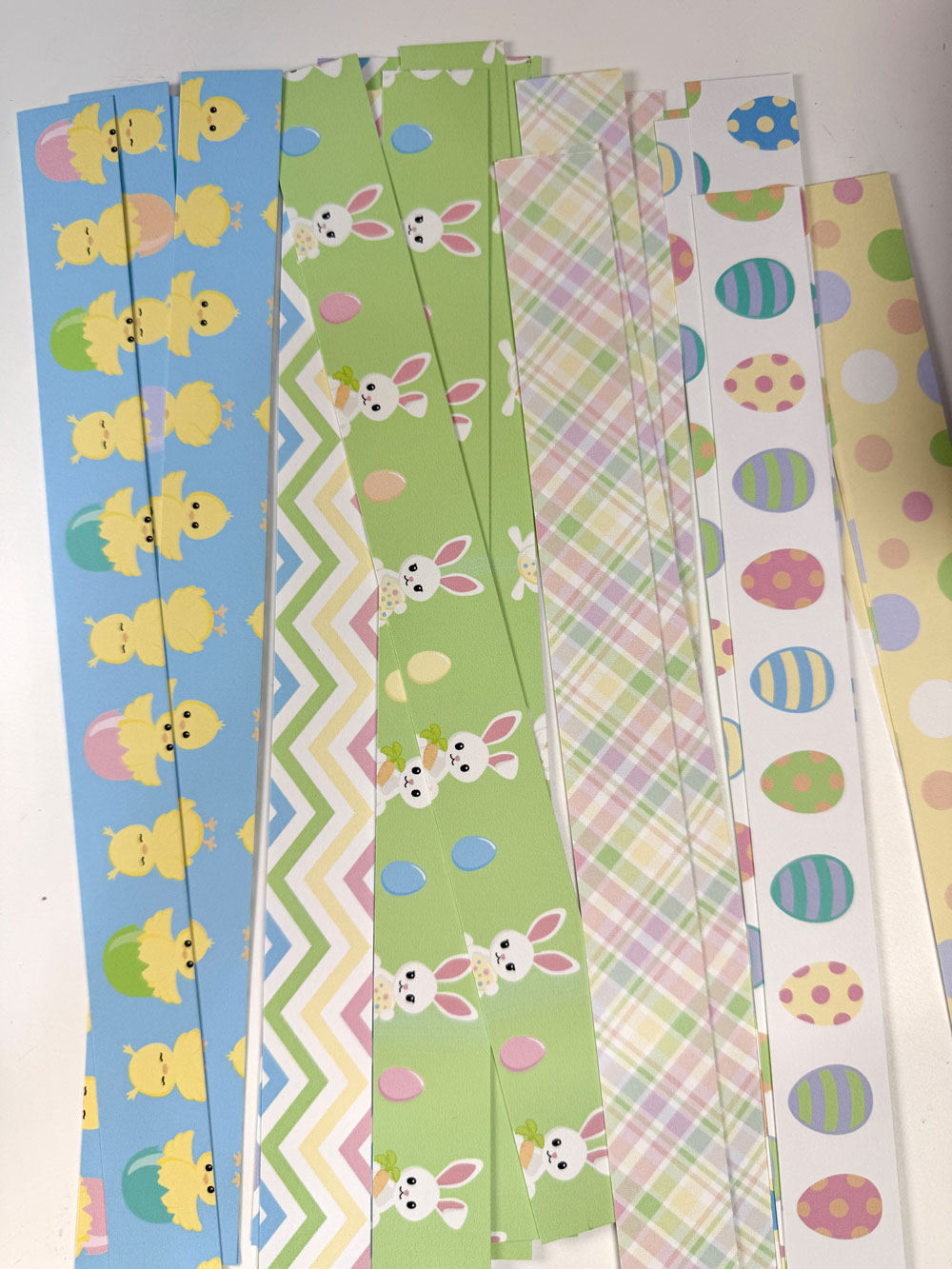
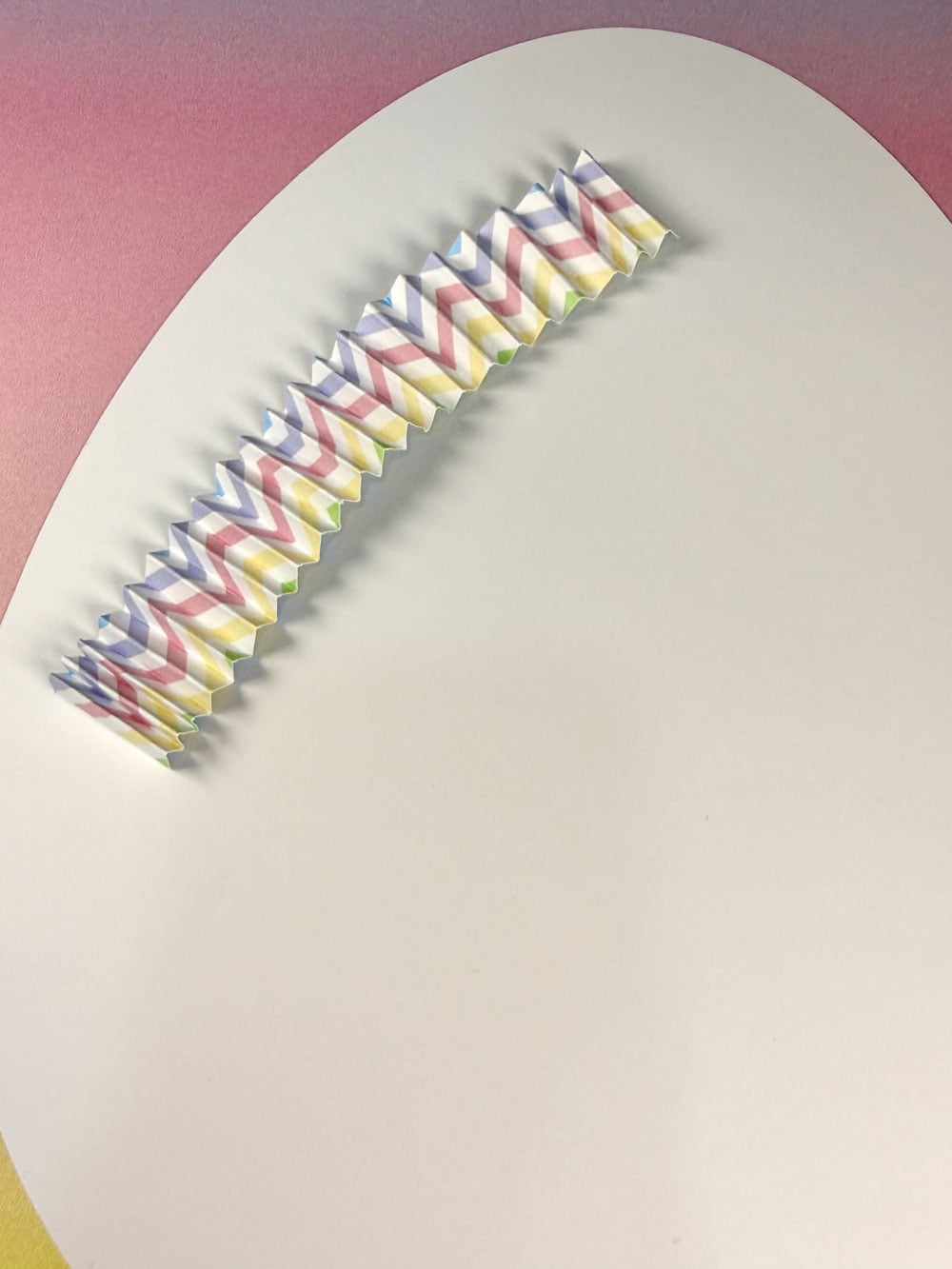
2. Create your paper strips
Cut your pattern papers into 1-inch wide strips. Mine were approximately 1 x 8.5 inches since I printed on A4.
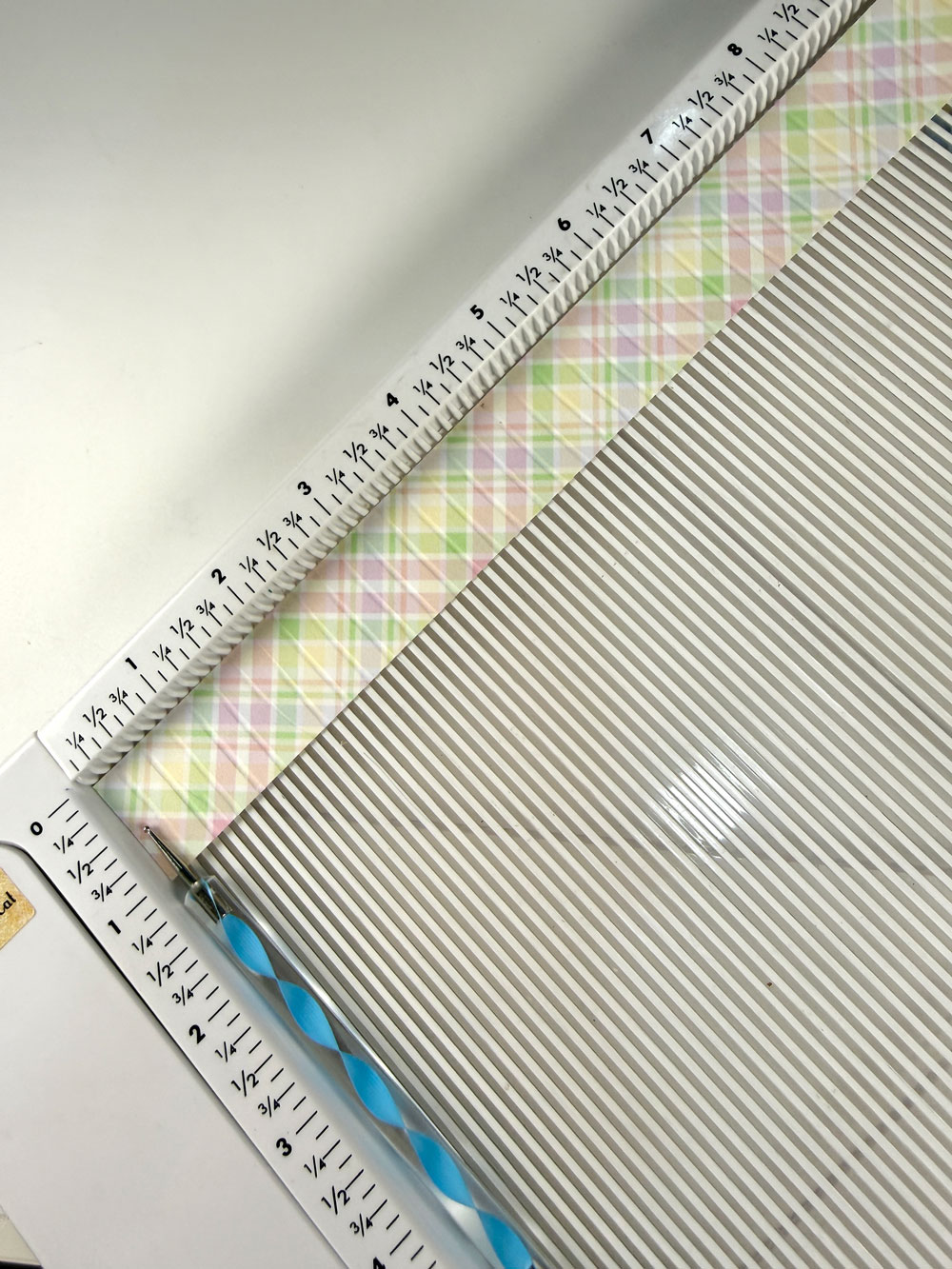
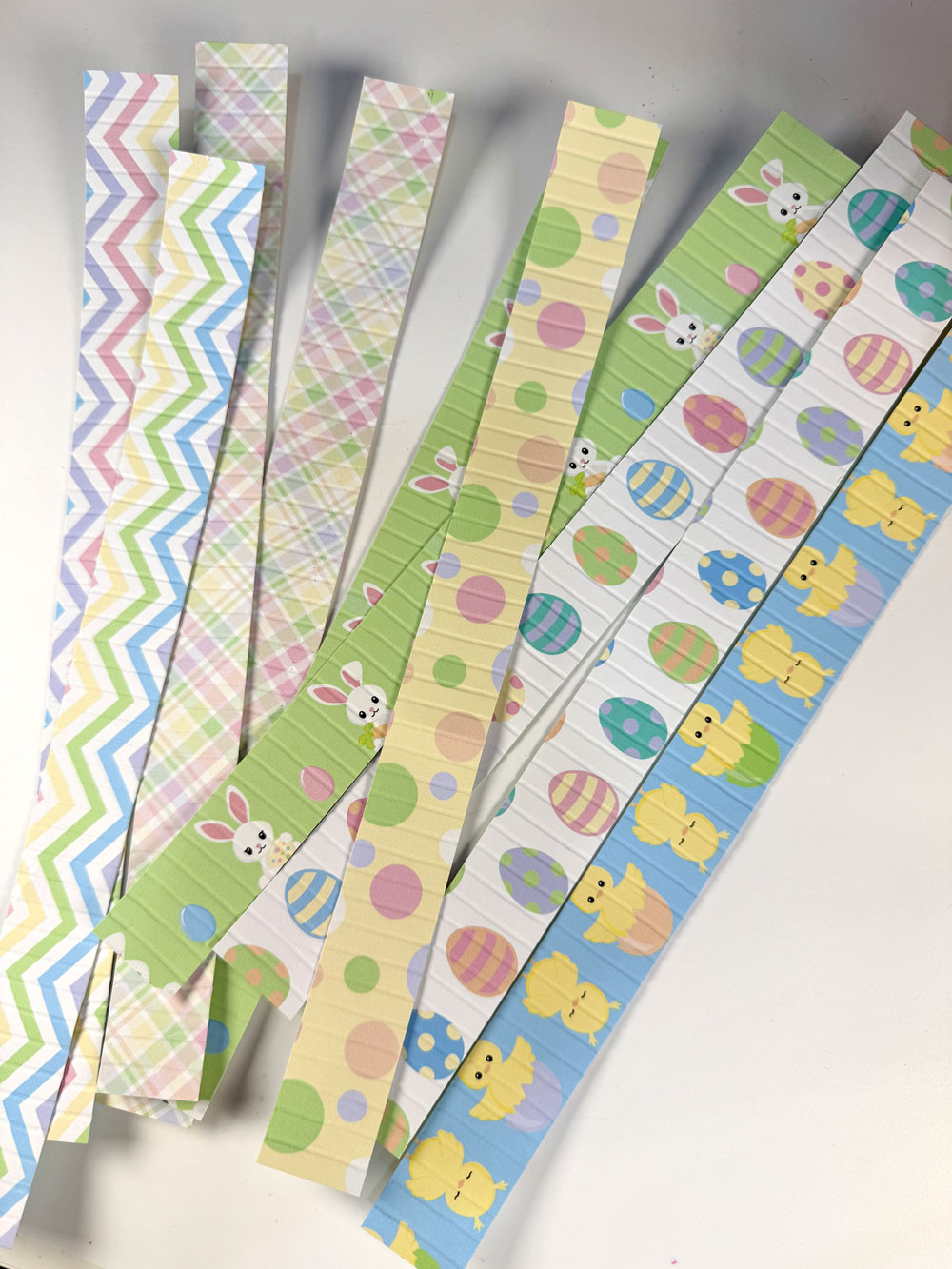
3. Score and fold
Score each strip at 1/4 inch along the long side, then fold them accordion-style.
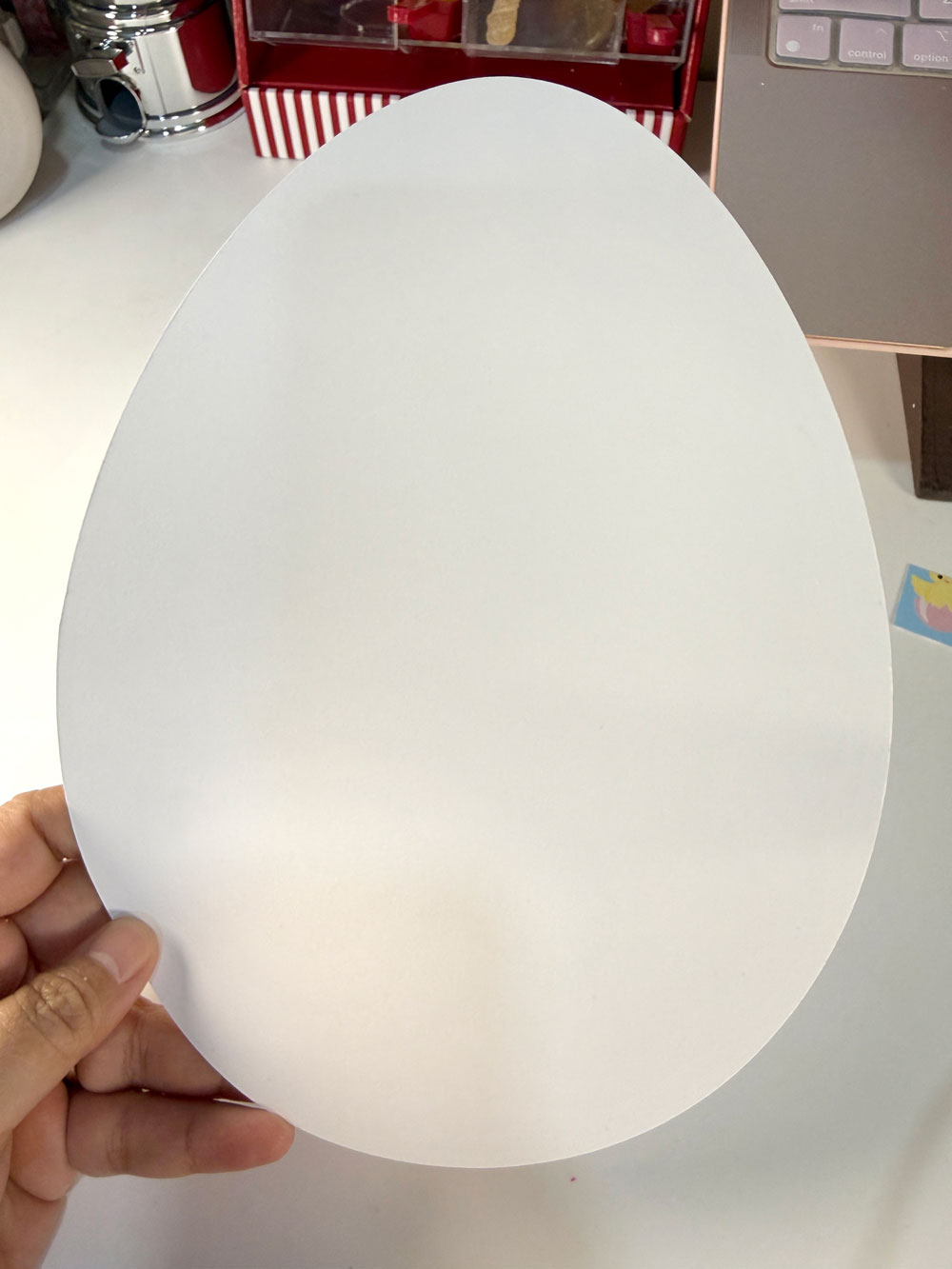
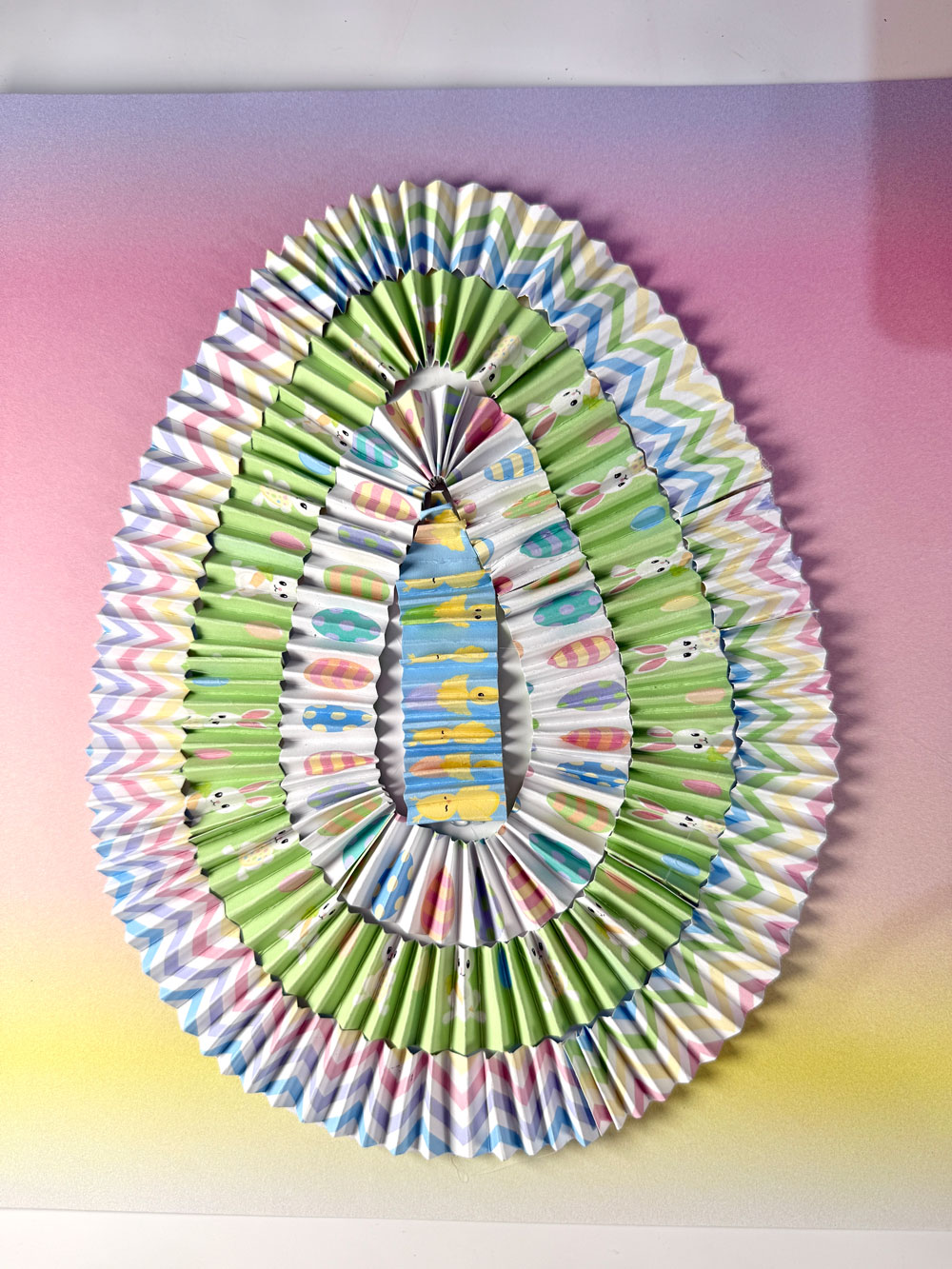
4. Prepare your egg base
Cut an egg shape from cardstock. This will be your base for the accordion layers.
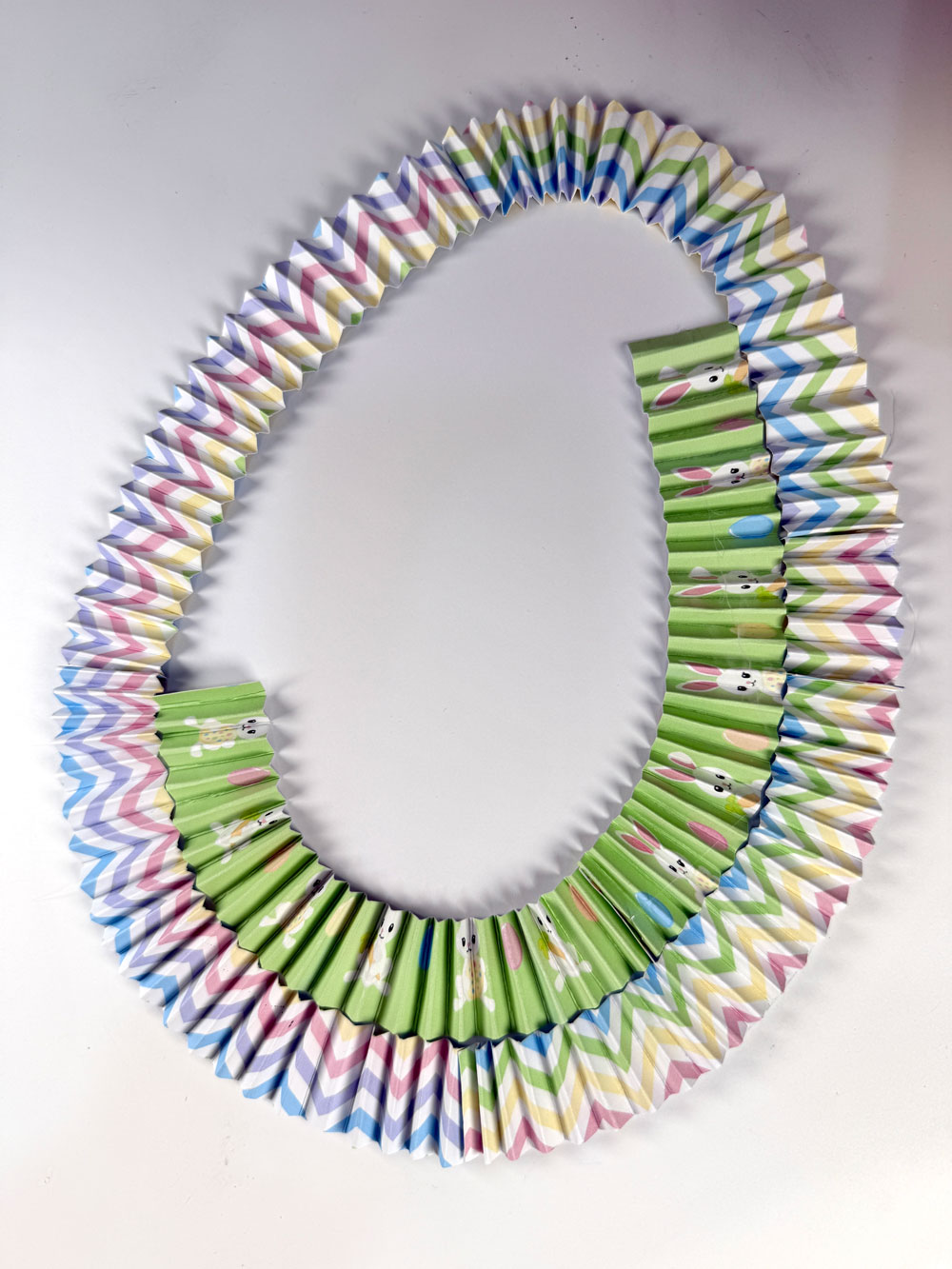
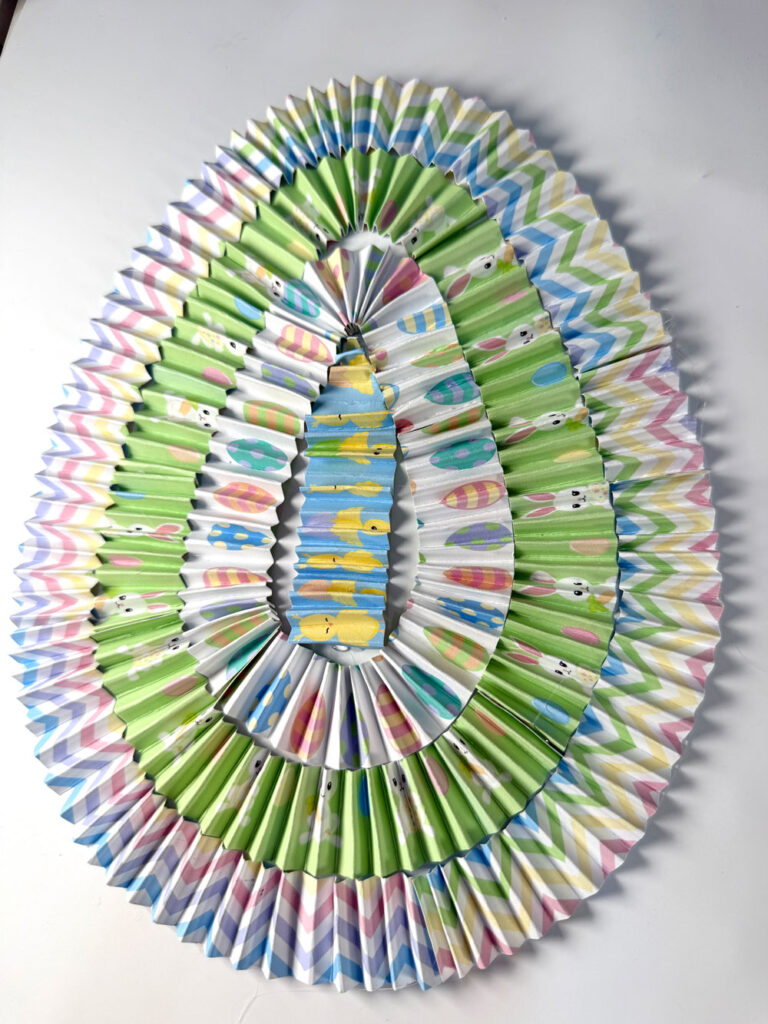
5. Build your textured egg
Using a glue gun, start attaching the folded strips around the egg, beginning from the outer edge and working your way inward. Use different patterns per layer for a fun, colorful look.
More Easter SVG Files
-

Bunny Holding Carrot Easter SVG Cut Files & Clipart
$1.45 -

Easter Bunny in Basket SVG File
$1.45 -
Happy Easter Seamless Patterns & Digital Paper Pack
Original price was: $4.95.$3.95Current price is: $3.95. -

Easter Basket Gift Card Holder SVG File
$2.95

6. Assemble your layout
Once your egg is complete, adhere it to your 12 x 12 cardstock background.
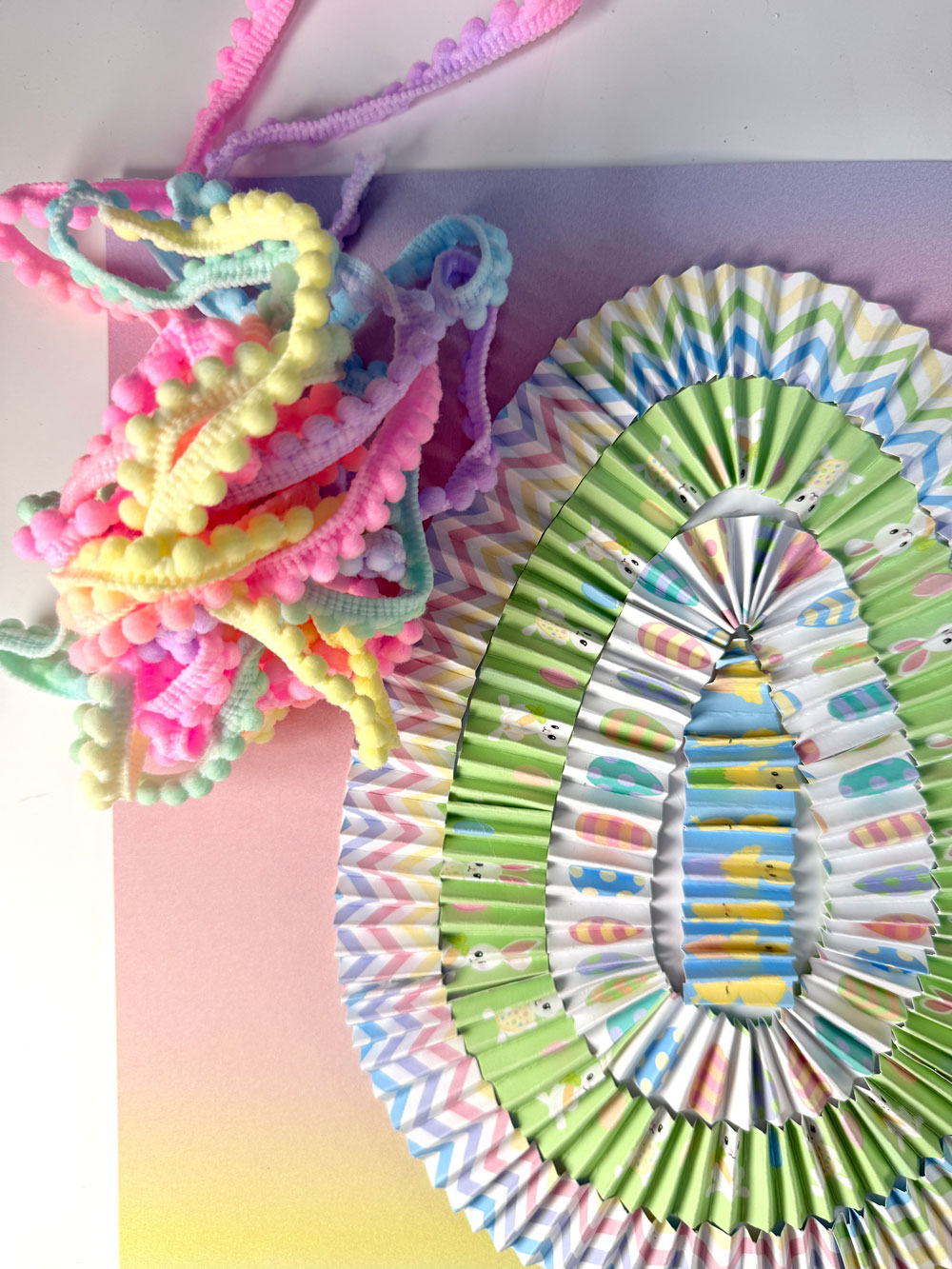
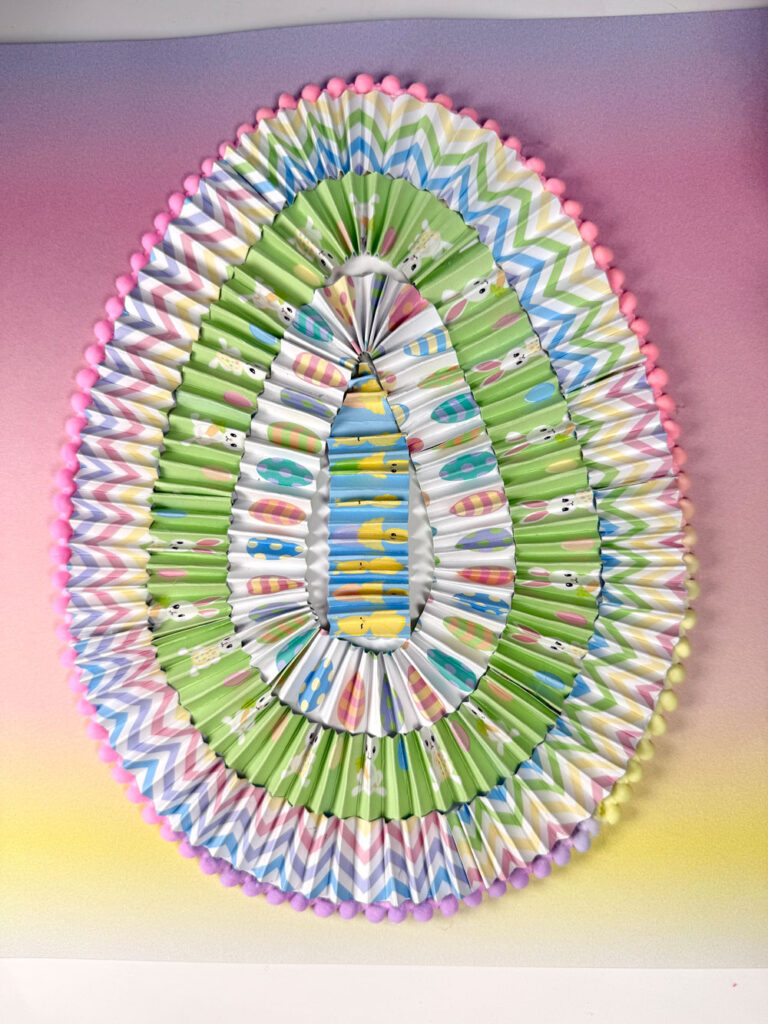
7. Add trims
Optional, but cute! Glue pompom trims around the edge of the egg.
8. Decorate and embellish
Now the fun part! Add your photo, floral embellishments, gems, and your Easter Bunny SVG. Finish it off with alphabet stickers. I added “Happy Easter!” and “April 2023.”
9. Add splatters
For that final artsy touch, add paint or ink splatters to your background. Just be sure to cover your egg design first to keep it clean.
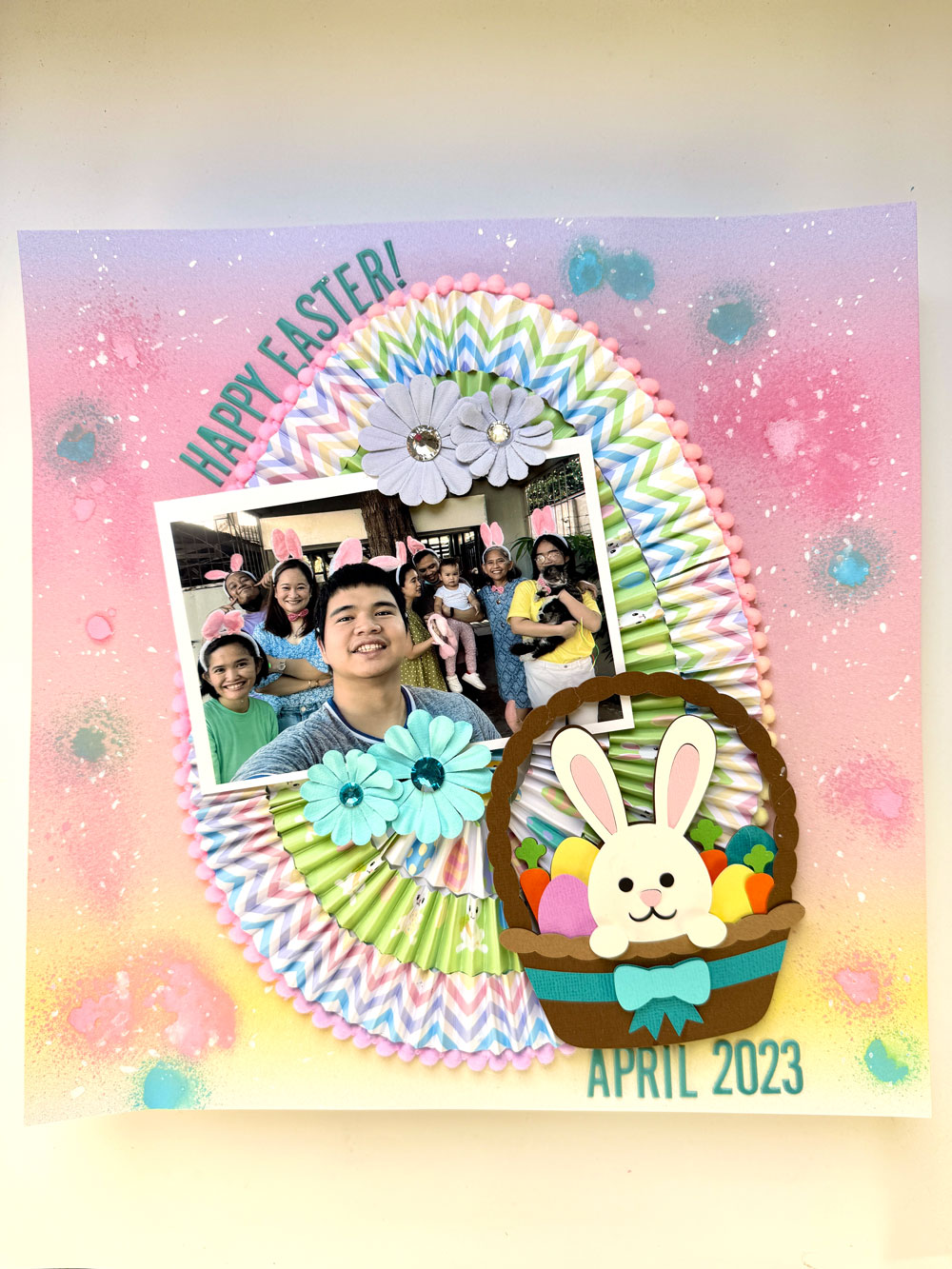
And tadaaa! You now have a bright, textured, and memory-filled DIY Easter Scrapbook Layout that’s as joyful as the moment it captures. Whether it’s for a gift or your own keepsake album, this project is such a fun way to bring your photos to life with layers, color, and a whole lot of love.
Happy crafting and memory keeping!
party favors, or Easter baskets.
-Ana
Affiliate Disclosure: I may be an affiliate for some products recommended in this post. This means that if you purchase items through my links I will earn a small commission, at no extra cost to you. I only recommend products that I have personally used and enjoy and when you order through my link, it helps me continue to offer you weekly free SVG files, digital papers, scrapbook sketches, tutorials, and other fun things. Thank you in advance for your support!


